More than a remote desktop tool
One ecosystem for everything your IT team manages
Most teams discover Devolutions through RDM. Then they realize the same platform can replace their password manager, their PAM tool, and their scripting patchwork.
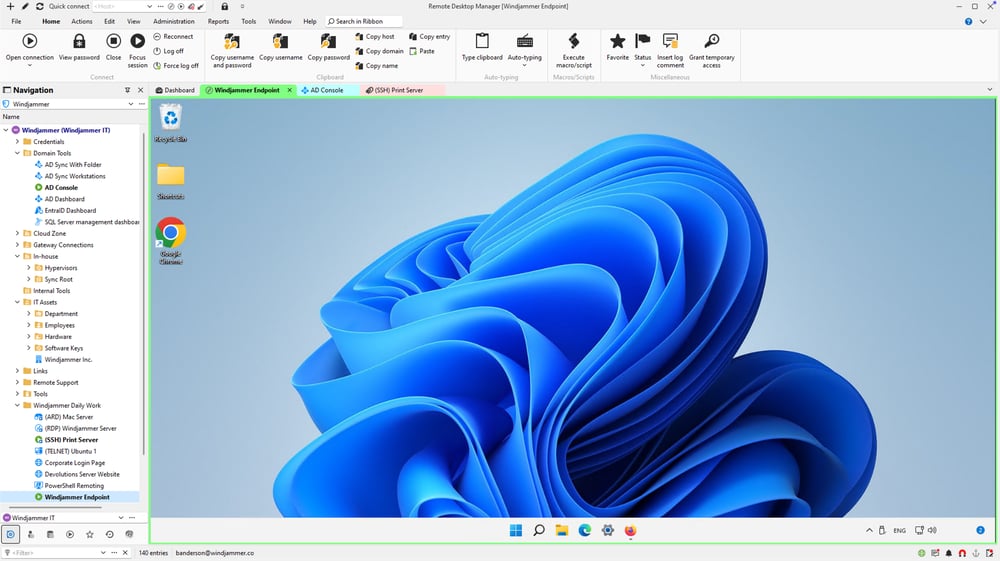
Every remote session, one workspace
Launch and manage RDP, SSH, VNC, and 150+ other connection types from a single organized workspace, with credentials injected automatically.
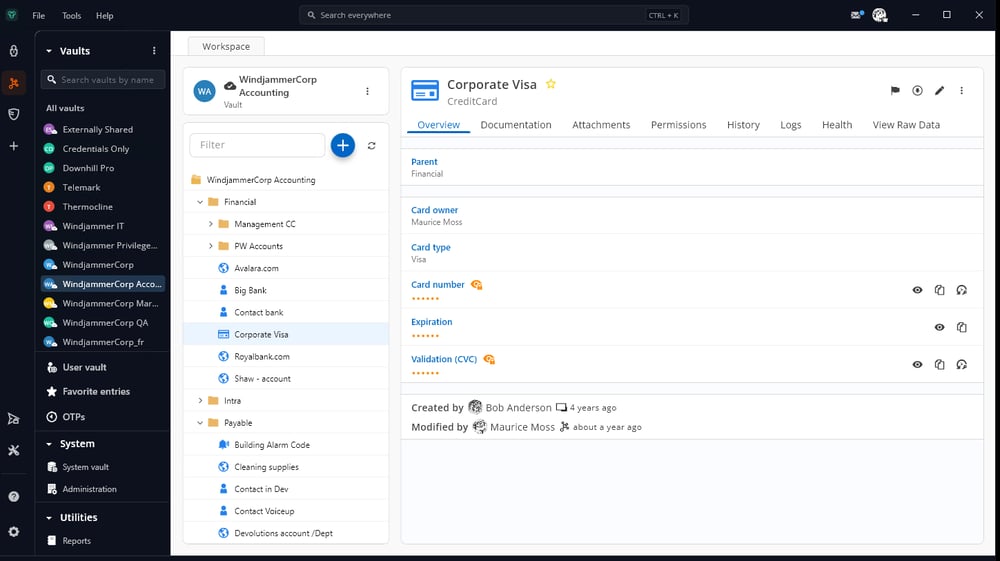
Team passwords, finally under control
Store, share, and manage team credentials in secure vaults. Enforce MFA policies and cut password fatigue with SSO and cross-platform access.
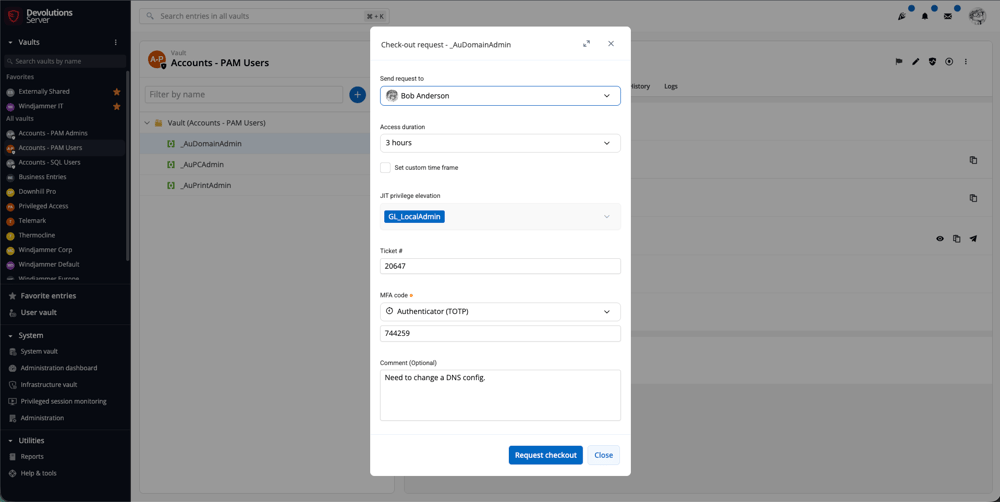
Privileged accounts, audited and rotated
Control privileged access with just-in-time elevation, automatic password rotation, session monitoring, and the audit trail your compliance requirements ask for.
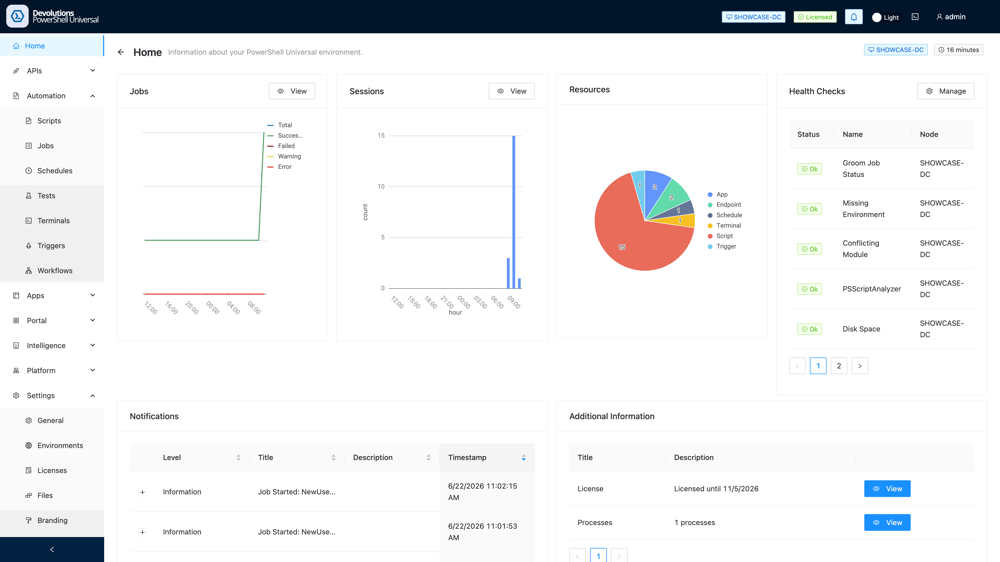
Routine IT work, scripted away
Turn PowerShell scripts into dashboards, REST APIs, and scheduled jobs. Automate routine IT tasks from one unified platform.
Solution Packages
Pick the right package for your team
Each package bundles the right products together. Choose by use case, deploy in minutes.
Remote desktop management & IT operations
Centralize remote connections, manage credentials, enforce access policies, and standardize IT workflows from a single platform.
Remote desktop management & IT operationsPrivileged access management
Control privileged access, enforce least privilege, rotate passwords, monitor activities, and meet audit and compliance requirements.
Privileged access managementIT automation with PowerShell Universal
Create dashboards, REST APIs, scheduled jobs, and administrative workflows. Automate routine tasks with PowerShell scripts from a unified platform.
IT automation with PowerShell UniversalRemote access management
Secure entry point for segmented networks. Just-in-time (JIT) access, session monitoring, MFA enforcement. A lightweight alternative to VPNs.
Remote access managementWorkforce password management
Securely store, share, and manage team credentials and passwords. Implement MFA policies, reduce password fatigue with SSO and cross-platform access.
Workforce password managementReviews & certifications
A trusted choice for 1M IT pros, certified by industry leaders
From peer reviews to security certifications, see why professionals worldwide rely on Devolutions






Learn, connect, get support
Devolutions Forum
Join 15K+ members to exchange ideas, solve challenges, and connect with our community and product experts.
Devolutions Academy
Build your expertise with free learning paths, hands-on courses, and certifications across the Devolutions ecosystem.
Devolutions Documentation
Access detailed product guides, configuration references, and step-by-step setup instructions.
Devolutions Blog
Explore weekly insights on cybersecurity, productivity, and the latest trends shaping the IT industry.
Join the Devolutions Force
Connect with IT professionals, share best practices, and help shape the future of Devolutions products.