<style> /* Reveal x-cloak content so sidebar branch lists and closed-state chips render — EXCEPT the mobile slide-in backdrop, which would otherwise cover the whole viewport in black/40 with no way to dismiss (the dismiss handler is x-on:click="mobileHeader = false" and can't fire without Alpine). */ [x-cloak]:not([x-show="mobileHeader"]) { display: revert !important; } /* (1) Force every version card OPEN so all release-notes content is visible. Overrides the default `.rn-ver-body { grid-template-rows: 0fr }` from release-notes.css, which is normally lifted to `1fr` via Alpine's `:class="{ 'rn-ver-body--open': open }"`. */ .rn-ver-body { grid-template-rows: 1fr !important; } /* (1b) Strip `hidden="until-found"` from collapsed card bodies. WEB-3164 added that attribute on cards 2..N (the first card omits it, see the `{% unless forloop.first %}` in release-notes-cards.eleventy.liquid) so Chrome/Edge browser find-in-page can reveal text inside collapsed bodies and fire a `beforematch` event Alpine catches to pop the card open. Alpine's `x-effect` directive normally removes the attribute when `open` flips true — but without JS that directive never runs, so cards 2..N stay hidden via either `content-visibility: hidden` (Chrome/Edge/Safari 17+ resolve `hidden="until-found"` to that) or `display: none` (older Safari / unknown browsers treat it as a plain boolean `hidden`). Rule (1) above lifts the SCSS-based grid-rows collapse but does NOT override `[hidden]` — the attribute applies a higher-priority `display: none` / `content- visibility: hidden` that wins over grid-template-rows. This rule covers both browser-engine paths: `display: revert` restores the element's normal display (the `grid` utility on the wrapper), `content-visibility: visible` overrides the modern-browser path. */ .rn-ver-body[hidden] { display: revert !important; content-visibility: visible !important; } /* (2) Hide controls that can't do anything without JS so the UI doesn't lie about being interactive: the expand/collapse chevron, the closed-state category chips (Security 3 / Features 5 / …), the section-level expand-all toggle if reintroduced, and the cursor-pointer hint on the header. */ .rn-ver-chevron, .rn-ver-chips, .rn-toggle-all { display: none !important; } .rn-ver-header { cursor: default !important; } /* (3) Hide status pills (Current / Beta / Extended maintenance) and the matching sidebar dots. Pills are rendered server-side from productInfo.json at build time and are accurate at publish — but a stale cached page in Sparkle could surface them on a version that is no longer "Current" by the time the user opens RDM, so hiding them entirely under no-JS removes the whole class of misleading-stale-pill failure modes. */ .rn-ver-tag-line, .rn-status-pill, .rn-status-dot { display: none !important; } /* (4) Sidebar branch chevrons stay frozen in the "closed" rotation without Alpine to flip them — drop them since the branch lists below are already revealed by the x-cloak rule above. */ .rn-toc-branch-head > span:first-child { display: none !important; } /* (5) Hide mobile-only chrome whose Alpine click handlers can't fire: the top mobile menu-open bar and the sidebar's mobile close bar. Both gate `mobileHeader`, which never toggles without JS. */ .rn-main-header, .rn-sidebar > div:first-child { display: none !important; } </style>

Release notes

Release notes

Version 2026.1

Table of contents

Thank you for updating Remote Desktop Manager (RDM) to version 2026.1!

Below, we’ll take a quick look at the most exciting updates. For the full list of changes, check out the release notes.


New features

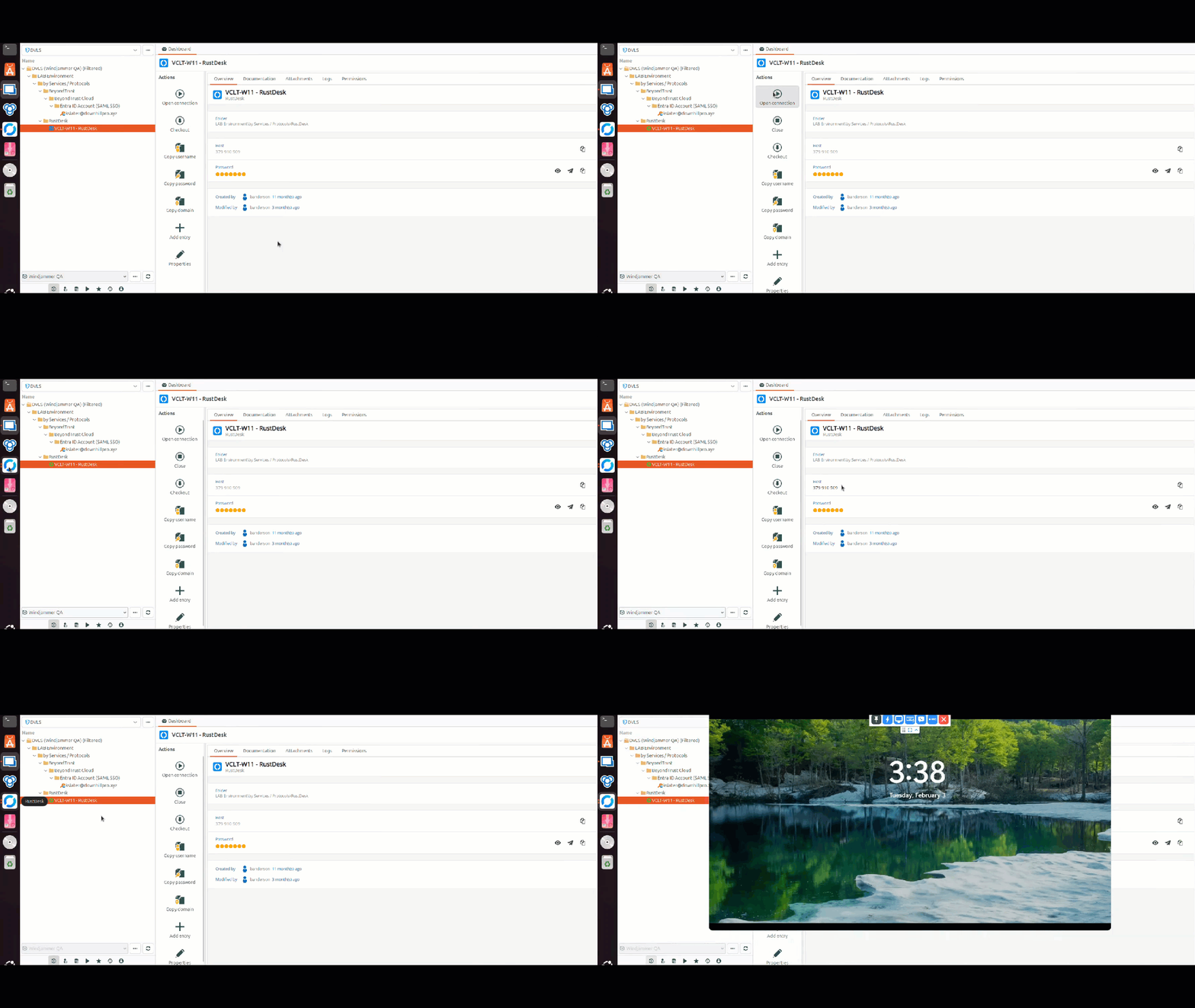
Connect with RustDesk using a dedicated session entry

We’ve added the ability to launch RustDesk sessions on Linux to make it easier to connect to endpoints from your Linux workstation.
Browse SMB (Samba) shares via a built-in file explorer

Powered by SAMBA, we’ve added support for open sessions using the SMB protocol for consulting files and other related tasks, enabling a new file explorer experience in RDM Linux.

Connect thrgouh Cisco AnyConnect with a new VPN entry type

One of the most widely used VPNs in RDM Windows is now available on Linux! You can now launch sessions using a Cisco AnyConnect VPN, providing flexibility and compatibility for Linux users to get the same functionality as on Windows.

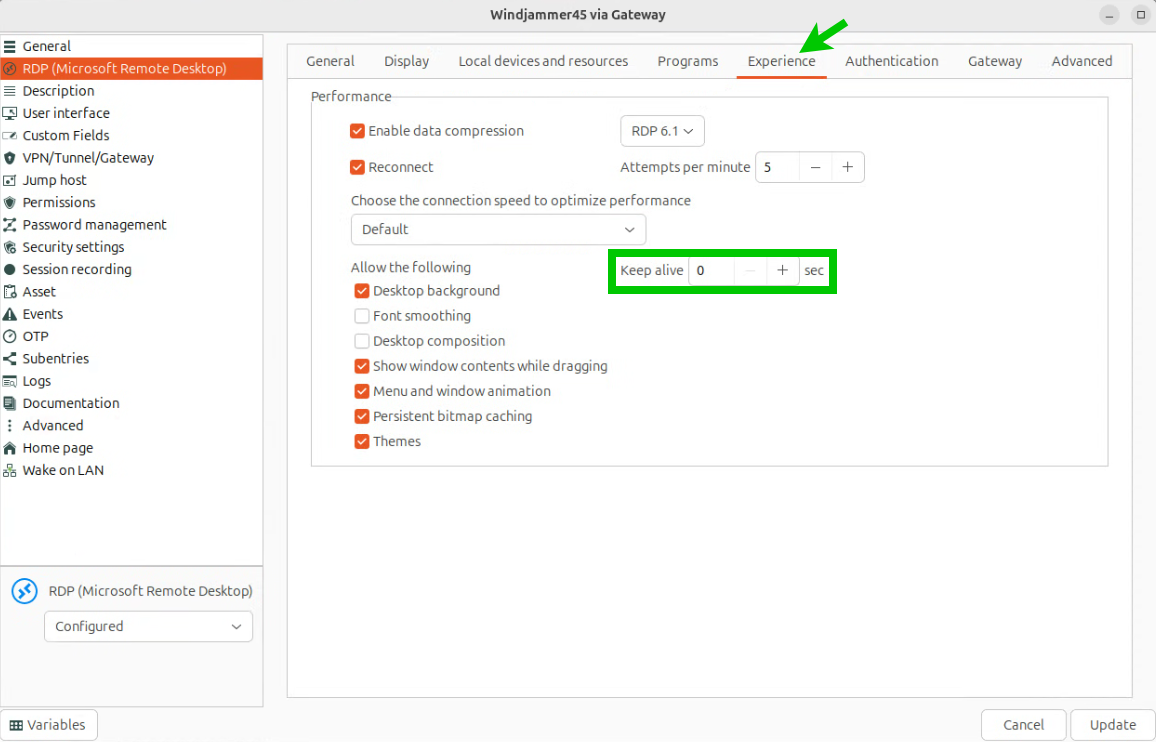
Keep RDP sessions active with the mouse jiggler option

We’ve added a new setting that helps prevent idle disconnects by simulating input inside the RDP session. Enable it in your RDP session settings under Experience and choose an interval (per second).

Improvements

Copy images, files & formatted text through RDP clipboard redirection

You can now copy/paste images, files & formatted text through the clipboard in your RDP sessions

Simplify sign-in with SSO for LastPass and 1Password

With 2026.1, we are adding support for using your identity provider (i.e., Entra ID) to log in to LastPass or 1Password, making it easier to use these password managers to retrieve credentials in RDM and authenticate to endpoints.

Support SSH certificates for stronger key-based authentication

You can now attach SSH certificates to SSH key entries. This was previously only available on SSH session entries, and it simplifies certificate-based setups, including user-specific configurations and “linked (vault)” usage.

Create sub-entries faster with drag-and-drop

You can now drag and drop an entry onto another entry to automatically set it as a sub-entry, enabling a convenient and intuitive way to organize entries

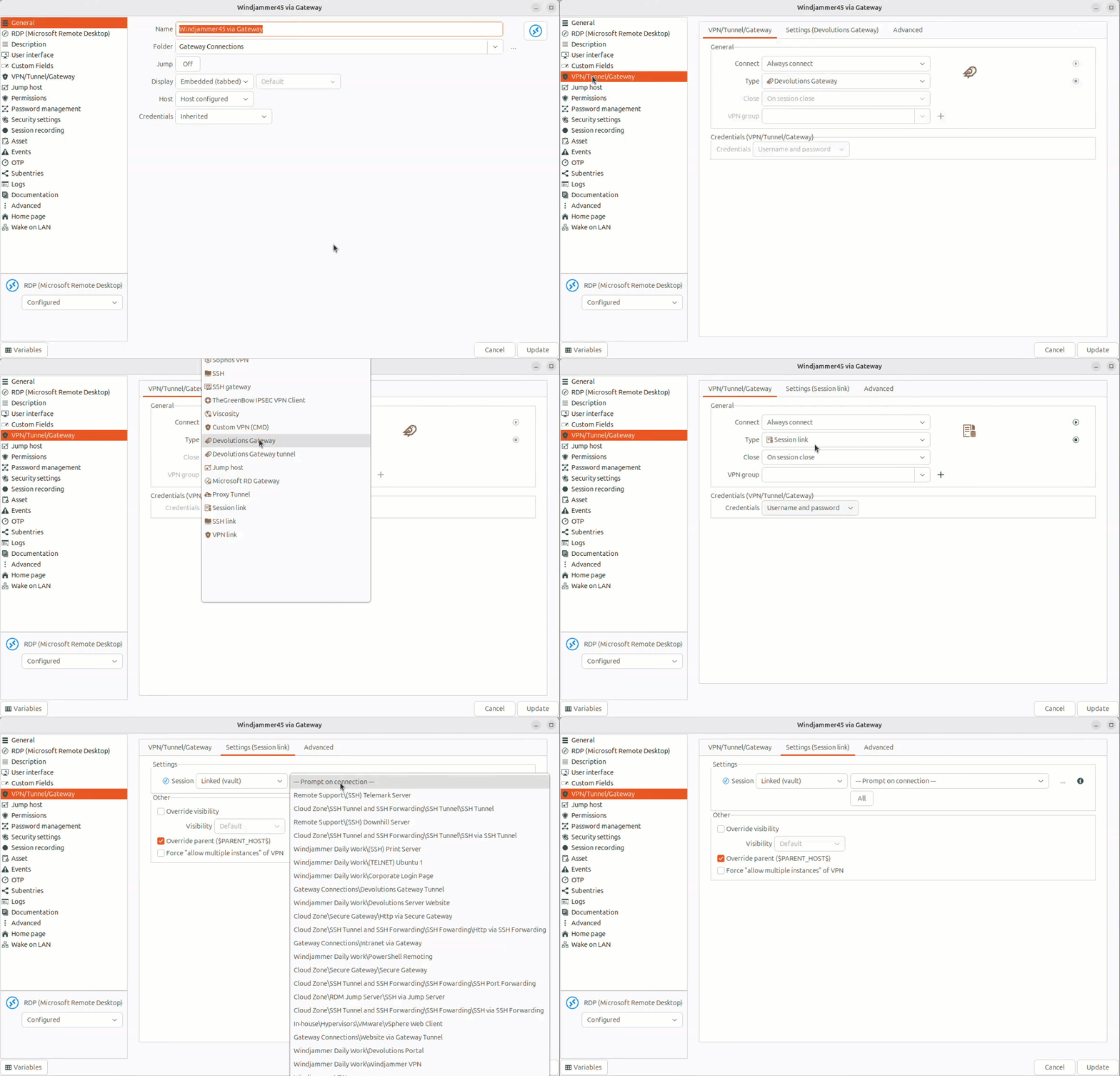
Better connection flows with prompts for linked VPNs

We’ve the ability to be prompted to select a VPN when you open a connection that requires it, enabling ad-hoc selection of a VPN, which helps make IT operations easier.