What's New in Devolutions Cloud 2025.2
Thank you for updating Devolutions Cloud to version 2025.2!
Here’s a quick look at the most exciting updates:
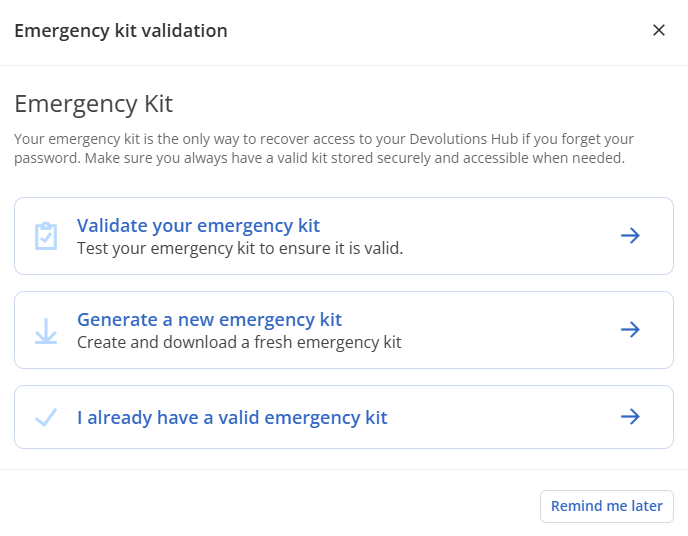
Regular re-download of the emergency key
An often overlooked—but critical—operation is ensuring that Devolutions Cloud owners have an up-to-date copy of your Devolutions Cloud’s emergency key. This key allows you to restore access to your Devolutions Cloud in case of an issue. Remember, Devolutions does not store your encryption keys, so you’ll need a reliable way to regain access in an emergency.
With the validation option, you can confirm that your current emergency key is up to date and accessible, or generate a new one if needed.
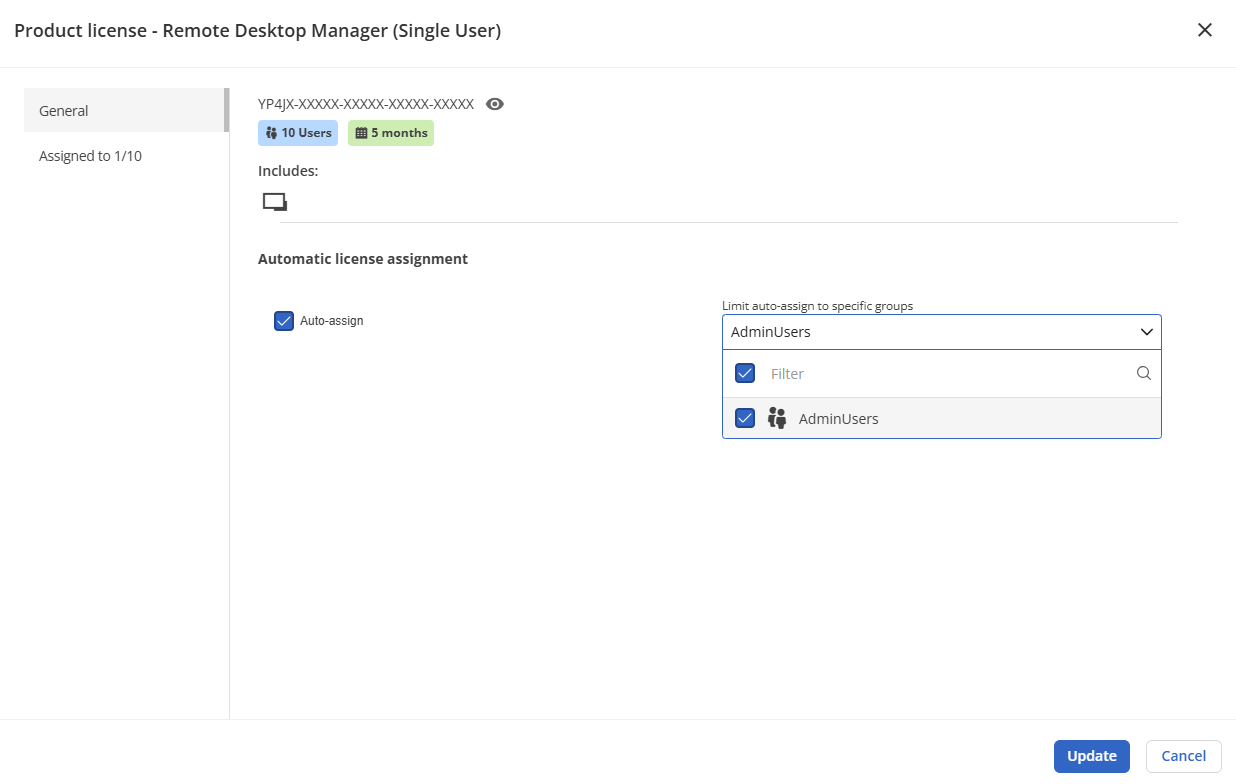
Auto-assign licenses to user groups
Configure licenses to be automatically assigned to user groups to simplify user management. When you onboard a new user and add them to the appropriate groups, they’ll automatically receive any associated licenses. This removes an extra step from the process, streamlining onboarding.
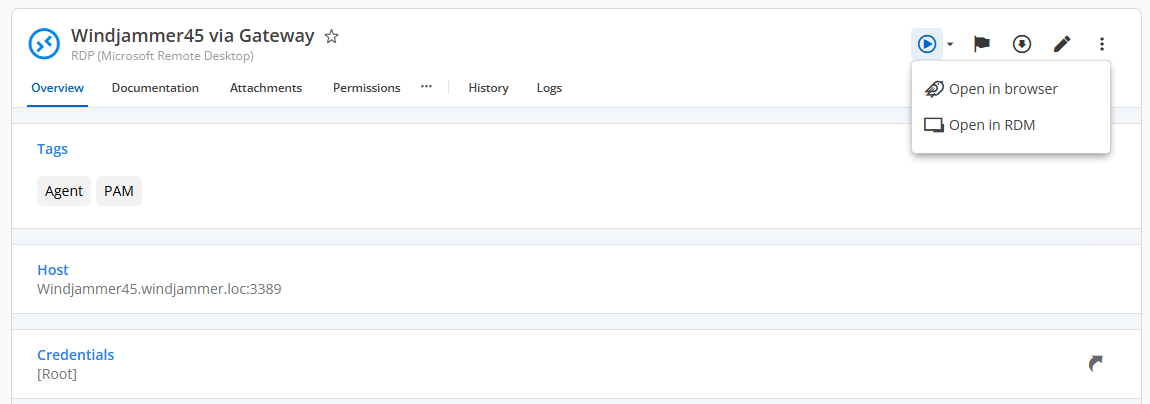
Launch session button improvements
It’s a small improvement, but we’ve enhanced the logic behind the Launch Session button. It now offers a default action along with a drop-down menu for additional options—such as launching sessions in the web-based viewer.
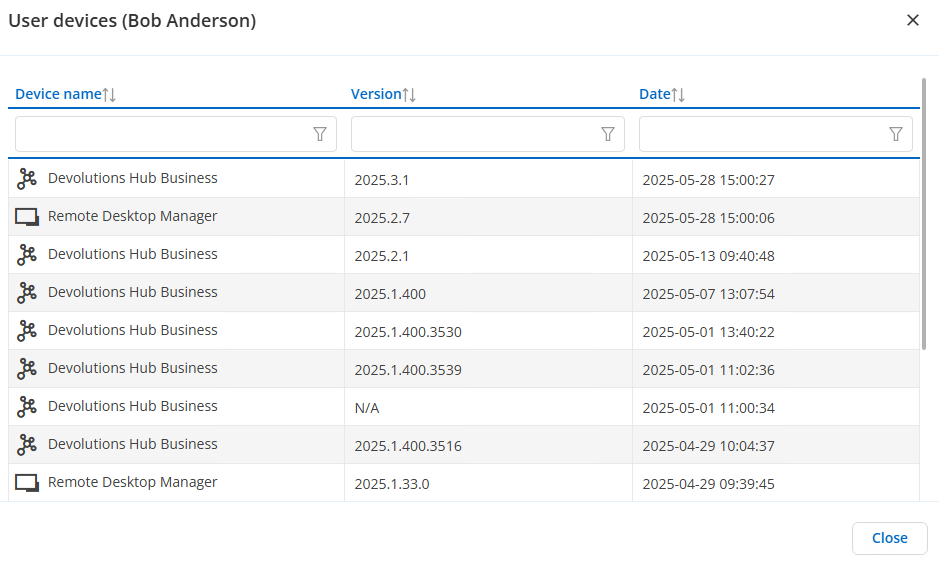
Devolutions Cloud user devices listing
Stay on top of all instances connected to your Devolutions Cloud with the user device listing. For any user, you can view currently and historically connected devices.
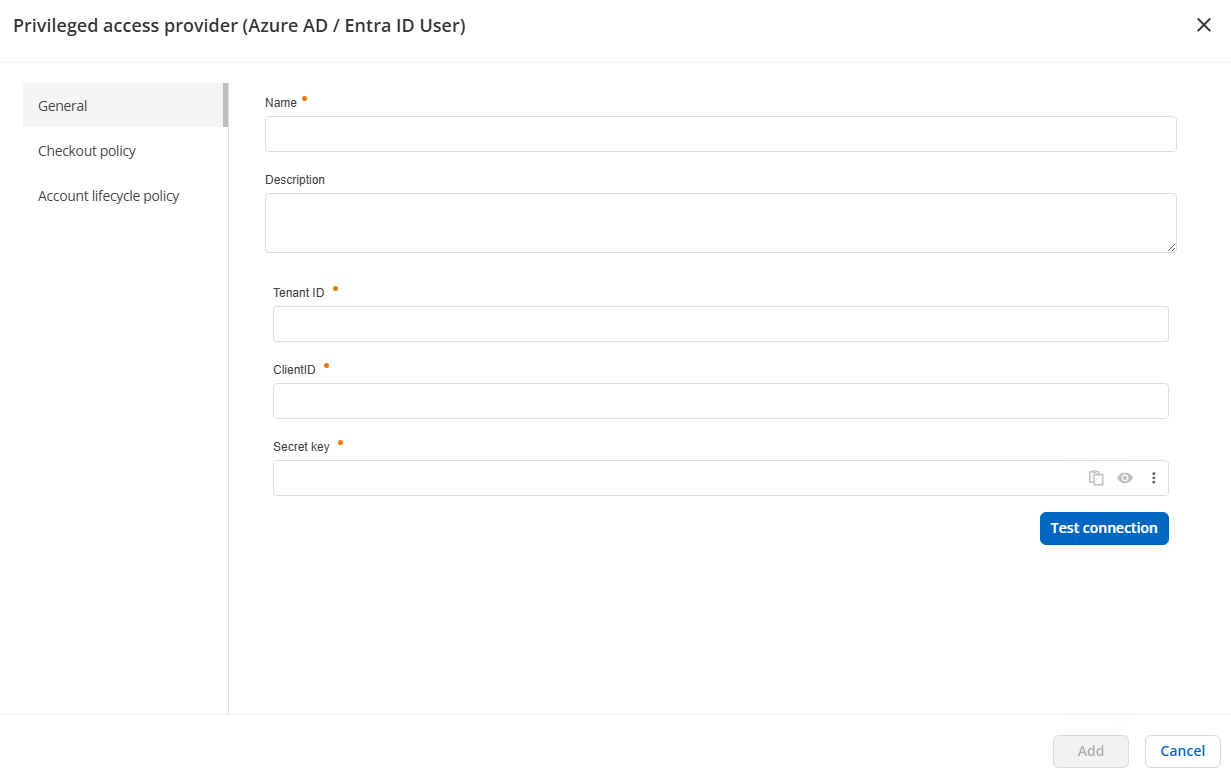
Azure AD / Entra ID PAM provider
As part of our ongoing effort to expand provider support for the recently released Devolutions Cloud PAM provider, you can now connect to Azure and rotate accounts. This functionality is especially valuable for managing users—particularly service accounts.
AWS IAM PAM provider
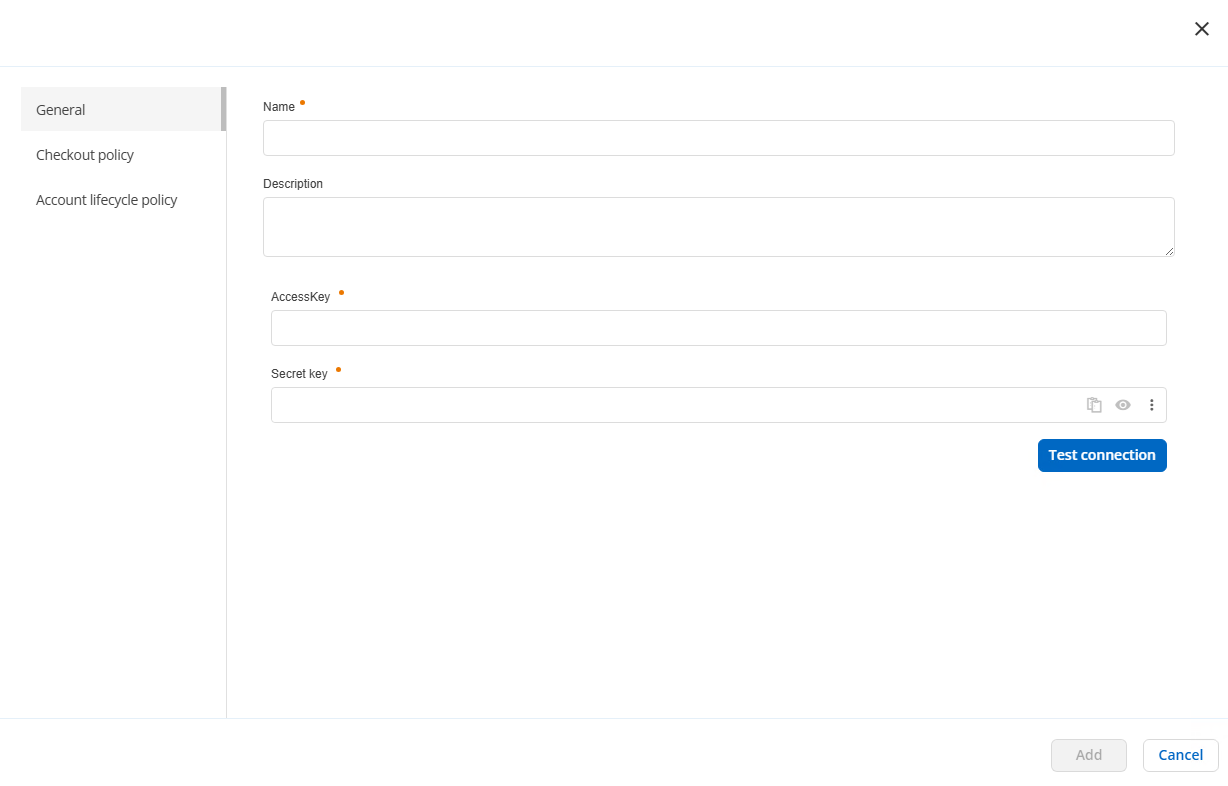
Coming to Devolutions Cloud, the new AWS PAM provider allows you to rotate password and token accounts within the AWS environment. Choose the search method and the accounts, and quickly rotate accounts as needed.
On-premise Active Directory PAM provider
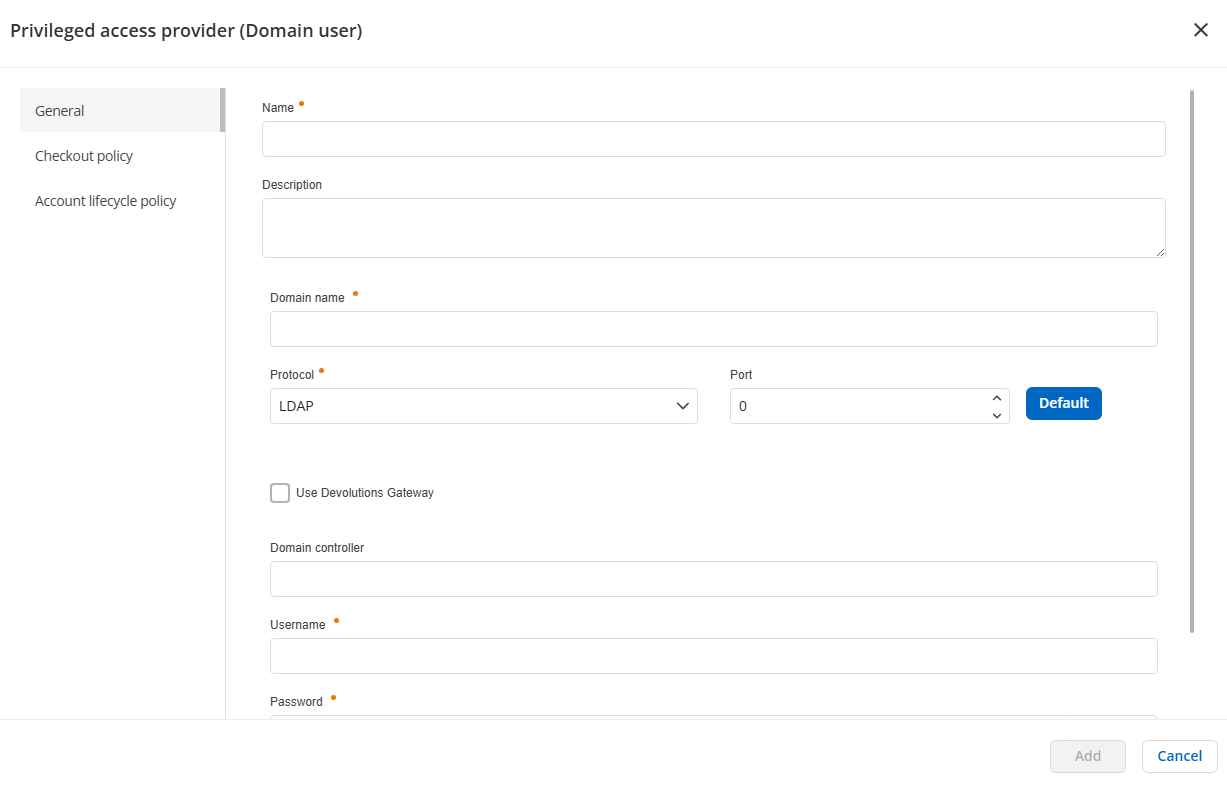
As shown above, you can now use the Devolutions Cloud PAM provider with on-premises Active Directory. This functionality relies on the Devolutions Cloud Services, which allows the cloud-based Devolutions Cloud to connect to your local environment. With this enhancement, you can manage your on-premises AD accounts directly from Devolutions Cloud. Coming soon is the addition of just-in-time elevation to the AD PAM provider!
Devolutions Cloud support for User Specific Settings with RDM
A powerful feature in RDM is User Specific Settings, which let you override individual session settings, such as RDP display options. Now, those same settings are also synced to Devolutions Cloud and are web-editable. This streamlined experience ensures that RDM and Devolutions Cloud work together as you want.
Use host credentials for linked host entries
One of the most powerful features in the Devolutions ecosystem is linking. For example, you can create a host entry and link it to multiple session types—such as RDP, SSH, and PowerShell. When the host is updated, all linked sessions are updated automatically.
Previously, credentials linked to a host did not carry over to the linked sessions. With this release, host-linked credentials now propagate to those sessions—making it much easier to manage and update large numbers of sessions when everything is properly linked.