What's New in Remote Desktop Manager Windows 2026.2
Thank you for updating Remote Desktop Manager (RDM) to version 2026.2!
Below, we'll take a quick look at the most exciting updates. For the full list of changes, check out the release notes.
Multi-factor authentication (MFA) with PAM checkouts
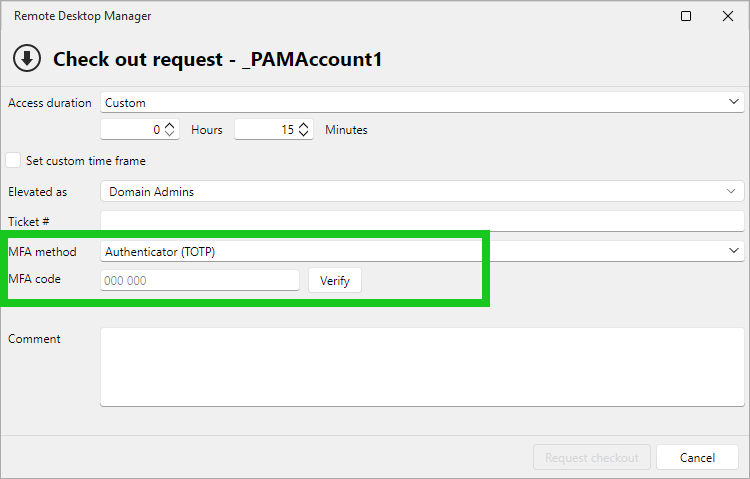
MFA on PAM checkouts adds a configurable multi-factor prompt when a checkout is requested, confirming that the right user is starting a sensitive session before they reach a critical system. Multiple MFA methods are available, such as email and TOTP.
Default JIT elevation group for PAM accounts
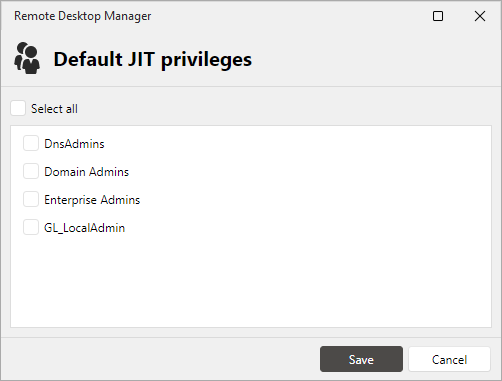
You can now set a default elevation group on PAM account entries and on session entries linked to a privileged account, so the right AD group is pre-selected at checkout for AD, Entra ID, and SSH local user JIT scenarios. Fewer clicks on the most common checkout flows, and less chance of picking the wrong group on the way into a session.
Multi-user checkouts on shared entries
This release expands how shared resources get checked out. Multiple checkouts now allow a single entry to be checked out by a defined number of users simultaneously, useful for pooled devices, service accounts, and other shared infrastructure where one-at-a-time checkout gets in the way.
Use external vault credentials in more places
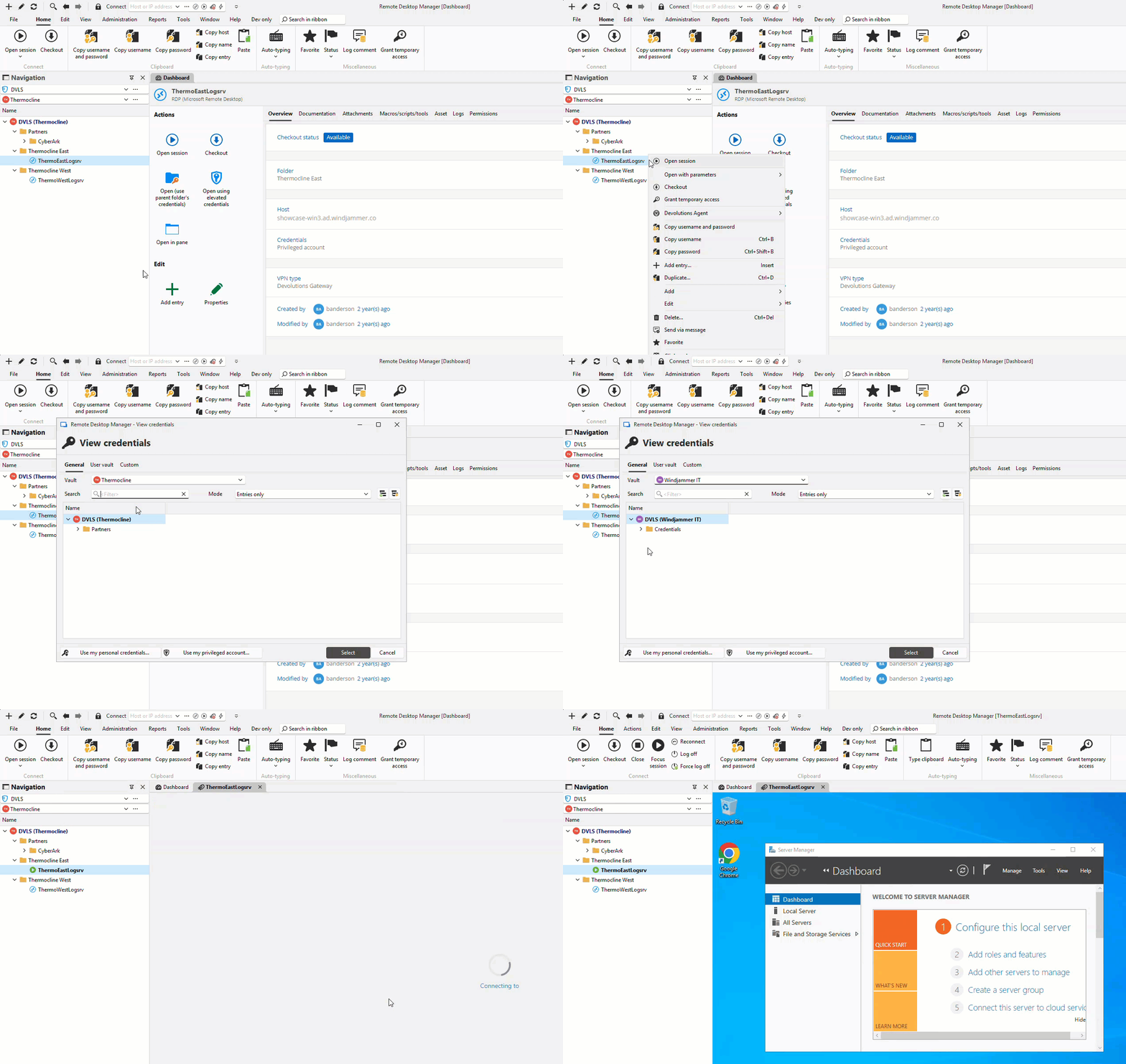
Credentials stored in external vaults now work in Open with Parameters, Quick Connect, and as the OTP source on linked entries. Previously, external vault credentials were only usable in the main entry settings, so you can now use your existing credentials across more workflows without duplication.
Administering Devolutions Server from RDM
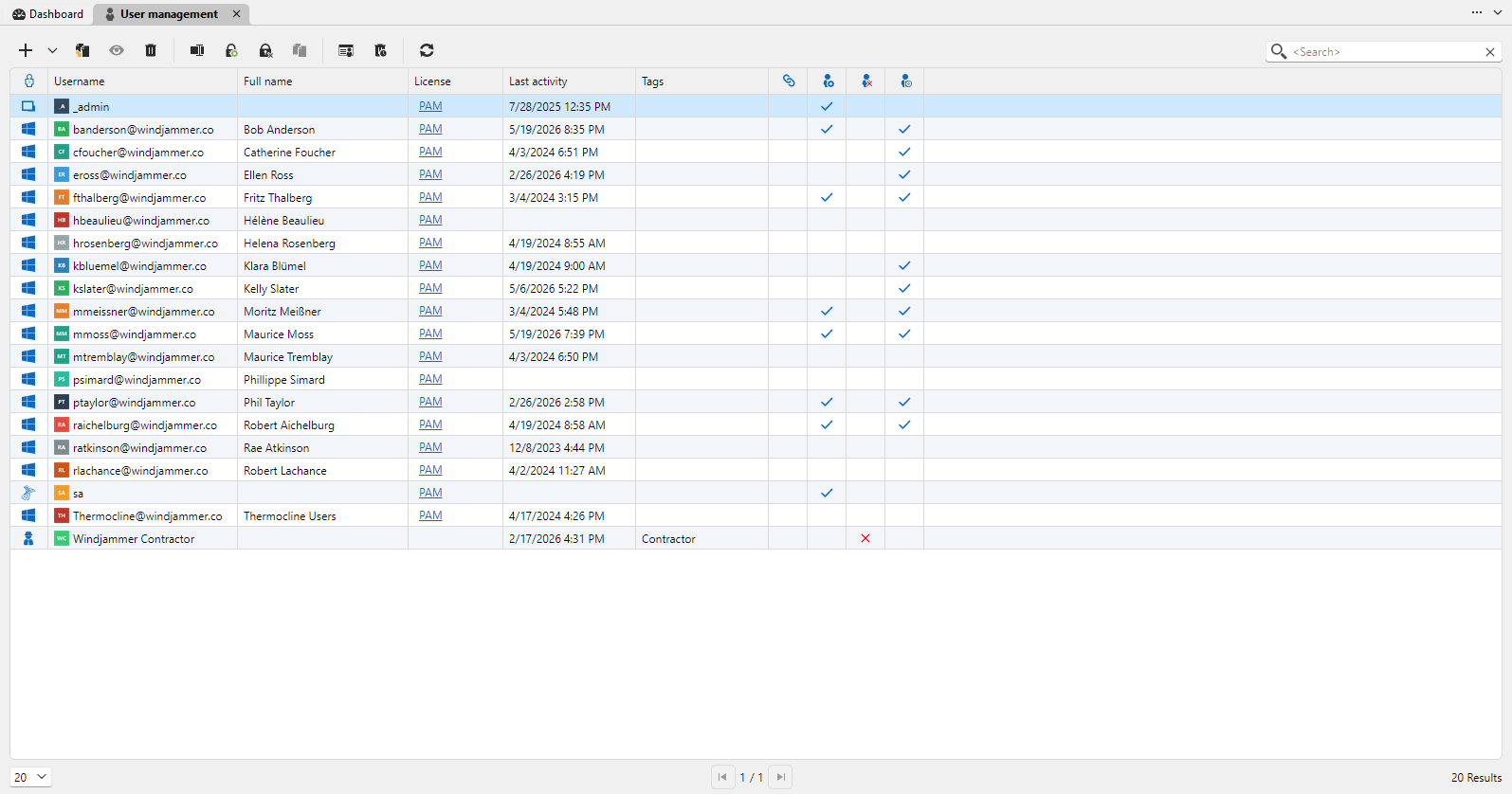
Managing vaults, users, user groups, and licenses no longer means leaving Devolutions Remote Desktop Manager (RDM). Administrative interfaces are now embedded as tabs in Devolutions Server, so Server administration occurs in RDM rather than in the web UI.
Full read & write offline mode for Devolutions Cloud
Devolutions Cloud also gains full read and write access in offline mode via RDM, previously read-only. Edit while disconnected and changes sync when you reconnect, bringing Cloud to parity with Server for offline workflows.
ControlR comes to RDM: new Dashboard and embedded viewer
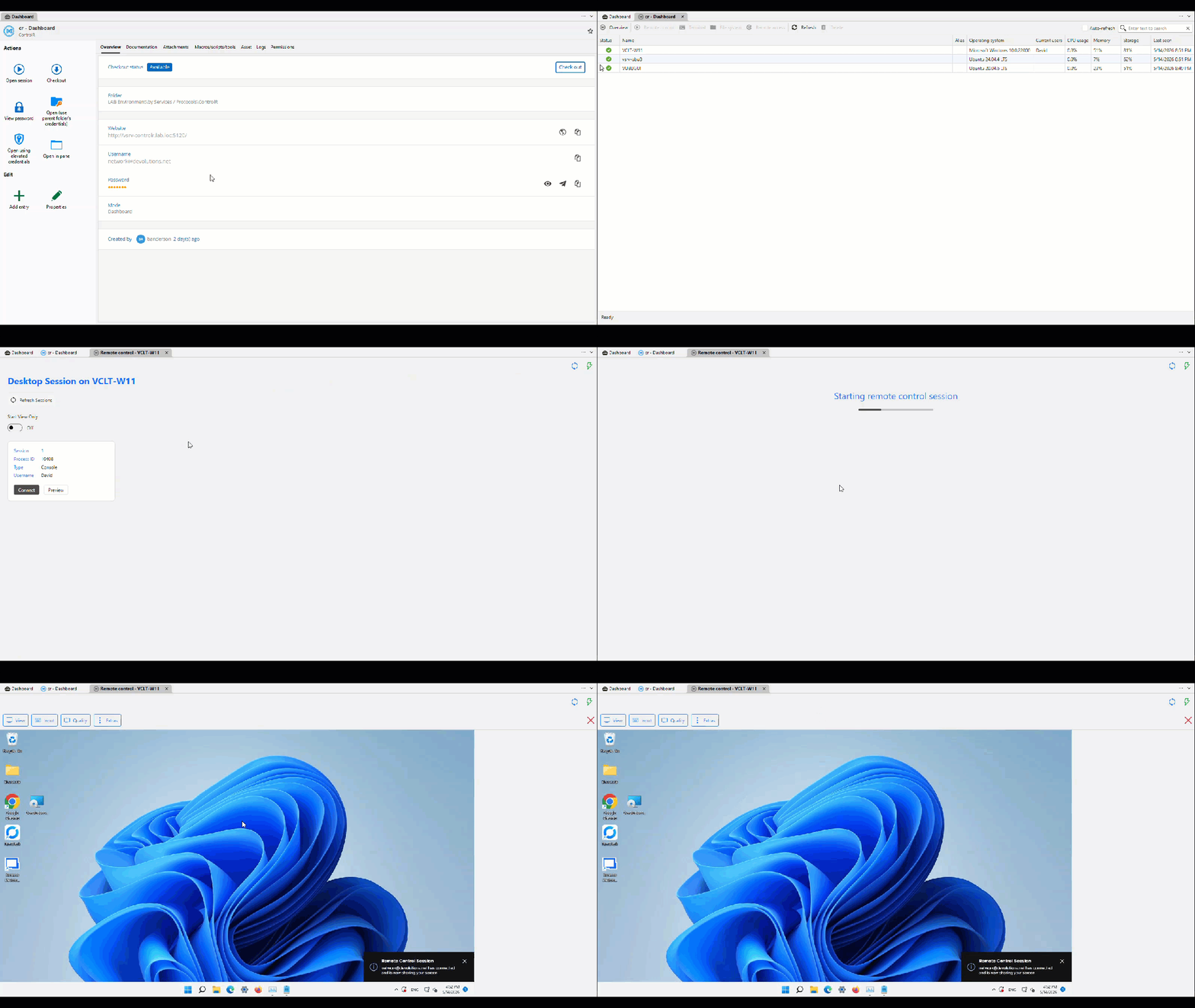
Building on the ControlR sponsorship and integration introduced in 2026.1, RDM now includes a fully embedded ControlRViewer and a dedicated ControlR Dashboard entry. Browse agents, launch remote control sessions directly inside RDM with no external viewer required, and access native Terminal and File System views, keeping interactive support sessions in one place.
Sign in to websites with Social login
A new Social login credential type is available for website entries. Associate an entry with the federated provider behind it (Google, Microsoft, Apple, GitHub, Amazon, Facebook, X, Discord, or Slack), and when you launch a website that uses social login, RDM detects the available providers and guides you through the sign-in flow.