What's New in Remote Desktop Manager Linux 2026.1
Thank you for updating Remote Desktop Manager (RDM) to version 2026.1!
Below, we’ll take a quick look at the most exciting updates. For the full list of changes, check out the release notes.
New features
Connect with RustDesk using a dedicated session entry
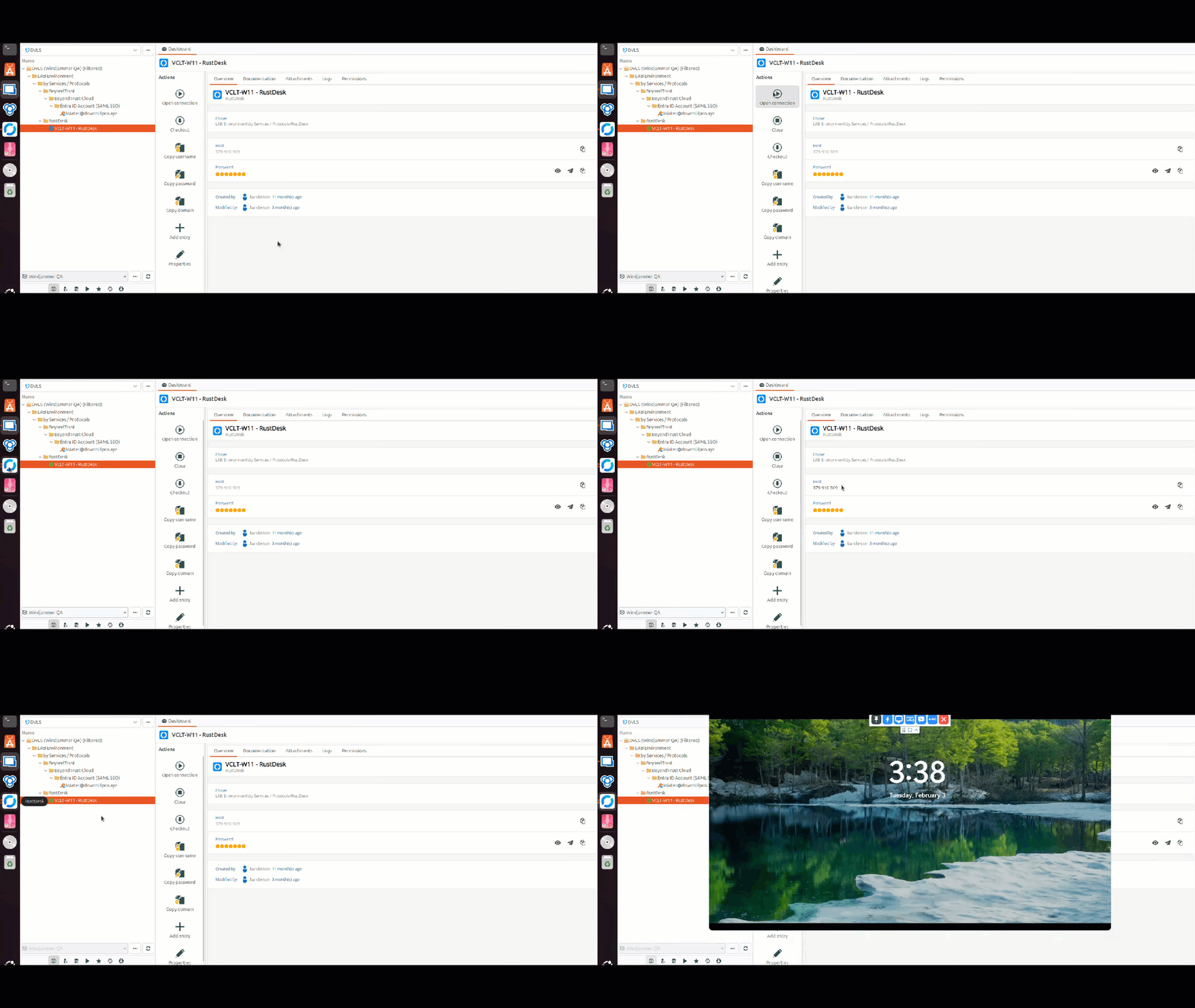
We’ve added the ability to launch RustDesk sessions on Linux to make it easier to connect to endpoints from your Linux workstation.
Browse SMB (Samba) shares via a built-in file explorer
Powered by SAMBA, we’ve added support for open sessions using the SMB protocol for consulting files and other related tasks, enabling a new file explorer experience in RDM Linux.
Connect thrgouh Cisco AnyConnect with a new VPN entry type
One of the most widely used VPNs in RDM Windows is now available on Linux! You can now launch sessions using a Cisco AnyConnect VPN, providing flexibility and compatibility for Linux users to get the same functionality as on Windows.
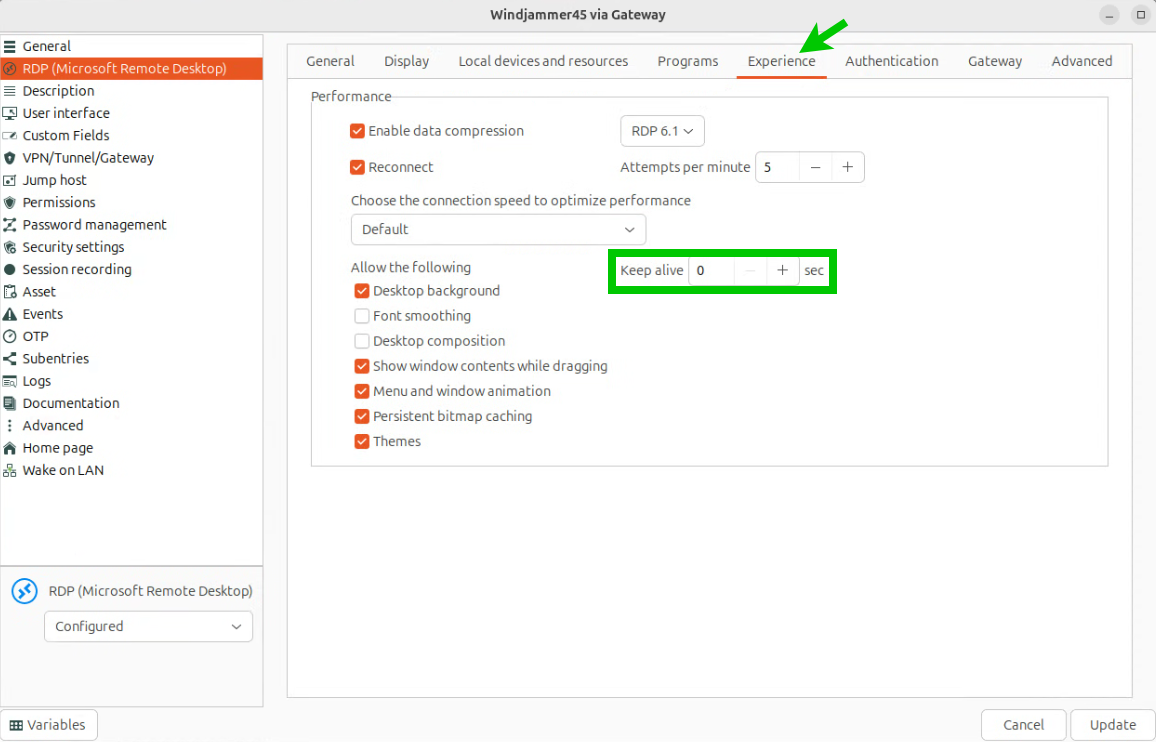
Keep RDP sessions active with the mouse jiggler option
We’ve added a new setting that helps prevent idle disconnects by simulating input inside the RDP session. Enable it in your RDP session settings under Experience and choose an interval (per second).
Improvements
Copy images, files & formatted text through RDP clipboard redirection
You can now copy/paste images, files & formatted text through the clipboard in your RDP sessions
Simplify sign-in with SSO for LastPass and 1Password
With 2026.1, we are adding support for using your identity provider (i.e., Entra ID) to log in to LastPass or 1Password, making it easier to use these password managers to retrieve credentials in RDM and authenticate to endpoints.
Support SSH certificates for stronger key-based authentication
You can now attach SSH certificates to SSH key entries. This was previously only available on SSH session entries, and it simplifies certificate-based setups, including user-specific configurations and “linked (vault)” usage.
Create sub-entries faster with drag-and-drop
You can now drag and drop an entry onto another entry to automatically set it as a sub-entry, enabling a convenient and intuitive way to organize entries
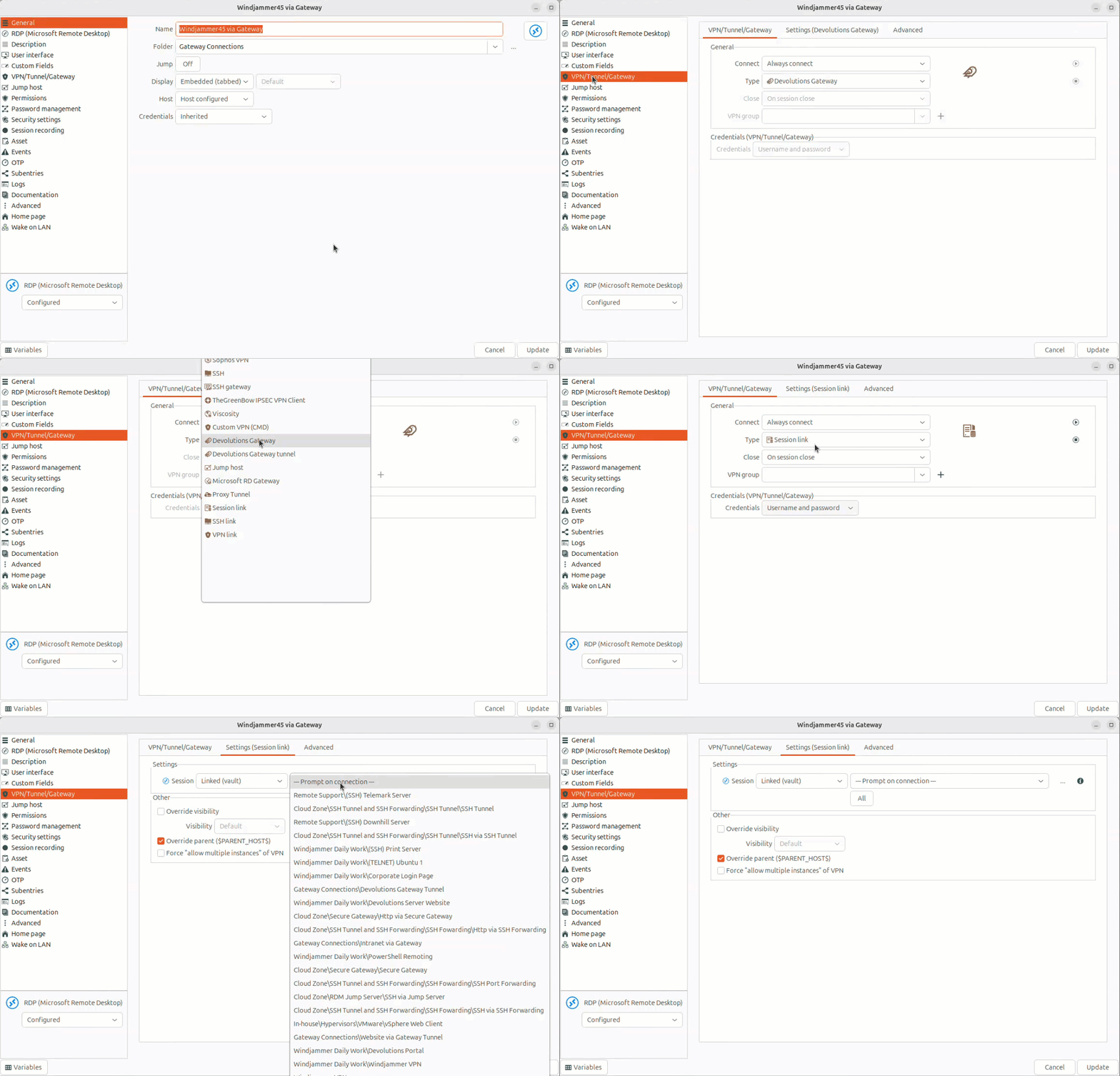
Better connection flows with prompts for linked VPNs
We’ve the ability to be prompted to select a VPN when you open a connection that requires it, enabling ad-hoc selection of a VPN, which helps make IT operations easier.