What's New in Devolutions Password Manager 2026.2
Thank you for updating Devolutions Password Manager to version 2026.2!
For the full list of changes, check out the release notes.
Here's a quick look at the most exciting updates:
Workspace becomes Devolutions Password Manager
Workspace is now Devolutions Password Manager, one way to bring the Devolutions ecosystem together for the people who need it most. Business users get a single place to access the products that make up their day, while IT pros continue to work primarily from Devolutions Remote Desktop Manager (RDM). At the same time, "data source" has been replaced with "workspace" across RDM, Devolutions Cloud, and Devolutions Server, matching the term most IT pros already use.
Built-in import: migrate from your old password manager in minutes
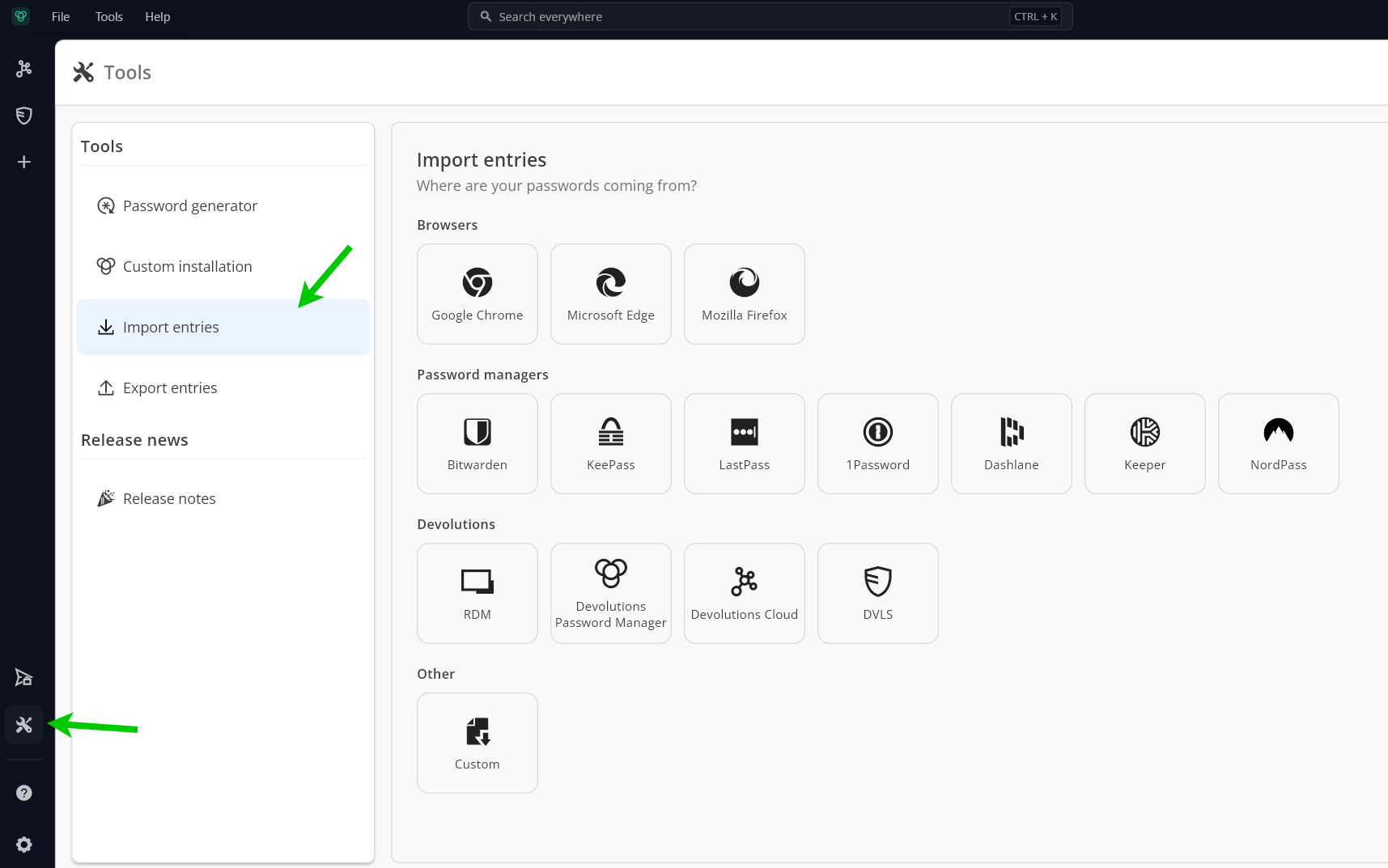
A built-in import and export tool is now available on Windows, macOS, and Linux, so users can move into Devolutions Password Manager directly instead of stitching together CSV exports and manual cleanup. The importer handles the common formats teams typically arrive in, including the newly added RoboForm, as well as KeePass, Bitwarden, LastPass, 1Password, and Keeper.
Find any entry from anywhere with a global search
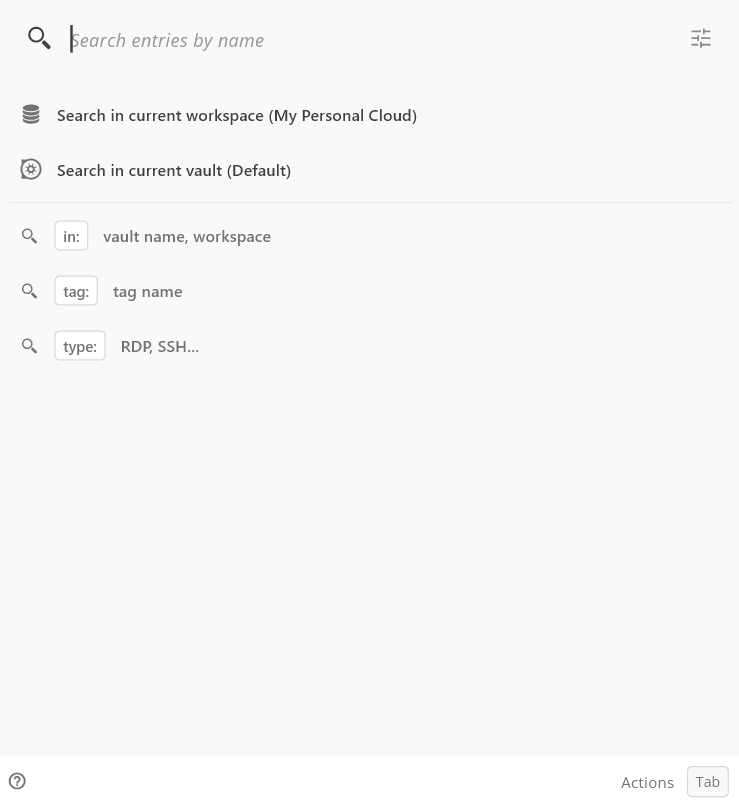
A global search bar now sits in the top bar of Devolutions Password Manager. Type from anywhere in the product and matches surface as you type, drawn from every vault you have access to. No more drilling through the navigation pane to remember where you filed something.
OTP secrets and credentials can now live in separate vaults
An entry's one-time password (OTP) can now be stored in a different vault from its credentials, bringing Devolutions Password Manager in line with the cross-vault support available elsewhere in the Devolutions ecosystem. Useful when TOTP secrets are governed separately from the credentials they protect, whether for policy reasons or because different teams own each piece.
Social login as a first-class credential type
A new social login credential type is available for website entries. Associate an entry with the federated provider behind it (Google, Microsoft, Apple, GitHub, Amazon, Facebook, X, Discord, or Slack), and Devolutions Password Manager records how you actually sign in, not just a username and password you don't really use. Fewer "wait, did I sign in with Google or with email?" moments.