




Descripción general
Gestione y supervise sin esfuerzo los servidores Dell PowerEdge a través de Dell iDRAC directamente en Remote Desktop Manager.
Paquetes
Aumente la productividad, reduzca los costes e incremente la seguridad con una plataforma centralizada donde podrá gestionar una amplia gama de conexiones remotas y herramientas.
Mejore su estrategia de seguridad sin reducir la productividad utilizando una solución de gestión de contraseñas.
Reduzca el riesgo de amenazas internas y ciberataques, al tiempo que cumple los requisitos de auditoría y cumplimiento normativo de su equipo.
Establezca un punto de entrada seguro para redes segmentadas internas o externas que requieran acceso justo a tiempo (JIT) autorizado.
 Automatización de TI con PowerShell Universal
Optimice las tareas rutinarias de TI y aumente la productividad con scripting, orquestación e informes integrados.

Toda la potencia de Devolutions a mitad de precio para equipos de 5

Descripción general rápida

Su socio de confianza en seguridad y cumplimiento normativo.

Soluciones unificadas: integraciones fluidas con Devolutions
El mejor gestor de conexiones remotas del sector
Aplicación todo en uno para acceder, gestionar y utilizar sus credenciales de forma segura.

Descubra, instale y actualice todos sus paquetes de Windows
Automatice la gestión remota con paneles y API
Proteja, rote y audite todas las cuentas privilegiadas de su infraestructura
 Academy
Su centro de referencia GRATUITO para dominar el conjunto de productos y servicios de Devolutions.
 Foro
Foro
El Foro de Devolutions es el lugar ideal para conectar con sus colegas y con el equipo de Devolutions.
 Documentación
Encuentre respuestas sobre las especificaciones de los productos, la configuración y mucho más en nuestra documentación.
 Blog
Blog
Manténgase al día con nuestros artículos semanales en nuestro blog, la caja de herramientas para su éxito en TI.
Gestione y supervise sin esfuerzo los servidores Dell PowerEdge a través de Dell iDRAC directamente en Remote Desktop Manager.
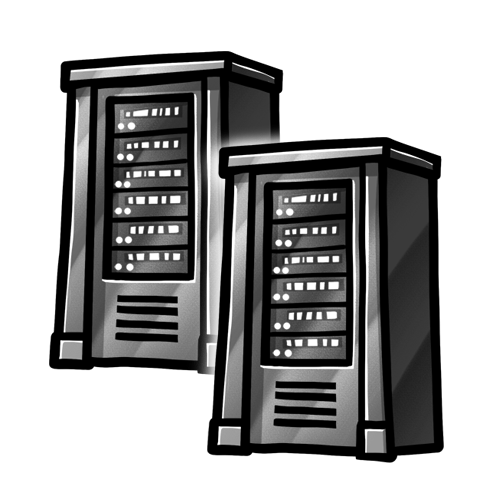
Acceda y gestione varios servidores Dell PowerEdge de forma remota desde una única interfaz. Inicie una sesión de consola remota para solucionar problemas, configurar y administrar servidores sin acceso físico.
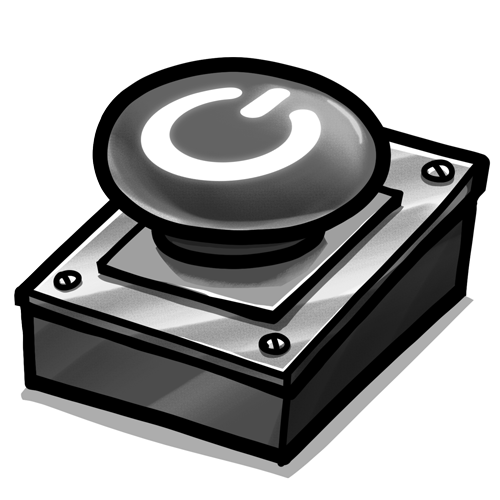
Reinicie, encienda o apague servidores directamente desde RDM.
Simplifique el proceso de actualización de la BIOS y el firmware directamente desde la interfaz de RDM.