












Das beste All-in-One-Tool für Remote-Verbindungen und Anmeldeinformationsverwaltung für IT-Profis
Verwalten Sie alle Ihre RDP-, VNC-, SSH-, ARD- und anderen Remote-Verbindungen, Passwörter und Anmeldeinformationen an einem sicheren Ort – kostenlos.
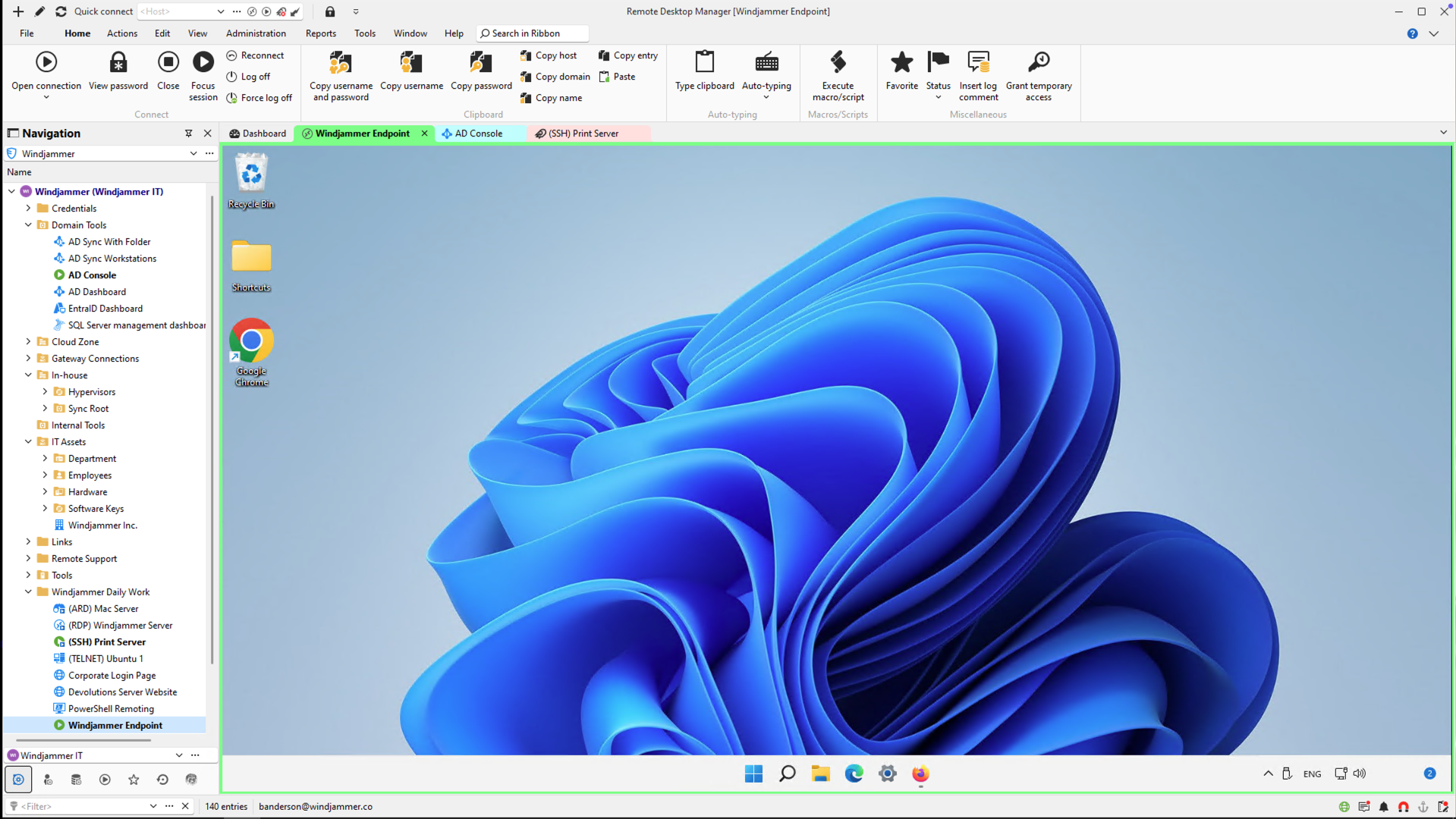
Entwickelt für einzelne IT-Anwender, Freiberufler und Technik-Enthusiasten
Verwenden Sie Remote Desktop Manager Free für:
Zentralisieren Sie alle Ihre Remote-Verbindungen – RDP, SSH, Telnet, FTP, Web-Apps und mehr.
Sichern Sie Ihre Anmeldeinformationen mit integrierter Verschlüsselung und verwenden Sie sie sitzungsübergreifend wieder.

Arbeiten Sie online oder offline – speichern Sie Daten lokal oder in Ihrer persönlichen Cloud, ohne erzwungene Synchronisierung.
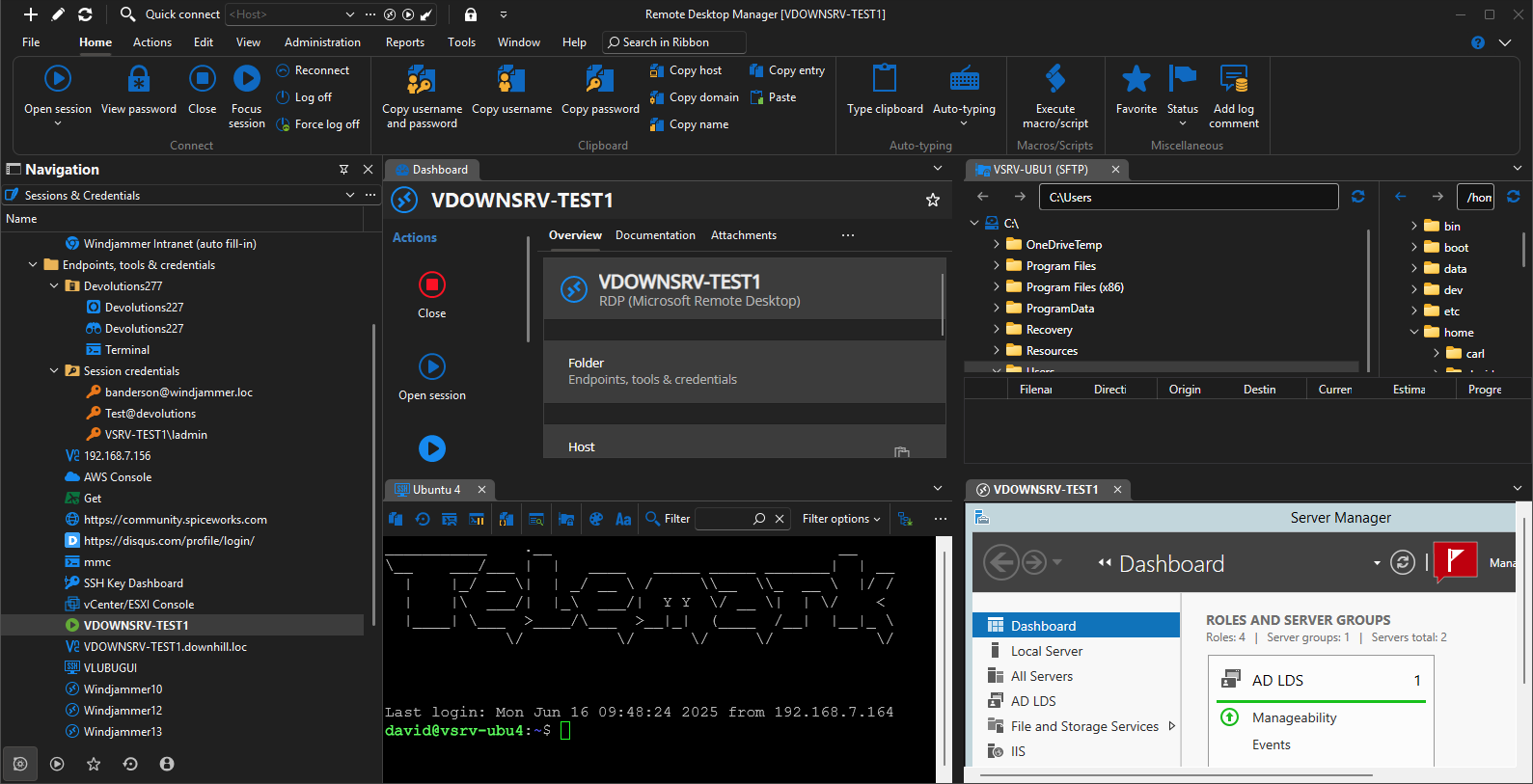
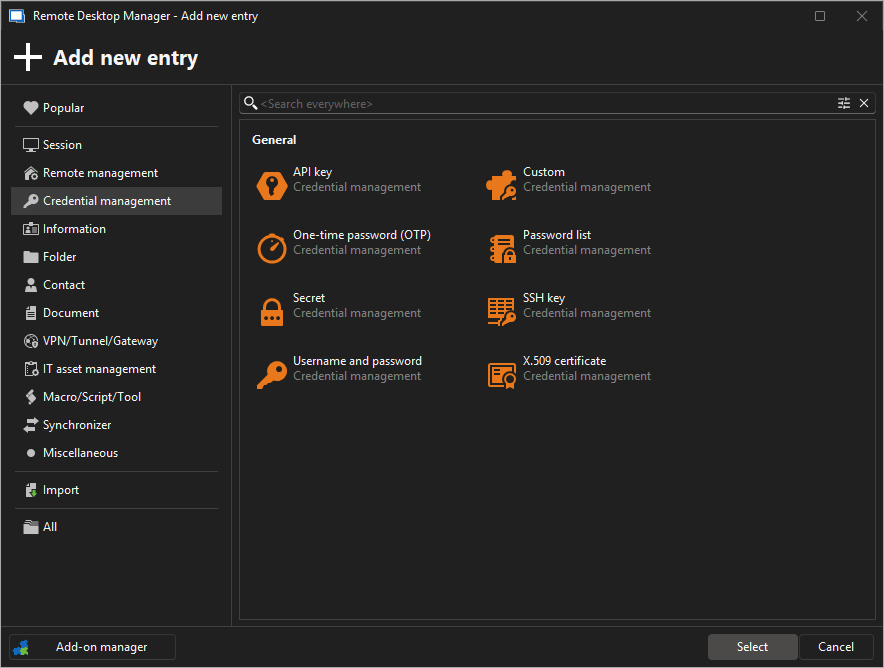
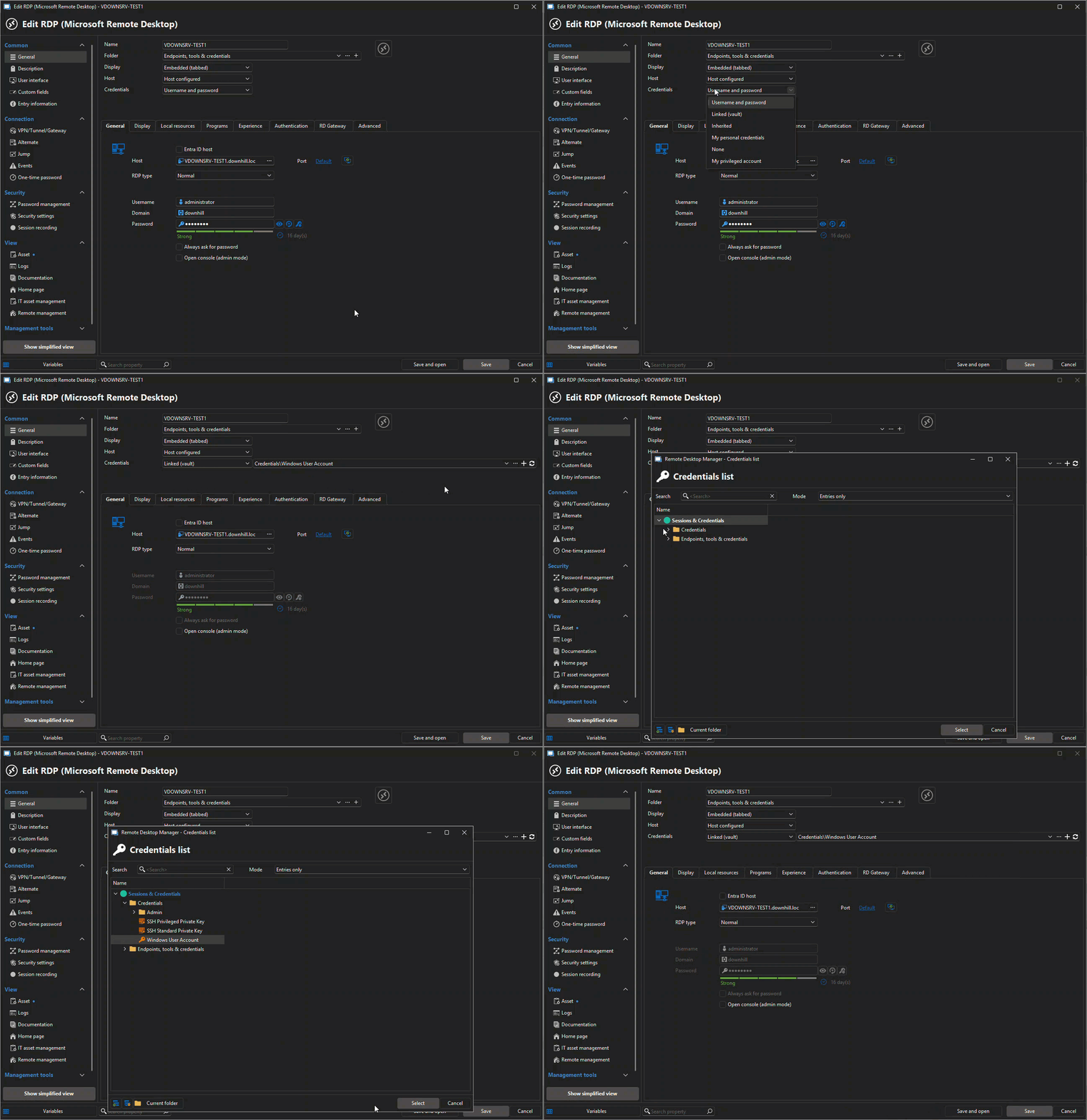
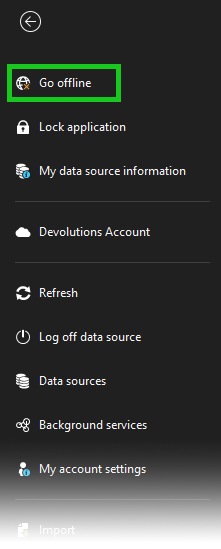
In Aktion sehen – 90 Sekunden
RDM Free hat alles.
Preise
RDP
Remote Desktop Protocol
Ordner
Verbindungen organisieren
Anmeldedaten
Sicher speichern
Weitere Protokolle
SSH, VNC, etc.
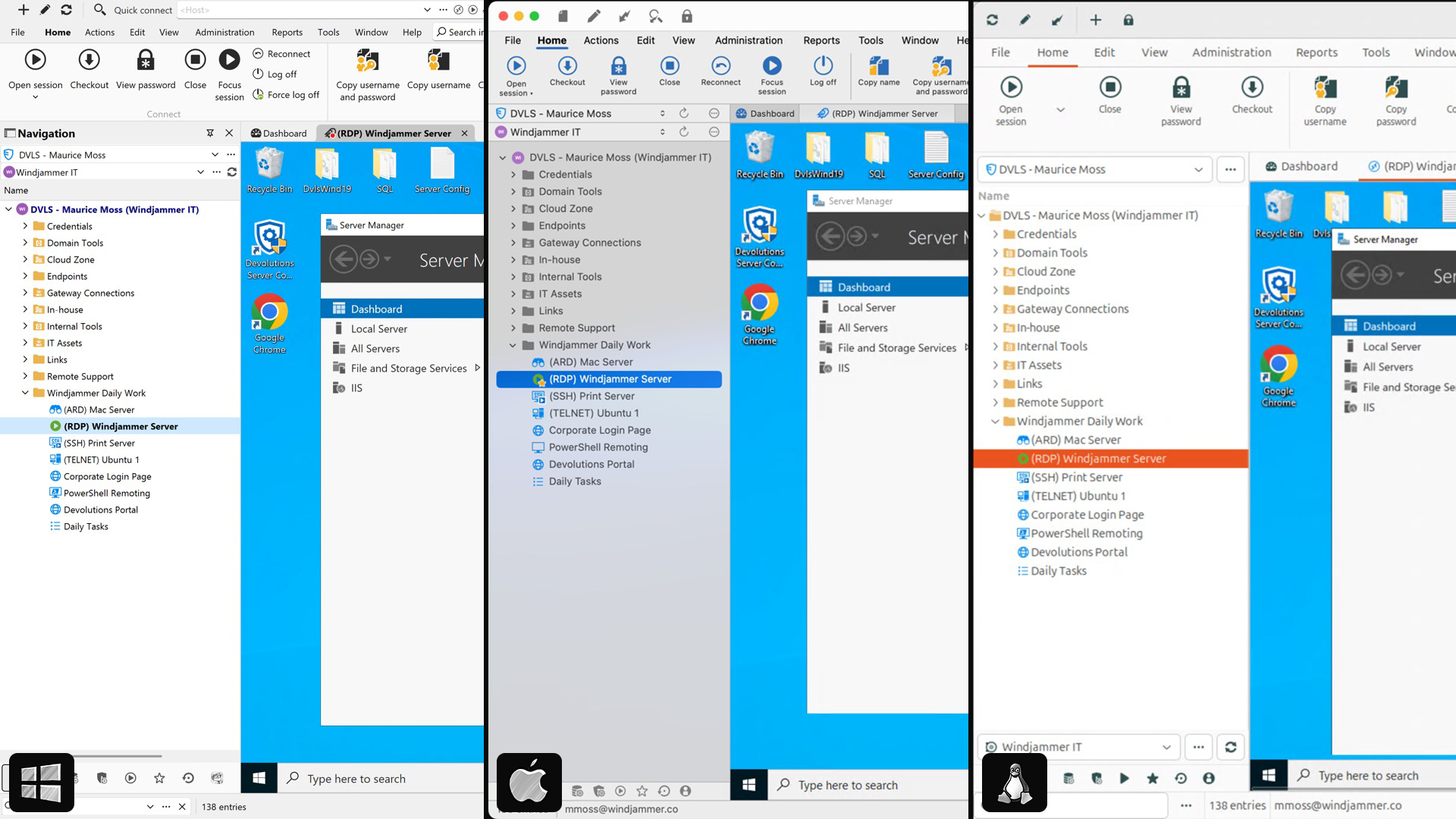
Plattformübergreifender Client
Windows, macOS, Linux, Mobile
Metadaten
Tags, Bilder, Farben, etc.
RDP-Versionen
V8, v9, v10+, etc.
Metadaten-Verschlüsselung
Erweiterte Sicherheitsmaßnahmen
RDM
Free
RDCMan
Free
- —
- —
- —
- —
- —
Mremoteng
Free
- —
- —
- —
Royal TS
Free
- —
- —
MobaXterm
Free
- —
- —
- —
- —
Rocket RD
$$$
- —
- —
- —
Rd tabs
Free
- —
- —
- —
- —
- —
Securecrt
$$
- —
- —
- —
Termius
Sign up
- —
- —
- —
Arbeiten Sie im Team?
Sehen Sie, wie die Team Edition auf RDM Free aufbaut.
Funktion
Remote-Sitzungsverwaltung
Anmeldeinformations-Tresor
Offline-Modus
Mehrbenutzer-Zusammenarbeit
Rollenbasierte Zugriffskontrolle
Datenquellenfreigabe
Solo Edition
- —
- —
- —
Team Edition

Trusted by over 1M IT pros worldwide


“I've been using RDM for many years now. Started with the free version and once I moved over to the Enterprise version, I couldn't move back. If you work in Information Technology and manage a lot of remote connections, you NEED Remote Desktop Manager!”
– Ben L, Consulting Systems Engineer
“For me, Remote Desktop Manager is a must. I don't need to remember or check address and credential for every machine/site I need to be connected (or create many RDP shortcuts on desktop), my work is simplified. RDP also keeps a connections log.”
– Sara A, Information Technology and Services
“it is really an amazing product! you just got all your connections in one place! the best tool for MSP support engineers like our case.”
– Federico G. Support Engineer, Business Owner, SMB
Remote-Verbindungen – organisiert und sicher.
Laden Sie RDM Free noch heute herunter.
Devolutions Remote Desktop Manager Free
Licensing and editions
Is the solo edition really free?
Yes! The solo edition is completely free for individual use, with no time limits or hidden fees.
Can I use it at work?
Yes — if you're the only person using the tool and you don't need to share sessions or credentials with others, the solo edition is a great fit, even in a professional environment.
If you work in a team or need centralized data sharing, role-based access, or collaboration, we recommend the team edition.
Can I upgrade to the team edition later?
Absolutely. You can switch to a team edition anytime without losing your data.
Security and access
How is my data stored in the solo edition?
With the solo edition, you can choose where your data is stored:
- Locally on your device * In the cloud using Devolutions Hub Business Free * In the cloud using Devolutions Hub Personal (optional and free) In all cases, your data is protected using strong encryption methods and security best practices. You stay in full control of your setup and can switch storage types at any time.
Administration and reliability
Does the solo edition include cloud sync or backup?
Not by default. If you need cloud storage or centralized data sources, consider Devolutions Hub or upgrading to the team edition.
Is support available for free edition users?
Community support is available via our active online forum.