












Le meilleur outil de gestion tout-en-un des connexions à distance et des identifiants pour les professionnels TI
Gérez toutes vos connexions RDP, VNC, SSH, ARD et autres, vos mots de passe et identifiants en un seul endroit sécurisé — gratuitement.
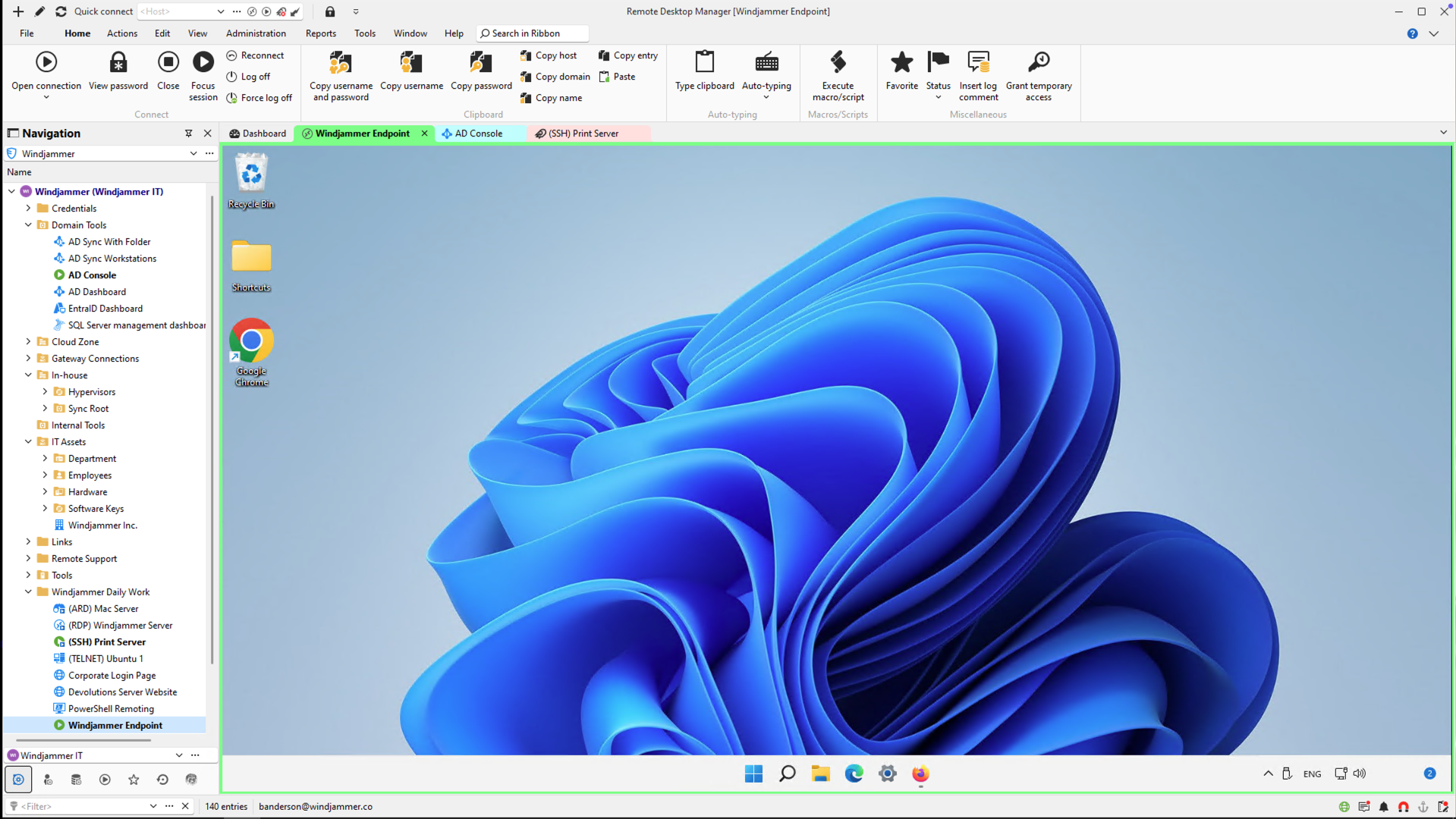
Conçu pour les utilisateurs TI solo, les consultants et les professionnels techniques
Utilisez RDM Free pour:
Centralisez toutes vos connexions à distance — RDP, SSH, Telnet, FTP, applications web, et plus encore.
Sécurisez vos identifiants grâce au chiffrement intégré et les réutiliser facilement.

Travailler en ligne ou hors ligne — stockez vos données localement ou dans votre cloud personnel, sans synchronisation forcée.
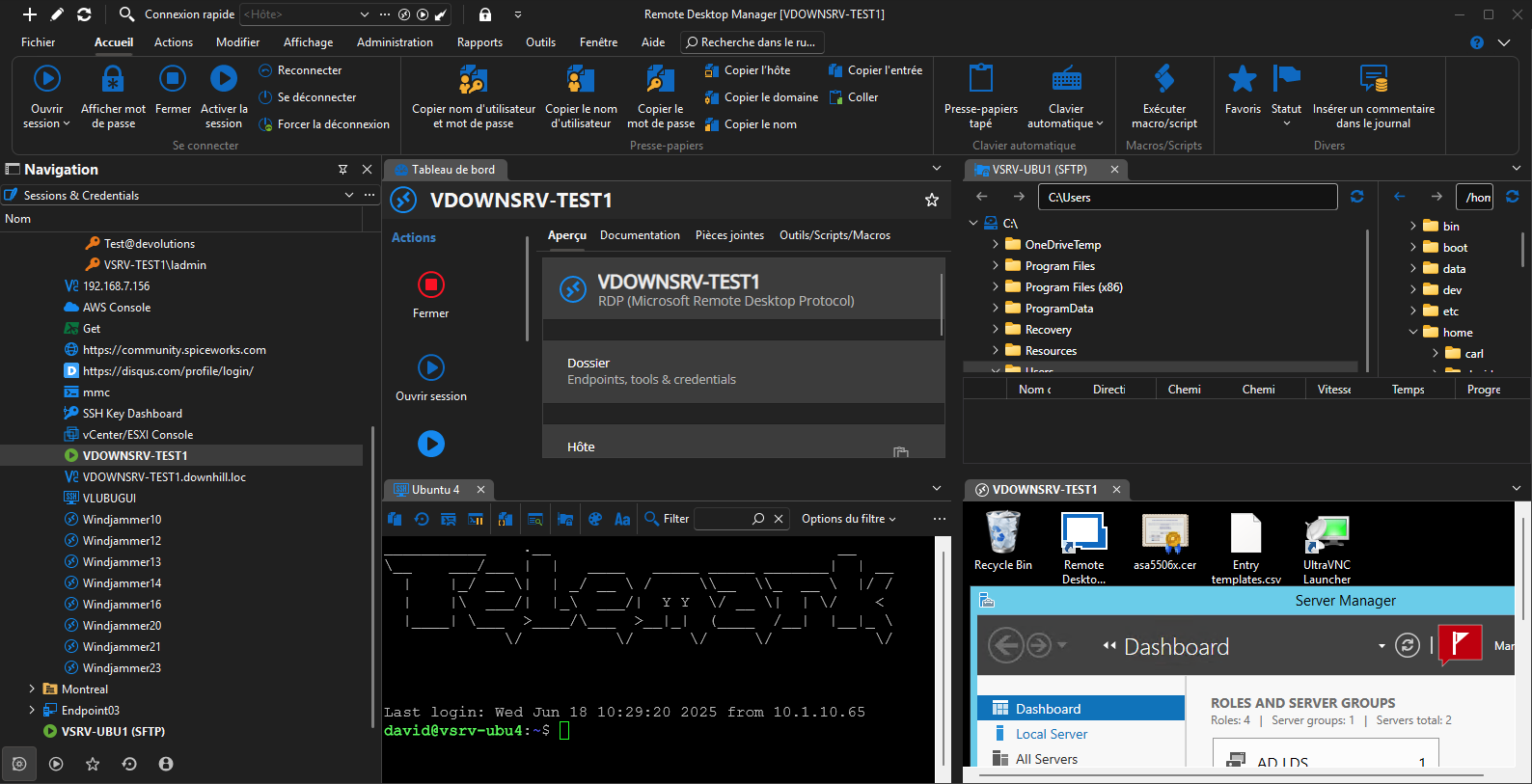
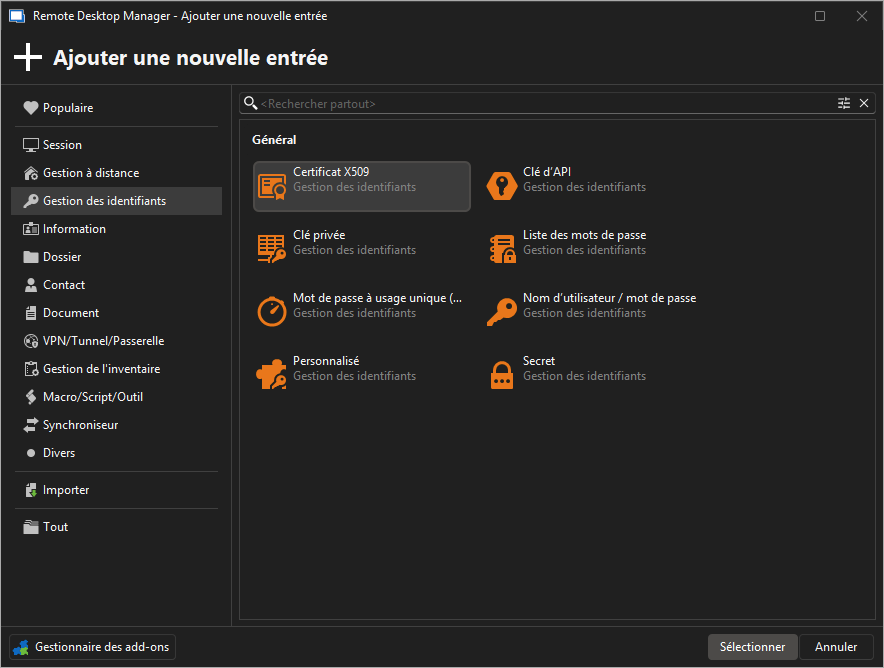
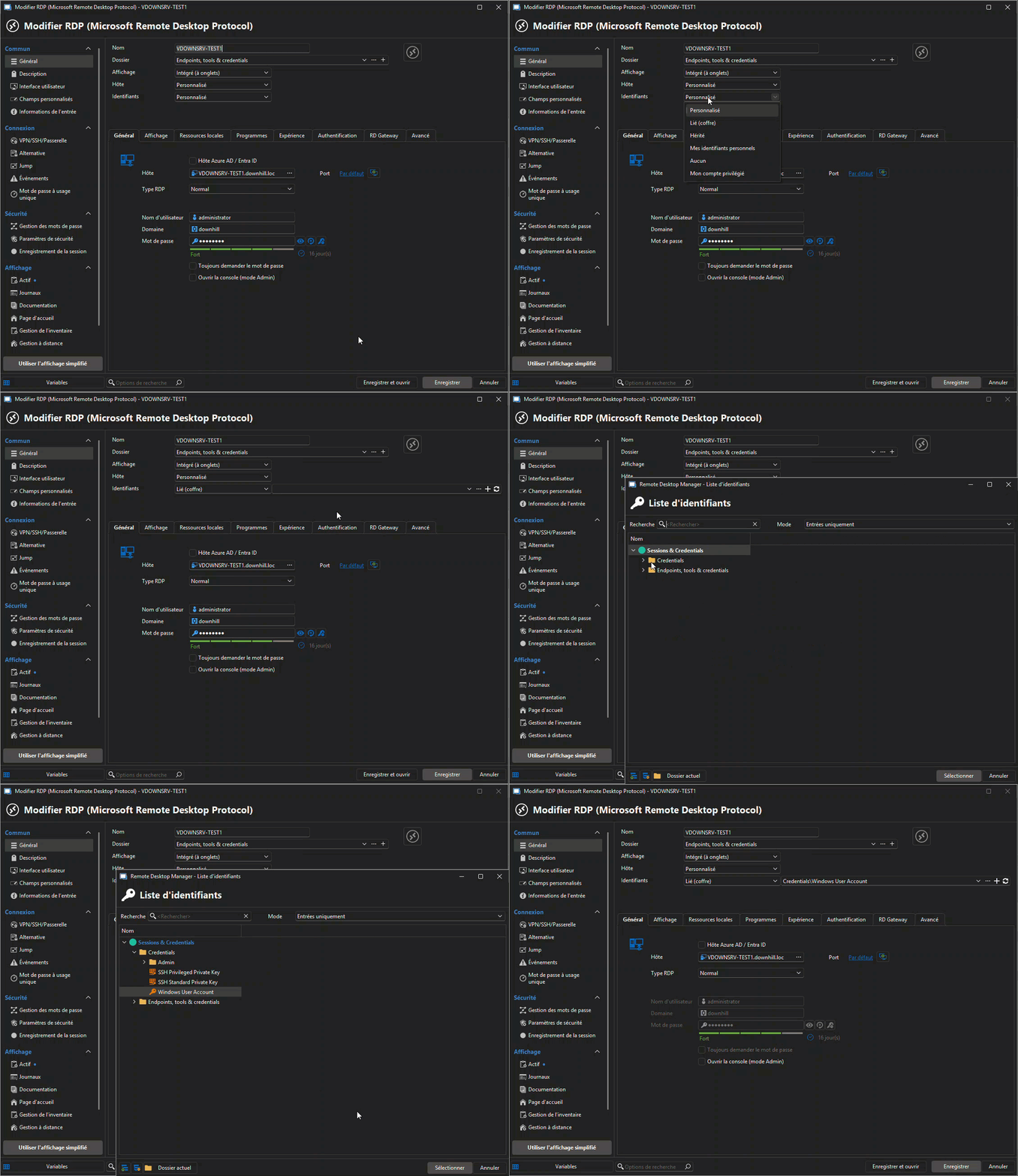
Découvrez RDM Free en action – 90 secondes
Tarification
RDP
Remote Desktop Protocol
Dossiers
Organiser les connexions
Identifiants
Stockage sécurisé
Autres protocoles
SSH, VNC, etc.
Client multiplateforme
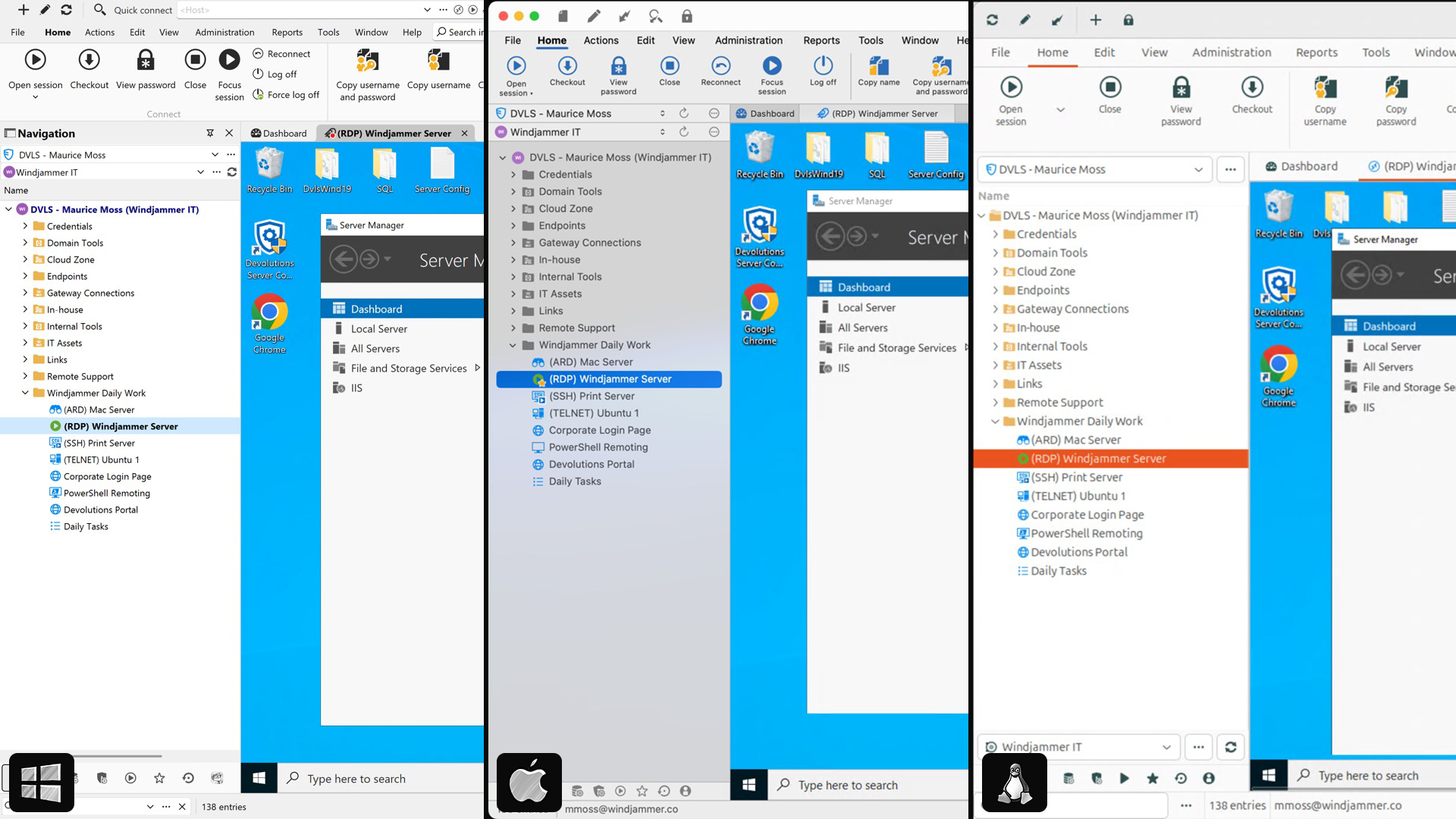
Windows, macOS, Linux, mobile
Métadonnées
Étiquettes, images, couleurs, etc.
Versions RDP
V8, v9, v10+, etc.
Chiffrement des métadonnées
Mesures de sécurité avancées
RDM
Gratuit
RDCMan
Gratuit
- —
- —
- —
- —
- —
Mremoteng
Gratuit
- —
- —
- —
Royal TS
Gratuit
- —
- —
MobaXterm
Gratuit
- —
- —
- —
- —
Rocket RD
$$$
- —
- —
- —
Rd tabs
Gratuit
- —
- —
- —
- —
- —
Securecrt
$$
- —
- —
- —
Termius
Inscription
- —
- —
- —
Travail d'équipe?
Voyez comment l'édition équipe s'appuie sur RDM Free.
Fonctionnalité
Gestion des sessions à distance
Coffre d'identifiants
Mode hors ligne
Collaborer avec plusieurs utilisateurs
Contrôle d'accès basé sur les rôles
Partage de sources de données
Édition solo
- —
- —
- —
Édition équipe

Trusted by over 1M IT pros worldwide


“I've been using RDM for many years now. Started with the free version and once I moved over to the Enterprise version, I couldn't move back. If you work in Information Technology and manage a lot of remote connections, you NEED Remote Desktop Manager!”
– Ben L, Consulting Systems Engineer
“For me, Remote Desktop Manager is a must. I don't need to remember or check address and credential for every machine/site I need to be connected (or create many RDP shortcuts on desktop), my work is simplified. RDP also keeps a connections log.”
– Sara A, Information Technology and Services
“it is really an amazing product! you just got all your connections in one place! the best tool for MSP support engineers like our case.”
– Federico G. Support Engineer, Business Owner, SMB
Connexions à distance — organisées et sécurisées.
Téléchargez RDM Free dès aujourd’hui.
Devolutions Remote Desktop Manager Free
Licences et éditions
L'édition solo est-elle vraiment gratuite?
Oui! L'édition solo est entièrement gratuite pour un usage individuel, sans limite de temps ni frais cachés.
Puis-je l'utiliser au travail?
Oui — si vous êtes la seule personne à utiliser l'outil et que vous n'avez pas besoin de partager des sessions ou des identifiants avec d'autres, l'édition solo est un excellent choix, même dans un contexte professionnel.
Si vous travaillez en équipe ou avez besoin d'un partage centralisé des données, d'un contrôle d'accès basé sur les rôles ou de la collaboration, nous vous recommandons l'édition Équipe.
Puis-je passer à l'édition Équipe plus tard?
Absolument. Vous pouvez passer à l'édition Équipe à tout moment sans perdre vos données.
Sécurité et accès
Comment mes données sont-elles stockées dans l'édition solo?
Avec l'édition solo, vous pouvez choisir où vos données sont stockées :
- Localement sur votre appareil * Dans le nuage avec Devolutions Hub Business Free * Dans le nuage avec Devolutions Hub Personal (optionnel et gratuit) Dans tous les cas, vos données sont protégées par des méthodes de chiffrement robustes et les meilleures pratiques de sécurité. Vous gardez le plein contrôle de votre configuration et pouvez changer de type de stockage à tout moment.
Administration et fiabilité
L'édition solo inclut-elle la synchronisation ou la sauvegarde infonuagique?
Pas par défaut. Si vous avez besoin de stockage infonuagique ou de sources de données centralisées, envisagez Devolutions Hub ou la mise à niveau vers l'édition Équipe.
Le support est-il disponible pour les utilisateurs de l'édition gratuite?
Le support communautaire est disponible via notre forum en ligne actif.