 Max Trottier
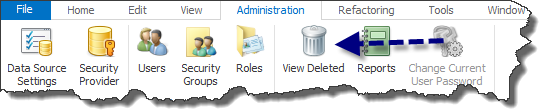
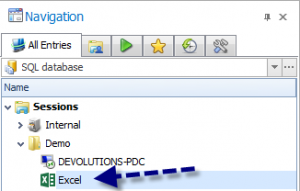
Hi everyone, Did you know that in Remote Desktop Manager, there is a feature that allows you to restore deleted entries? When an entry is deleted, Remote Desktop Manager in fact performs what is called a “soft” delete, it is not completely deleted. You can restore your deleted entries in Administration - View Deleted. For example, if you delete this excel entry by mistake, you will go in View Deleted to restore it.
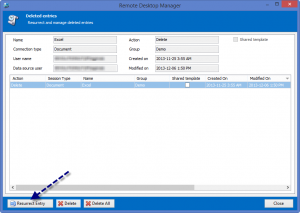
In the Deleted entries management window, you will select the desired entry and select Resurrect Entry.
You entry will be restored and appear at the same place as it was previously in your Navigation Pane.
We hope you enjoy this feature.
The Devolutions Team

 Marc-Andre Moreau
 Laurence Cadieux