 Anne-Marie Mongeon
Hey guys,
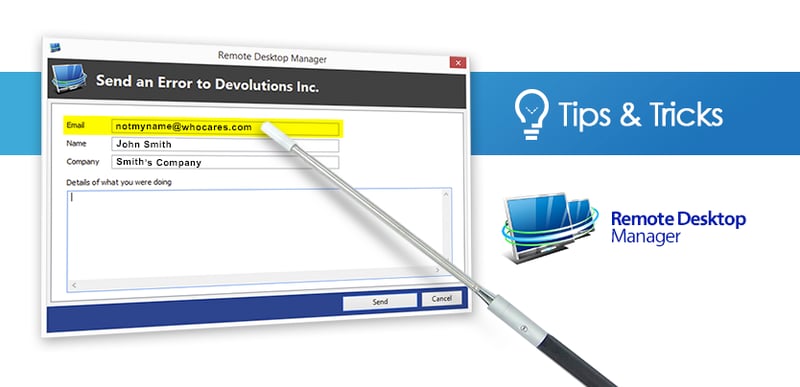
Today we’d like to highlight the importance of including your REAL email address when sending out an error report. Why? Many times we already have the solution or at least a workaround for you. We also sometimes need to contact you to reproduce the error and get more info about your environment. Therefore, contacting you by email is absolutely ESSENTIAL to provide world-class support to you RDM users.
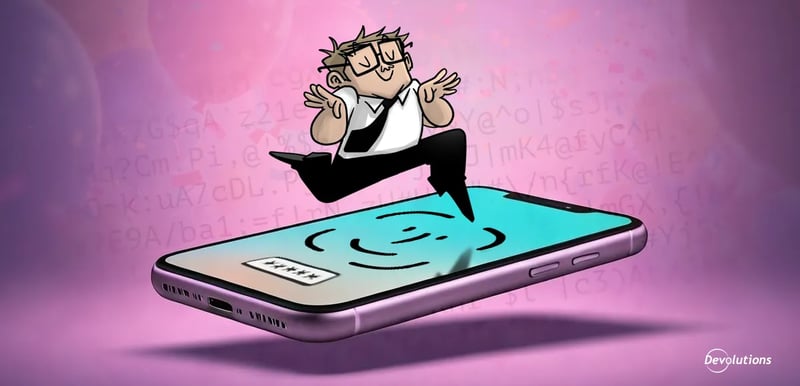
We work hard on making Remote Desktop Manager to most robust solution in the industry and unlike the Sysadminotaur below, error reports actually do end up on our desk and we make sure to answer e-v-e-r-y single one of them. Honestly, it’s frustrating to work on an error report and not being able to validate the solution with you when you don’t provide a valid email address.
Give as much information as possible
The strength of Remote Desktop Manager comes in great part from its community of users and we depend on you to not only send in those reports, but to do it with as much information as possible:
- The feature that you were using;
- The steps that you performed to get the error;
- Has this error occurred more than once;
- Are you the only one inyour team to have the error;
- And of course, your EMAIL address!
Don’t’ worry and please keep in mind that we don’t store or share your email with any third party or add it to our database, so you won’t receive anything except the solution to the error report.
How to send an error report
You probably already know how to send error reports within Remote Desktop Manager, but if you want more info please visit our online help.
We’re counting on you on this one folks, add your email address and we’ll take care of the rest!
Cheers!
 Steven Lafortune

 Coralie Lemasson