












 Jenny Knafo
Summer is here, which means folks are trying to look their best. Time to work out, diet, and get a new hairdo!
Well, here at Devolutions, instead of working on our tan or hair, we’re hard at work making Remote Desktop Management look even better. And that’s why the latest version 12.5 includes several improvements; one of my favorites is the update we’ve made to the Inventory Report.
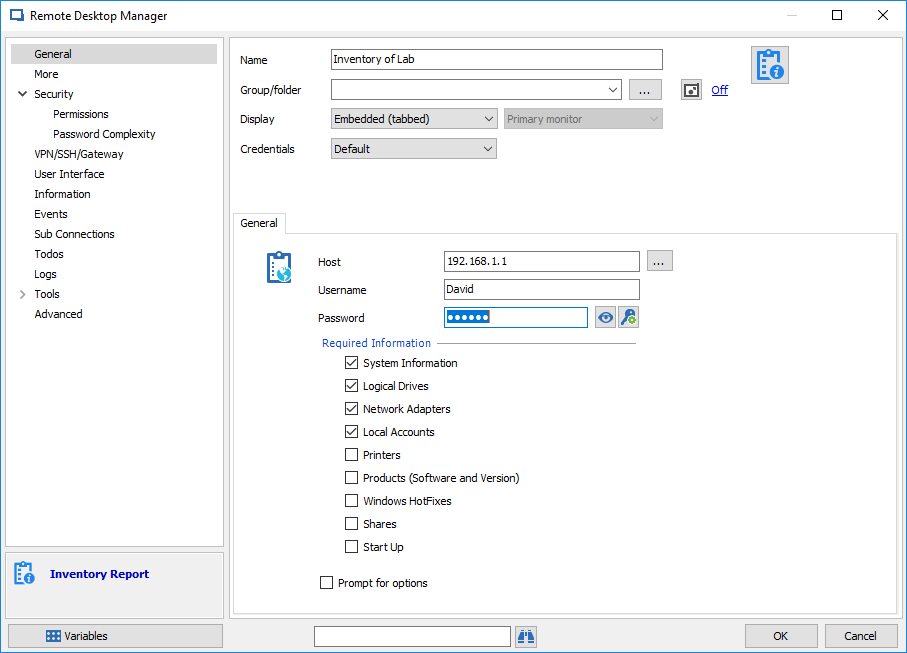
The Inventory Report, which is located under Tools – My Inventory, lets you choose from a list of required information (see screenshot below). It then generates a report detailing the inventory of your host computer.
What’s New
** **Each inventory report in RDM 12.5 now includes added details such as:
- MacOS support (inventory from a Mac)
- GPU
- Monitors
- Printers
- Memory
- Start-up applications
- Motherboard
- Inventory History
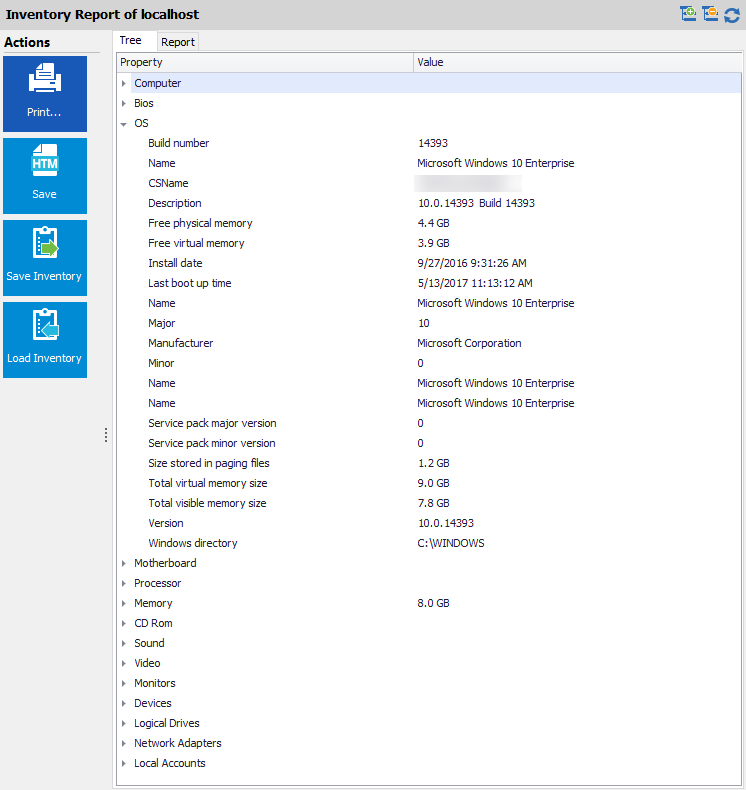
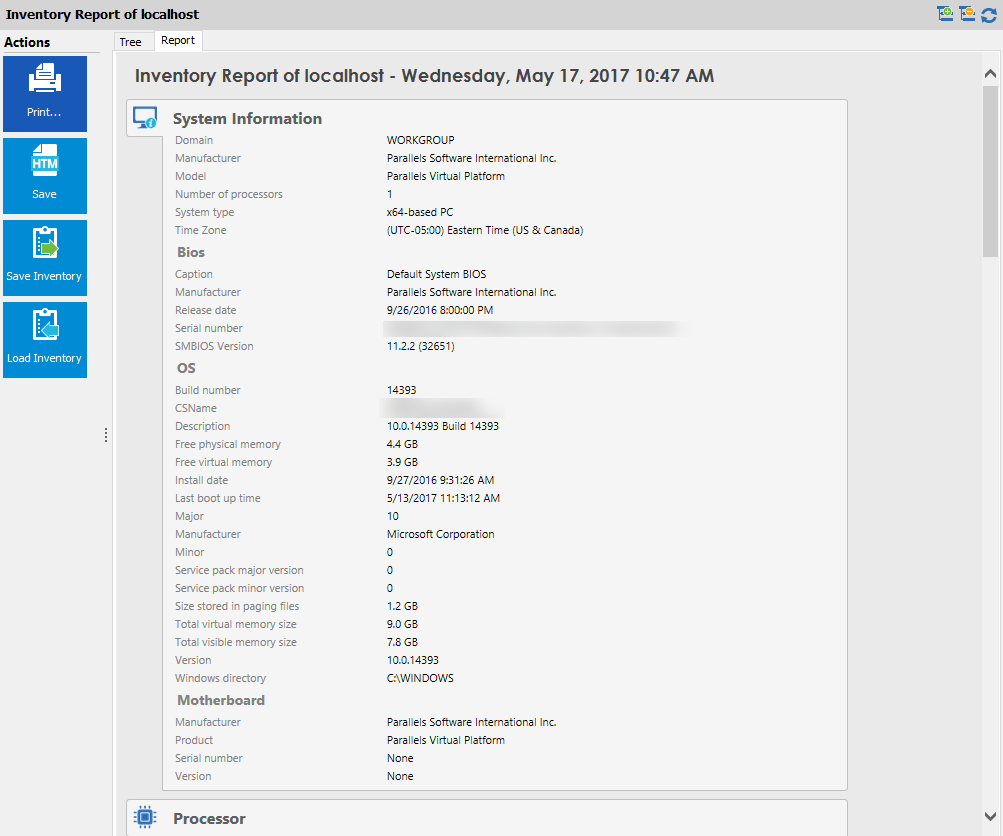
Once you’ve generated your inventory report, you’ll be able to view it in a list format or as a standard report. You can then print or save it for future reference.
As always, please let us know your thoughts by using the comment feature of the blog. You can also visit our forum to get help and submit feature requests.