Devolutions Send
Sharing secrets made quick, secure, and simple
Share secrets securely
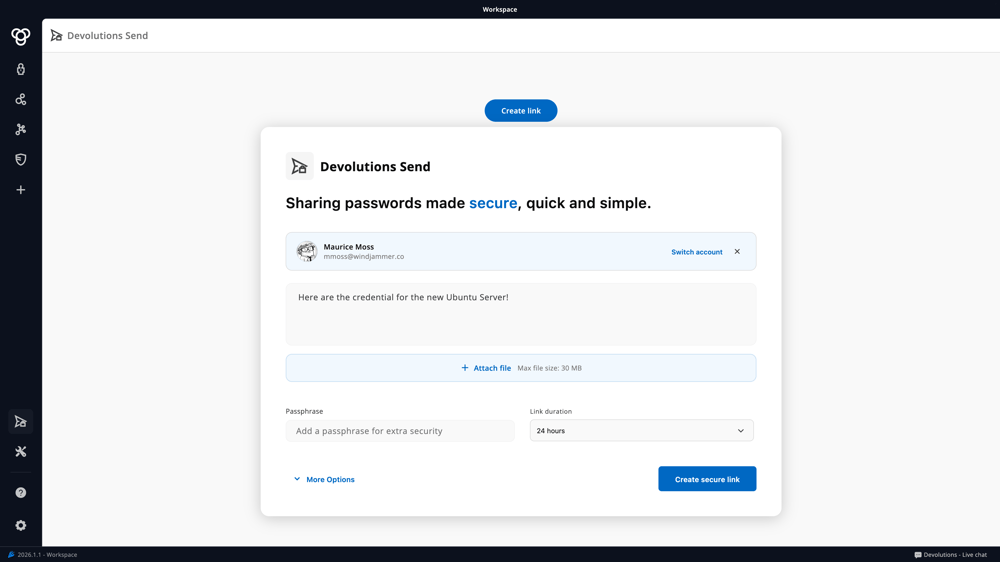
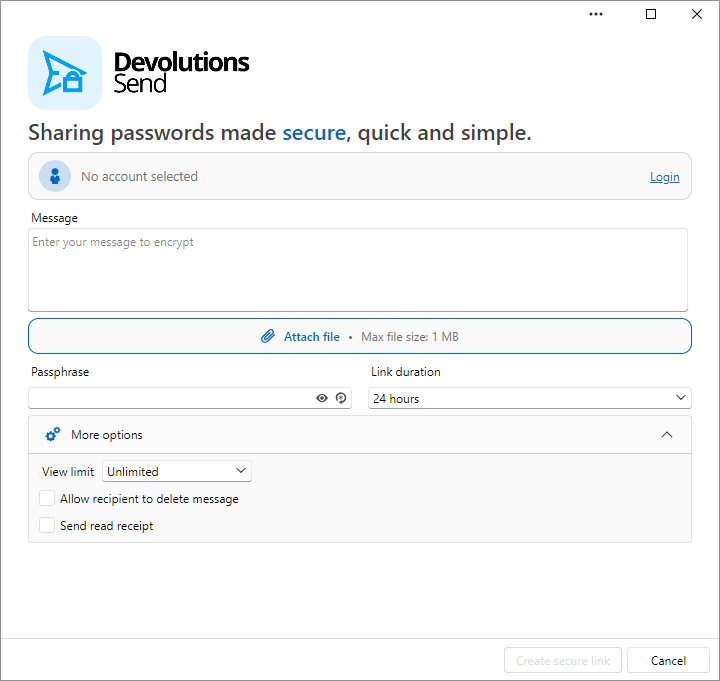
Devolutions Send is free for everyone. Enter your secret text or attach a file (up to 1 MB) and generate a secure link that automatically expires in one hour to one week. Have a Devolutions account? Upload files up to 30 MB.
Everything is encrypted client-side — your data stays hidden from everyone, including us. Stop sharing passwords in chat and sensitive notes in the open — send a secure link instead.
Secure features

Encrypted file transfer
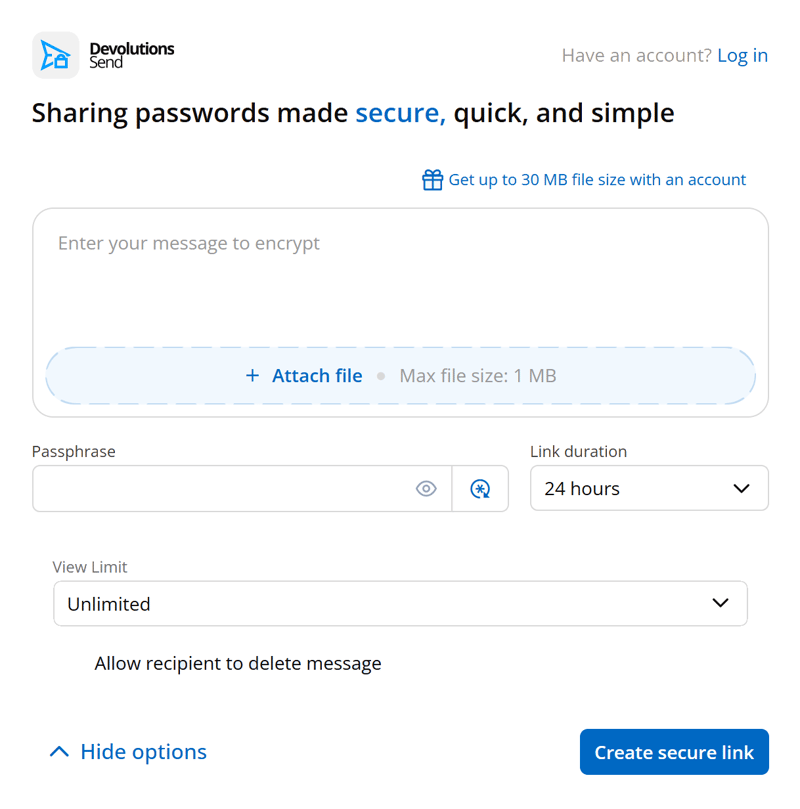
Devolutions Send isn't just for text — you can also attach and transfer files securely. Anyone can send files up to 1 MB without an account; sign in with a Devolutions account and send files up to 30 MB.
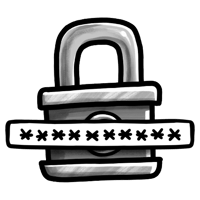
Flexible link passphrase-protection
Add an extra layer of security by protecting your link with a passphrase. Only recipients who have it can access the content, preventing it from falling into the wrong hands.

Configurable link durations
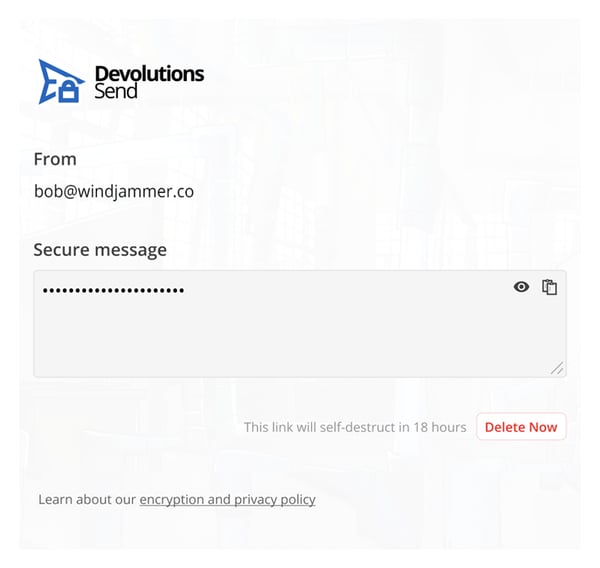
Choose how long your link stays active — from as little as one hour to up to one week. Once expired, the link and its content are permanently gone.

Let recipients delete the link
Give your recipient the option to permanently delete the link before it expires — ideal for sensitive text or files.
Learn about the tech behind Devolutions Send
Encryption
Based on the open-source Devolutions Crypto library, the standalone encryption algorithm uses XChaCha20Poly1305 with random nonces.
Links
GUID (UUID) v4 is used for link uniqueness only.
Memory safe
Encryption runs in-browser via a memory-safe Rust program compiled to WASM (WebAssembly).
Strong cipher set
Payloads are stored encrypted at rest and in transit with TLS1.2+ through a strong cipher set.
Devolutions Send — Integrated Across All Our Products
Devolutions Send is built into every Devolutions product, so you can share secrets securely without ever switching tools.
Devolutions Server & Cloud
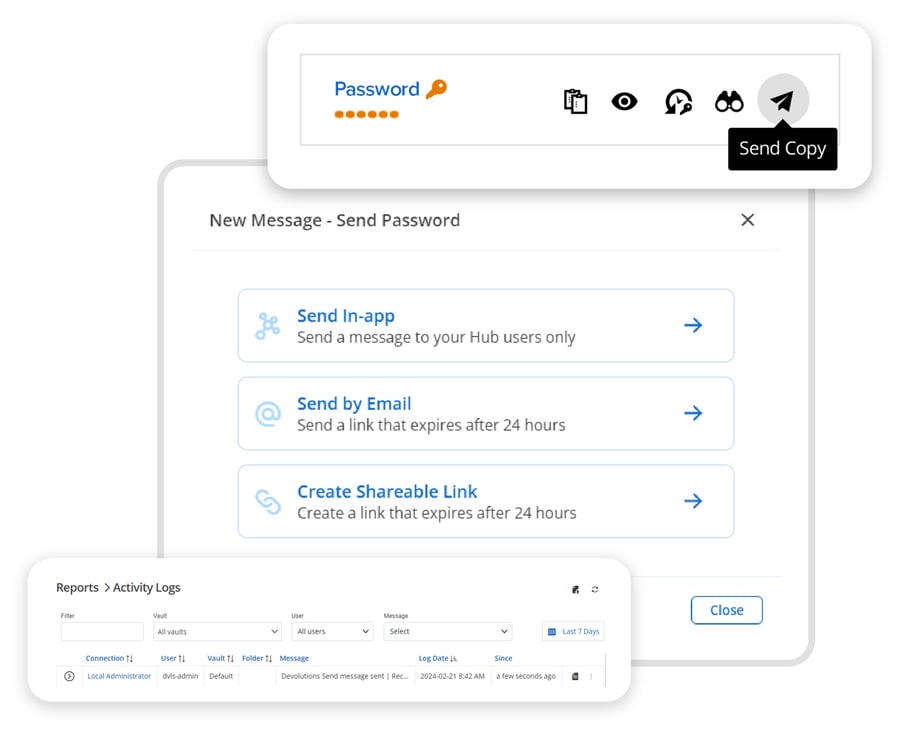
Send passwords via secure in-app messaging, email external contacts directly from an entry, or generate a shareable link to securely share secrets outside your organization. Authenticated users can attach files up to 30 MB.
Remote Desktop Manager
Create secure links and send secrets via in-app messaging directly from RDM, across all workspace types — keeping your workflow fast and everything in one place.
Devolutions Password Manager
Send secrets wherever they need to go, directly from Devolutions Password Manager — your central hub for managing all your DVLS and Devolutions Cloud connections.