











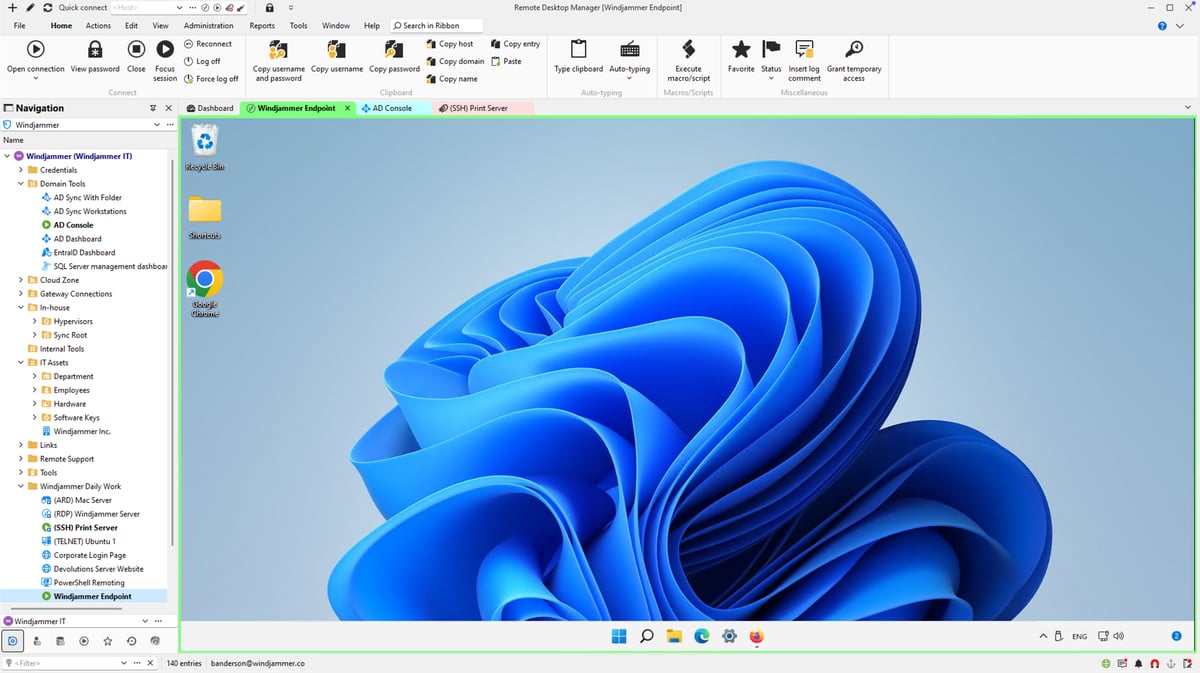
The best all-in-one remote connection and credential management tool for IT pros
Manage all your RDP, VNC, SSH, ARD, and other remote connections, passwords, and credentials in one secure place — for free.
Built for solo IT users, freelancers, and tech enthusiasts
Use Remote Desktop Manager Free to:
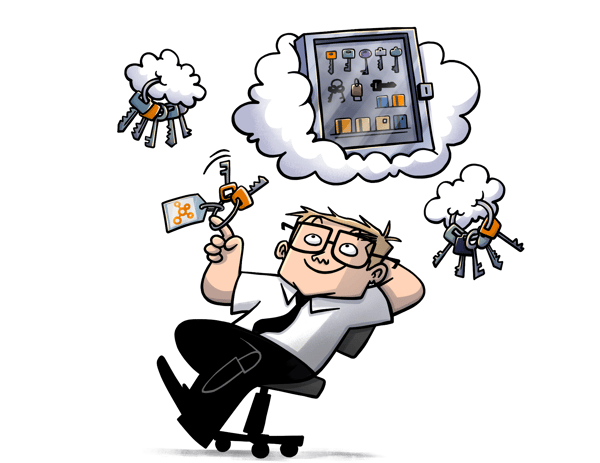

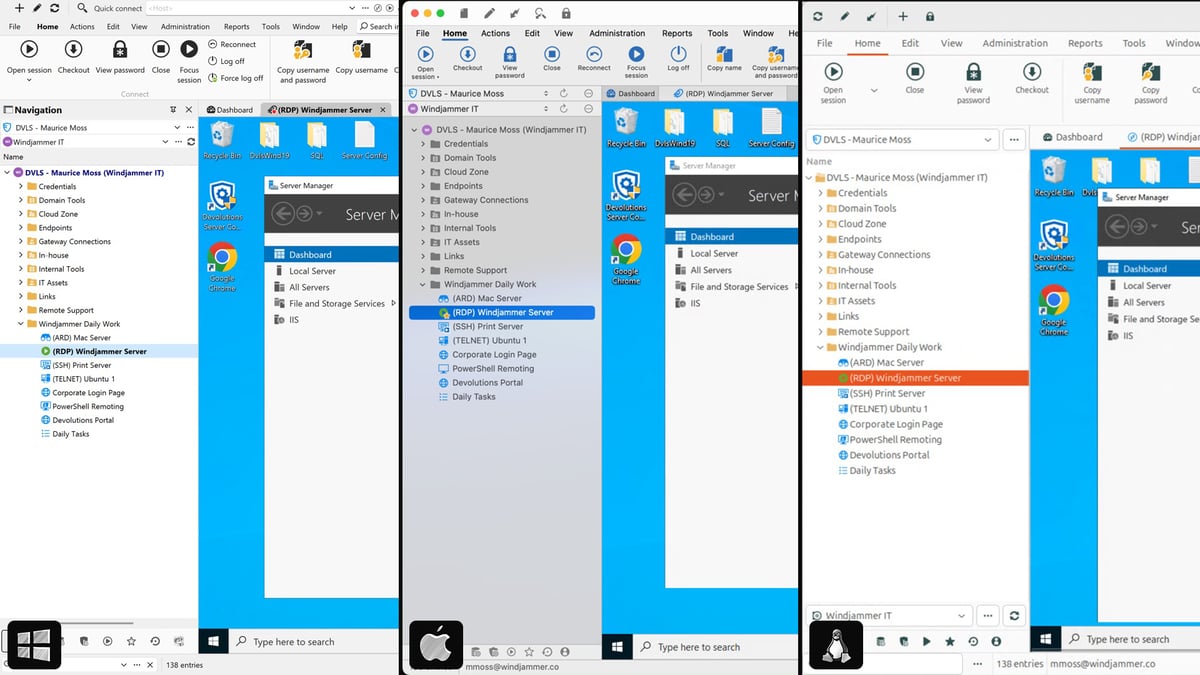
Your connections, anywhere you go.
Store your sessions in a Devolutions Cloud workspace and access them from any workstation. No file sync, no VPN, no hassle.
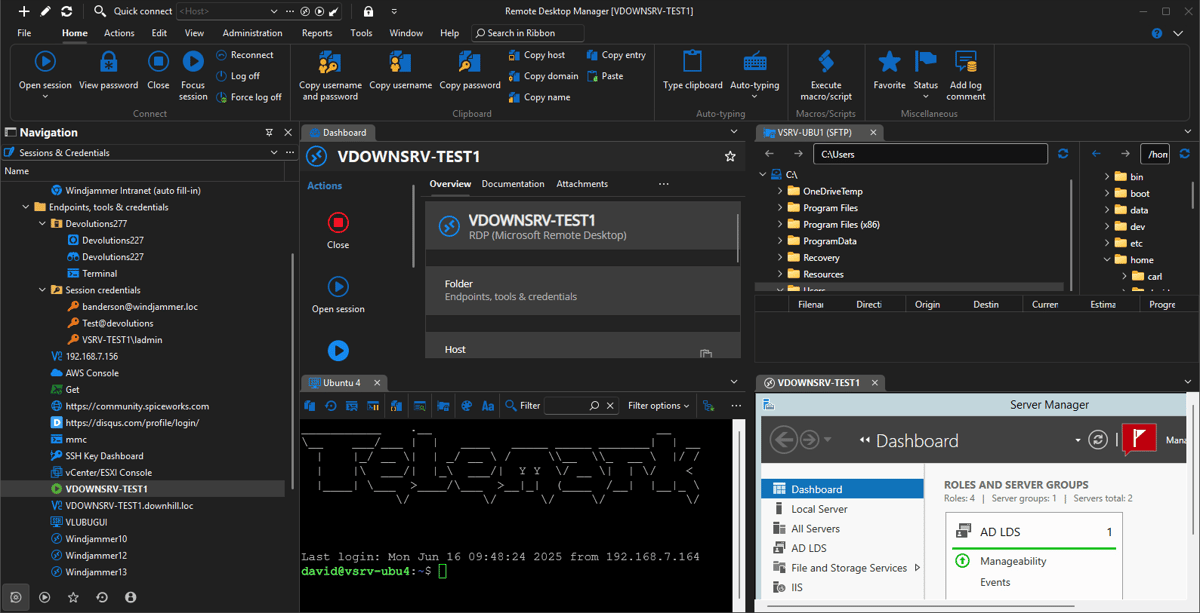
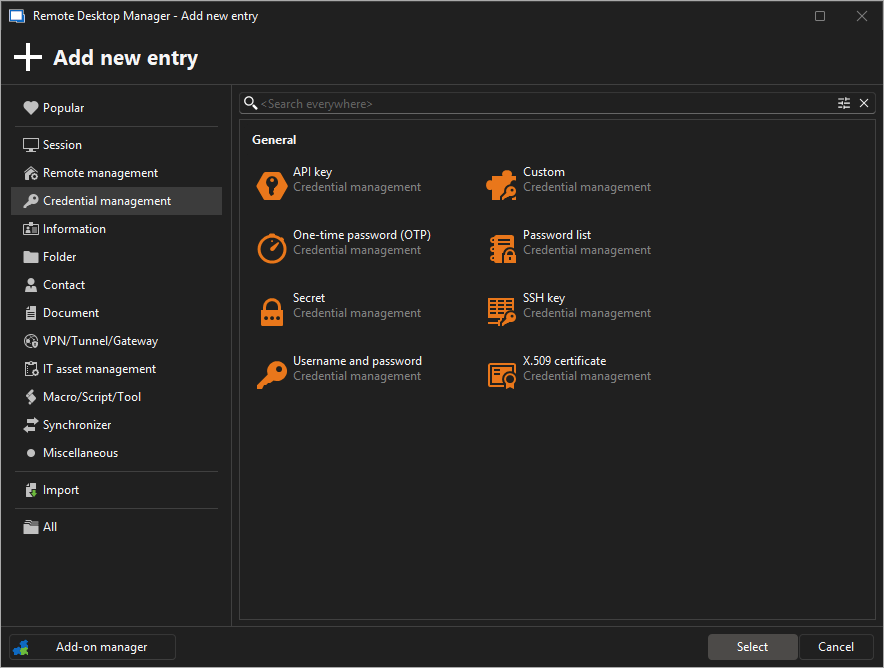
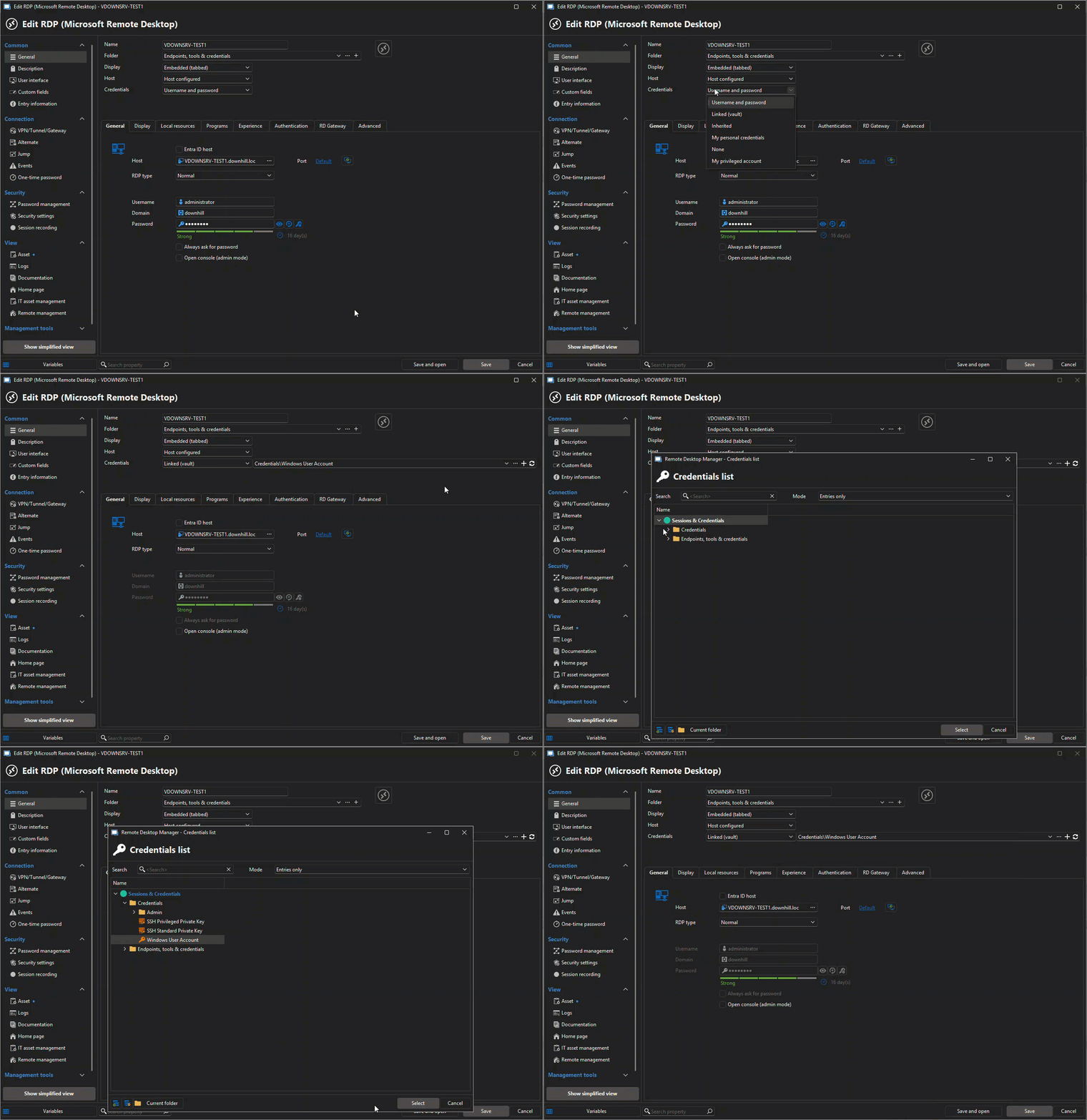
See it in action — 90 seconds
Working in a team?
See how RDM builds on RDM Free.
Need help choosing your edition?
| RDM Free | RDM | |
|---|---|---|
| Remote session management | ||
| Credential vault | ||
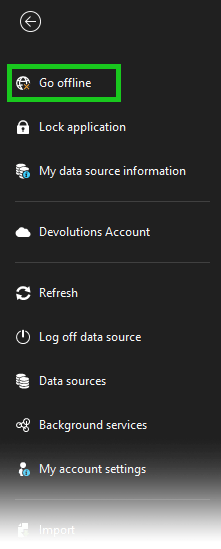
| Offline mode | ||
| Multi-user collaboration | — | |
| Role-based access control | — | |
| Workspace sharing | — |

Trusted by over 1M IT pros worldwide


“I've been using RDM for many years now. Started with the free version and once I moved over to the Enterprise version, I couldn't move back. If you work in Information Technology and manage a lot of remote connections, you NEED Remote Desktop Manager!”
– Ben L, Consulting Systems Engineer
“For me, Remote Desktop Manager is a must. I don't need to remember or check address and credential for every machine/site I need to be connected (or create many RDP shortcuts on desktop), my work is simplified. RDP also keeps a connections log.”
– Sara A, Information Technology and Services
“it is really an amazing product! you just got all your connections in one place! the best tool for MSP support engineers like our case.”
– Federico G. Support Engineer, Business Owner, SMB
Devolutions Remote Desktop Manager Free
Licensing and editions
Is the solo edition really free?
Yes! The solo edition is completely free for individual use, with no time limits or hidden fees.
Can I use it at work?
Yes — if you're the only person using the tool and you don't need to share sessions or credentials with others, the solo edition is a great fit, even in a professional environment.
If you work in a team or need centralized data sharing, role-based access, or collaboration, we recommend the team edition.
Can I upgrade to the team edition later?
Absolutely. You can switch to a team edition anytime without losing your data.
Security and access
How is my data stored in the solo edition?
With the solo edition, you can choose where your data is stored:
- Locally on your device * In the cloud using Devolutions Cloud In all cases, your data is protected using strong encryption methods and security best practices. You stay in full control of your setup and can switch storage types at any time.
Administration and reliability
Does the solo edition include cloud sync or backup?
Not by default. If you need cloud storage or centralized data sources, consider Devolutions Cloud or upgrading to the team edition.
Is support available for free edition users?
Community support is available via our active online forum.