











 Coralie Lemasson
As we step into 2025, it’s a great time to focus on resolutions that strengthen an organization’s cybersecurity strategy. Enforcing cybersecurity best practices, like the use of a reliable password manager, is essential and should be a year-round priority for organizations. Devolutions Cloud was built to safeguard not only usernames and passwords but also a variety of critical secrets, without impeding productivity. Here’s how Cloud can enhance security and efficiency within your workplace.
1. Alarm codes
In Devolutions Cloud, the user vault is ideal for protecting personal work-related details, such as a building alarm code or door code. Employees can keep their unique codes secure, while universal access codes can be stored in a shared vault. By securely storing these codes in Cloud instead of on sticky notes, your organization can minimize the chances of unauthorized access to your facilities.
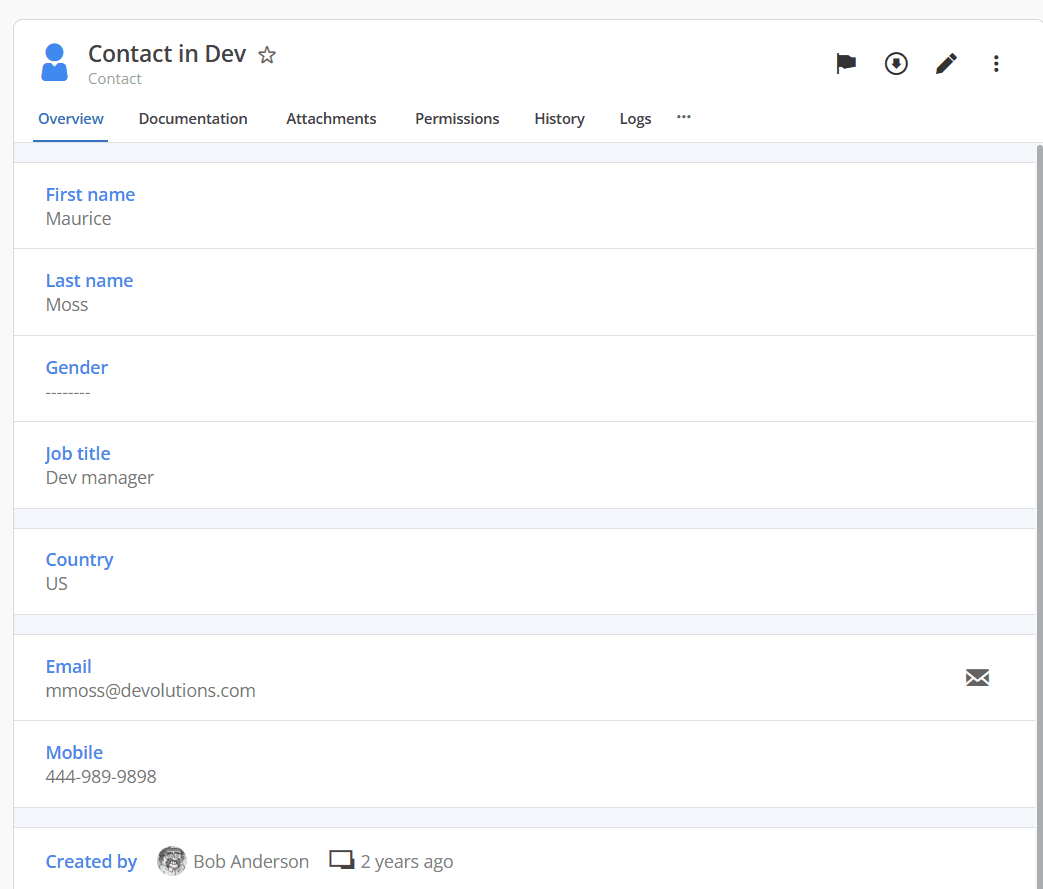
2. Contact information
Support teams, administrative staff, and account managers can rely on Cloud to securely store essential contact information for clients, vendors, and other stakeholders. Safely organizing phone numbers, email addresses, and physical addresses within Cloud ensures quick access to current contact details, improving workflow without sacrificing security.
3. Financial information
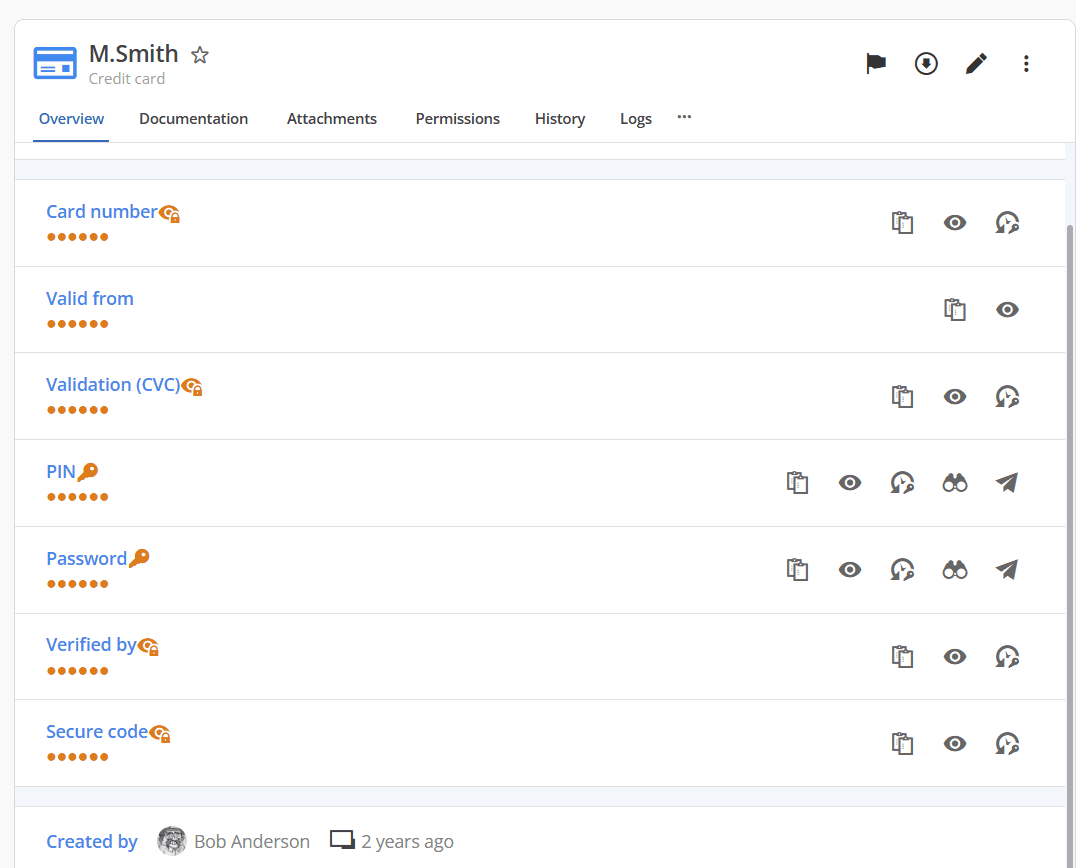
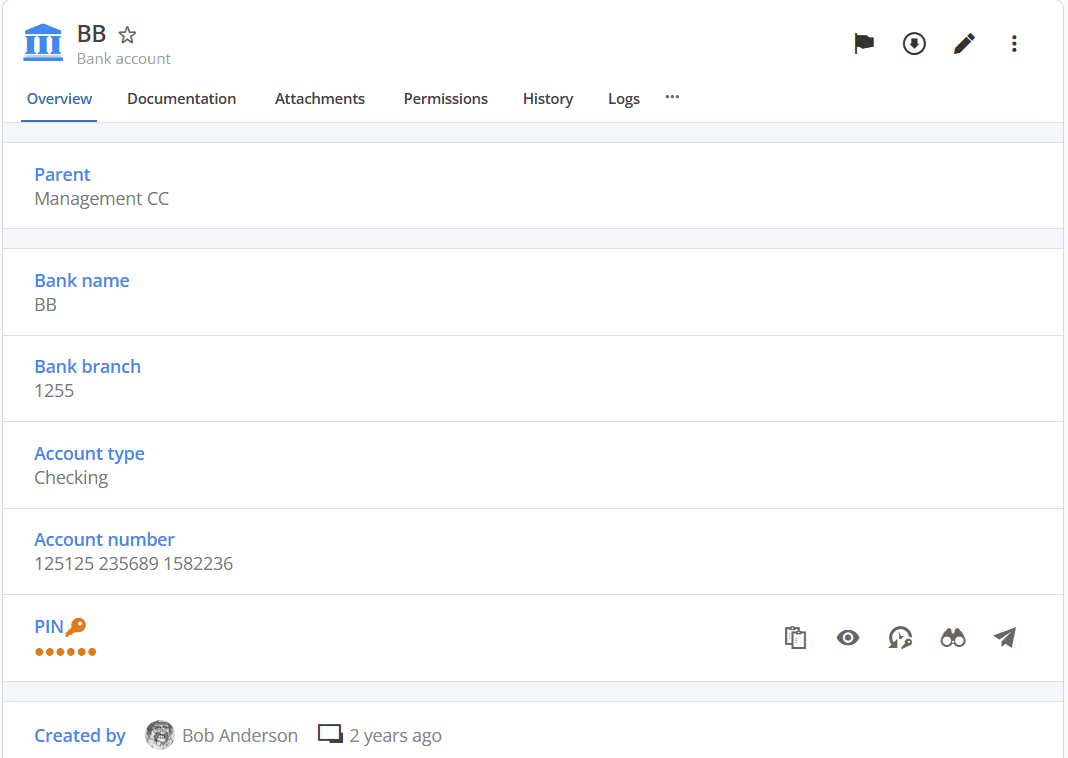
Financial details are a prime target for cyber threats, and Cloud provides the necessary defense to protect sensitive data. Purchasing departments can confidently store bank account and credit card details in Cloud, knowing both are encrypted and centrally organized for easy retrieval, facilitating secure and efficient transactions.
4. Documents and secure notes
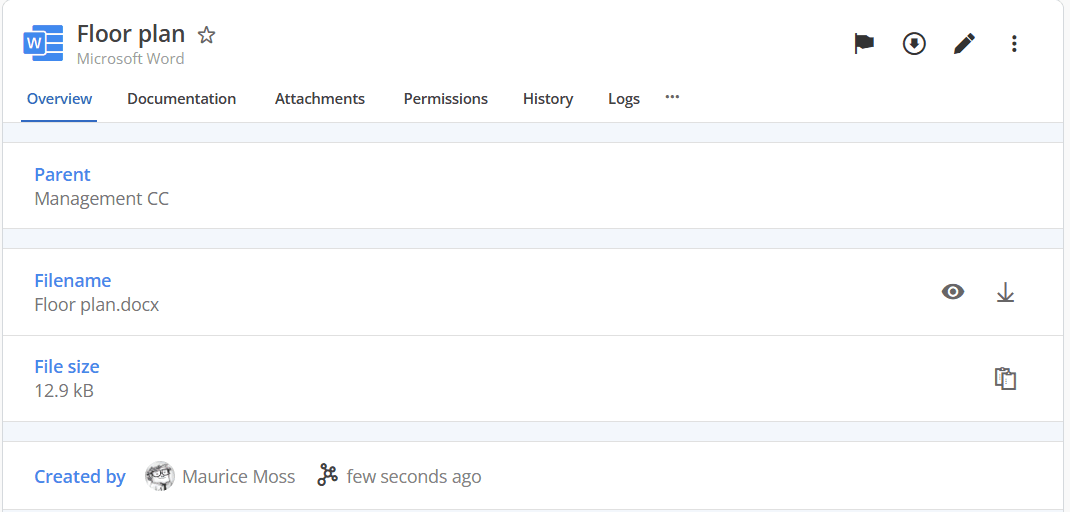
Critical business documents, confidential notes, and network diagrams require robust protection. Cloud’s document and secure note entries provide a safe space for storing and organizing strategic information, ensuring that confidential company insights remain secure and only accessible to authorized users.
5. Software licenses
Tracking down software licenses spread across various systems is a common challenge. Cloud resolves this by offering a dedicated entry type for software licenses. This entry type allows you to securely store and organize all your licenses in Cloud, allowing teams to easily access and manage licenses when reinstallations or renewals are needed.
6. Service account credentials
Managing numerous service accounts can quickly become overwhelming. Cloud offers a secure solution for storing username/password combinations tied to service accounts, such as email accounts, administrative server accounts, shared SSH keys, shared secrets, and API keys, ensuring that all critical credentials are protected and accessible only by authorized personnel.
7. Website credentials
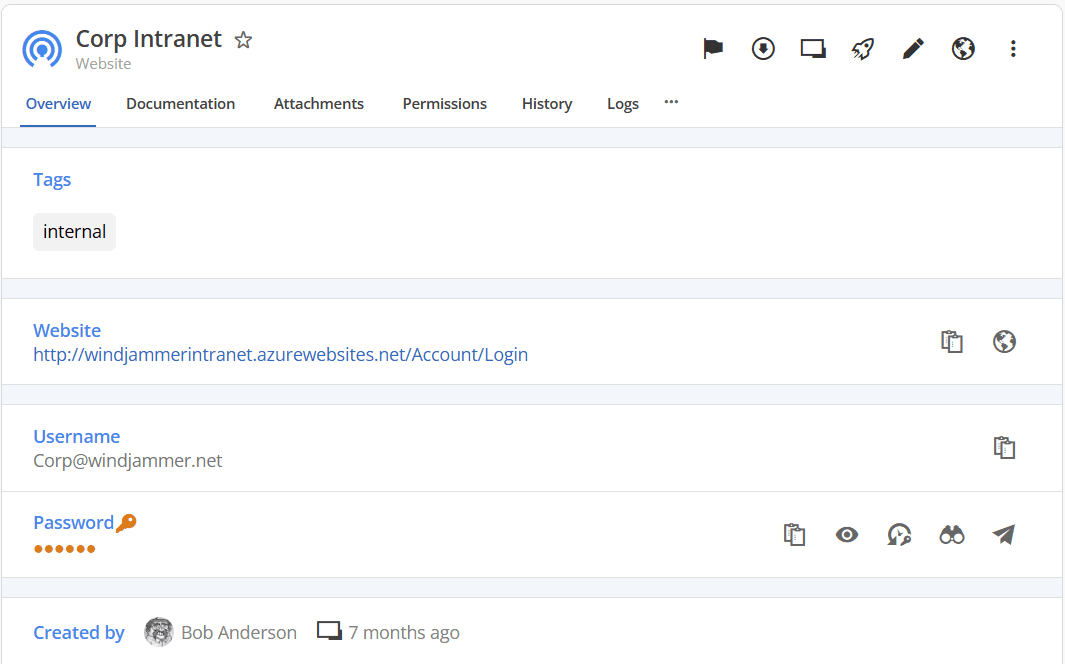
Website credentials, used by teams across various departments, can pose a security risk if improperly handled. Cloud provides a centralized, secure space to store shared sign-in details for social media accounts, internal tools, and online services that different departments, such as marketing or IT, frequently access.
Pro tip: Use the Workspace browser extension to automate the sign-in process!
8. PAM credentials
Privileged accounts hold the keys to your organization’s most sensitive data and resources. Devolutions Cloud offers advanced control over these privileged accounts with automatic password rotations, approval workflows, secure credential injection, and integration with Remote Desktop Manager (RDM), empowering teams to manage privileged access while maintaining security and efficiency.
9. Sessions
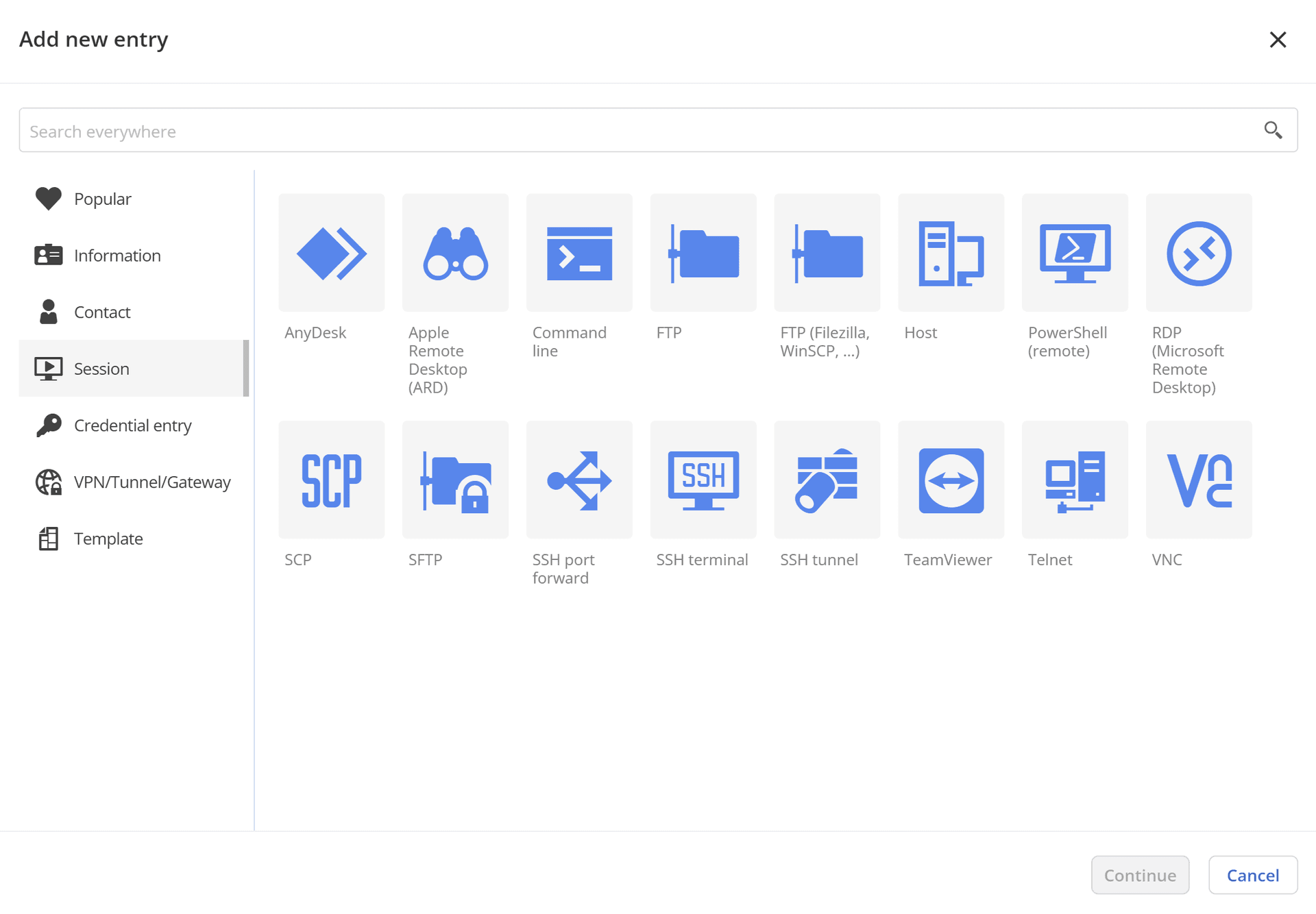
When it comes to storage, Cloud is in a league of its own. Unlike traditional password managers, Cloud not only stores session information but also launches remote sessions directly from a web client — without needing to switch to RDM. Cloud supports entries for some of the most popular remote protocols like RDP, SSH, VNC and ARD, all accessible from the web interface, simplifying access for external users (e.g. consultants, vendors, contractors, etc.) and offering an efficient alternative for internal users who don’t need RDM’s full feature set.
Tell us what you think
Does your organization use Cloud’s entry types in any innovative ways? Are there additional types of secrets that Cloud could help you manage even more efficiently? Share your thoughts in the comments section or join the conversation on the Devolutions Cloud forum!
About Devolutions Cloud
Devolutions Cloud is a secure, cloud-based password manager designed for IT teams and business users in small to medium-sized businesses (SMBs). Doubling as a cloud-based advanced data source for Remote Desktop Manager, this robust solution enables organizations to securely store and manage all their sensitive data — from passwords to building alarm codes — and consolidate remote connections, machine details, credentials, and more into a single, seamless experience.
Accessible via any browser through an intuitive web interface, as well as through the Devolutions Password Manager desktop app, mobile app, and browser extension, Cloud ensures ease of use without compromising on security.
Ready to give it a test drive? Try Devolutions Cloud for free for 30 days.