











 Marc Beausejour
Devolutions Send is a free way to share a password, a note, or a small file without putting the secret itself in chat or email. Type your message (or attach a file), and everything is encrypted client-side. Devolutions hosts the ciphertext and cannot read your secret.
Anyone can send a secret. A Devolutions account is optional; it only increases the file size limit.
| Usage | File attachment limit |
|---|---|
| No account (guest) | 1 MB |
| Devolutions account | 30 MB |
| Authenticated Send in Devolutions Server or Devolutions Cloud | 30 MB |
It is free, and you do not need Remote Desktop Manager to use the standalone website.
What’s new: Send now has two public regions
If you prefer your encrypted link to use the European server, choose the standalone European hostname:
- Canada: send.devolutions.com
- Europe (France): send.devolutions.eu
When using Devolutions Send within a Devolutions product, you do not need to remember which hostname to open. You can set the default region in the product.
- In Devolutions Cloud, the option is in
System Settings. - In Devolutions Server, the option is in
System Settings. - In Remote Desktop Manager, a local workspace sets the region in
Toolssettings. Cloud and Server workspaces inherit their respective region settings.
What Devolutions Send already gives you
Here is what every Send link already includes, whether you use it in a browser or an app, regardless of the region.
Client-side encryption. The payload is encrypted in the browser (or in the app) before it leaves your device. Devolutions hosts the ciphertext; we cannot read the secret.
A link instead of the secret. You share https://send.devolutions.com/… or https://send.devolutions.eu/…, not the password itself. The sensitive information stays behind the link.
Controls on every link:
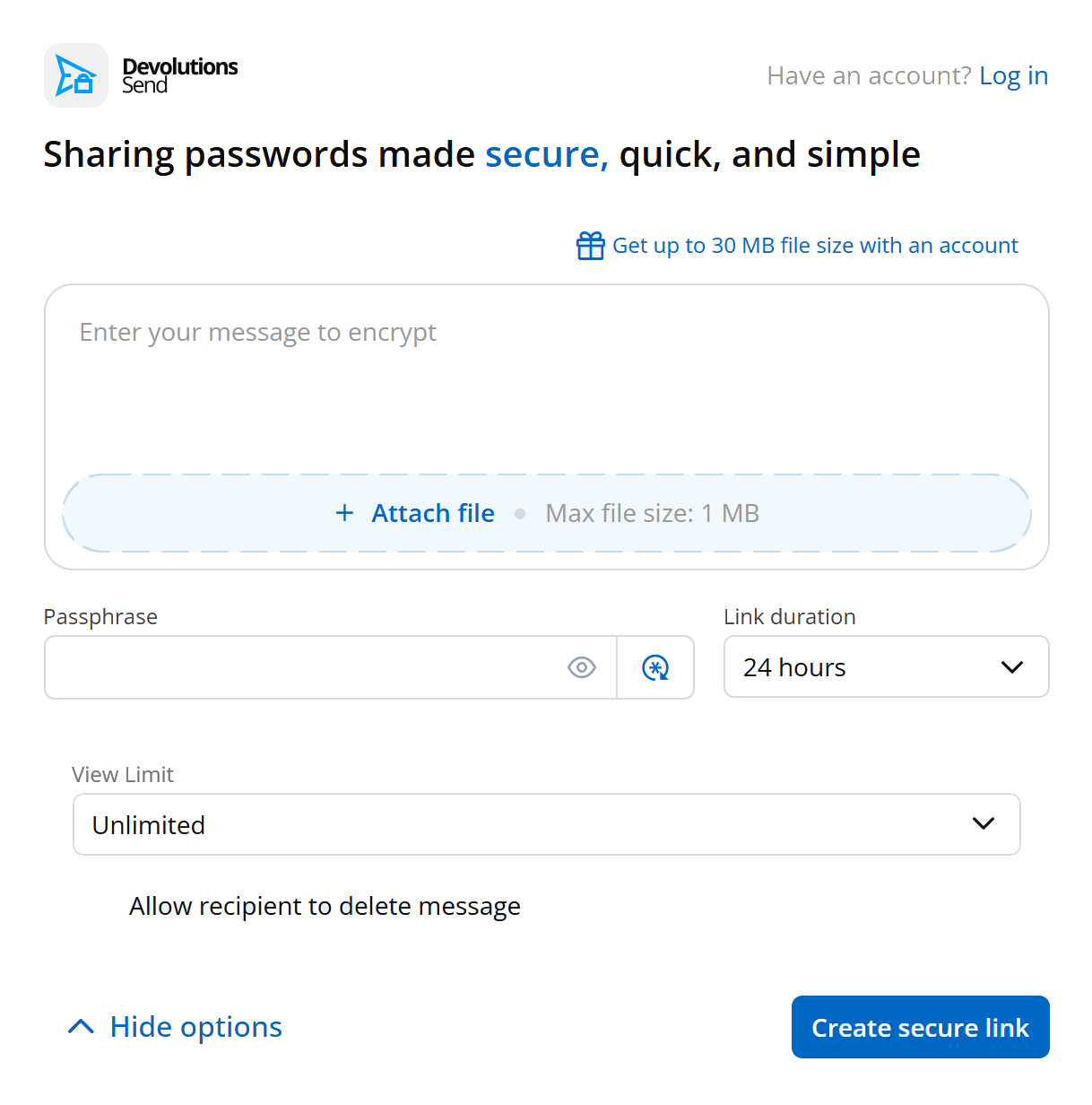
Passphrase: an extra secret the recipient must know to open the link. Optional if the recipient has a Devolutions account.Link duration: from as little as one hour to as long as one week on the standalone site.View limit: unlimited views, a single view, or a specific number of views.Allow recipient to delete message: the recipient can destroy the link before it expires.Send read receipt(in-app): an email when the link is opened.
Attach files, not just text. Attach a configuration file, a certificate, or a screenshot. The standalone service allows attachments of up to 1 MB for guests. A signed-in Devolutions account, or an authenticated session in Devolutions Server or Devolutions Cloud, increases the limit to 30 MB.
Where it shows up
In addition to the standalone websites, Devolutions Send is available within Devolutions products and tools:
- Remote Desktop Manager: from an entry, select the Send icon beside the password. From the
Toolsmenu, Devolutions Send provides the same experience as the standalone service. - Devolutions Password Manager: select the Send icon beside an entry password in Devolutions Cloud or Devolutions Server. You can also open the same standalone Devolutions Send interface from the
Toolsmenu. - Devolutions Server and Devolutions Cloud: select the Send icon beside the password. Depending on the available options, you can send the secret by email to an internal or external recipient, or create a shareable link.
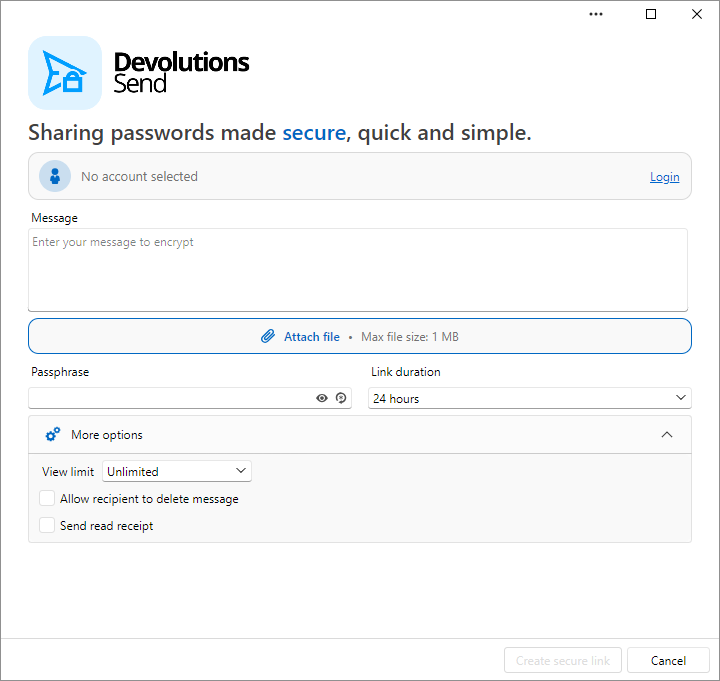
A SQL workspace in Remote Desktop Manager can still create a shareable link. Sending an in-app message by email requires a Devolutions Server or Devolutions Cloud workspace.
Try it now
The next time someone asks for a password in Slack, skip the paste. Open send.devolutions.com or send.devolutions.eu, create a link, and share that instead.
When using a Devolutions app, look for the Send icon beside the password field.
Resources
Have you tried the Europe region yet? Tell us in the comments.