












 Laurence Cadieux
Table of Contents
You might think that since winter is so harsh around here, that summer is when we relax a little and take it easy — but you’d be wrong! While the temperature is soaring outside, we are hard at work improving our roster of solutions. And the latest product to get a major update is also our newest: Devolutions Password Manager 2022.2.
About Devolutions Password Manager
Officially launched earlier this year, Devolutions Password Manager brings all of our mobile apps together into a single, centralized, cloud-based location. This makes mobile app access and management simpler and more efficient (similar to Office 365 and Google Workspace). Devolutions Password Manager is available for iOS and Android. Desktop apps for Windows and Mac will be released soon.
Includes Devolutions Server
Let’s get to the BIGGEST news first: Devolutions Password Manager now includes the Devolutions Server mobile app! It joins three other mobile apps that have been supported since day one:
- Devolutions Authenticator
- Devolutions Cloud
What’s New & Improved
Below we highlight some of the key additions and improvements in Devolutions Password Manager 2022.2 (grouped by mobile app).
Improvements to Devolutions Authenticator
New Sync Entry: push notifications now automatically sync on a new phone. Users do not have to do anything!
Improvements to Devolutions Cloud
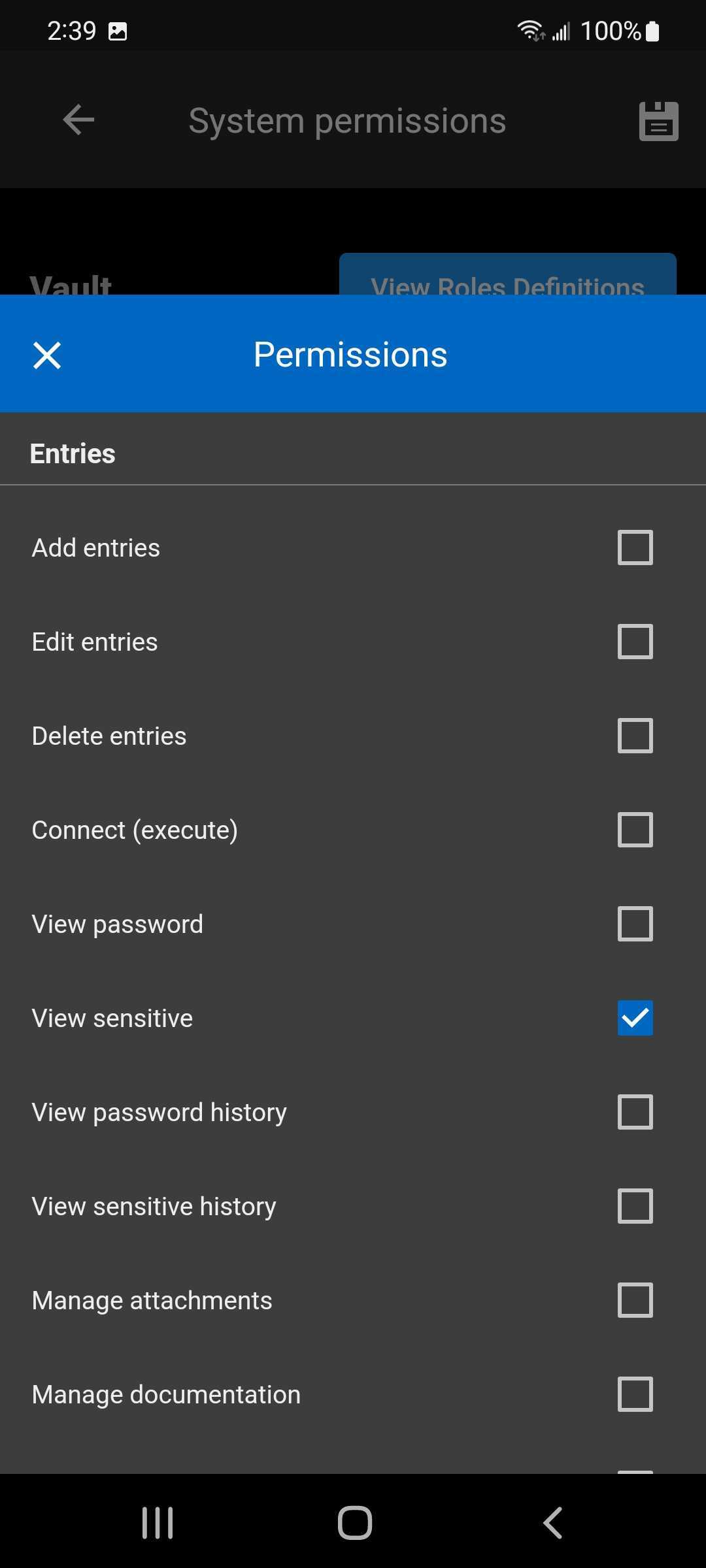
- Hide Sensitive Data: you can now select a new permission type called “View Sensitive,” which when toggled will block users from seeing sensitive information like credit card numbers, bank account details, secure notes, etc.
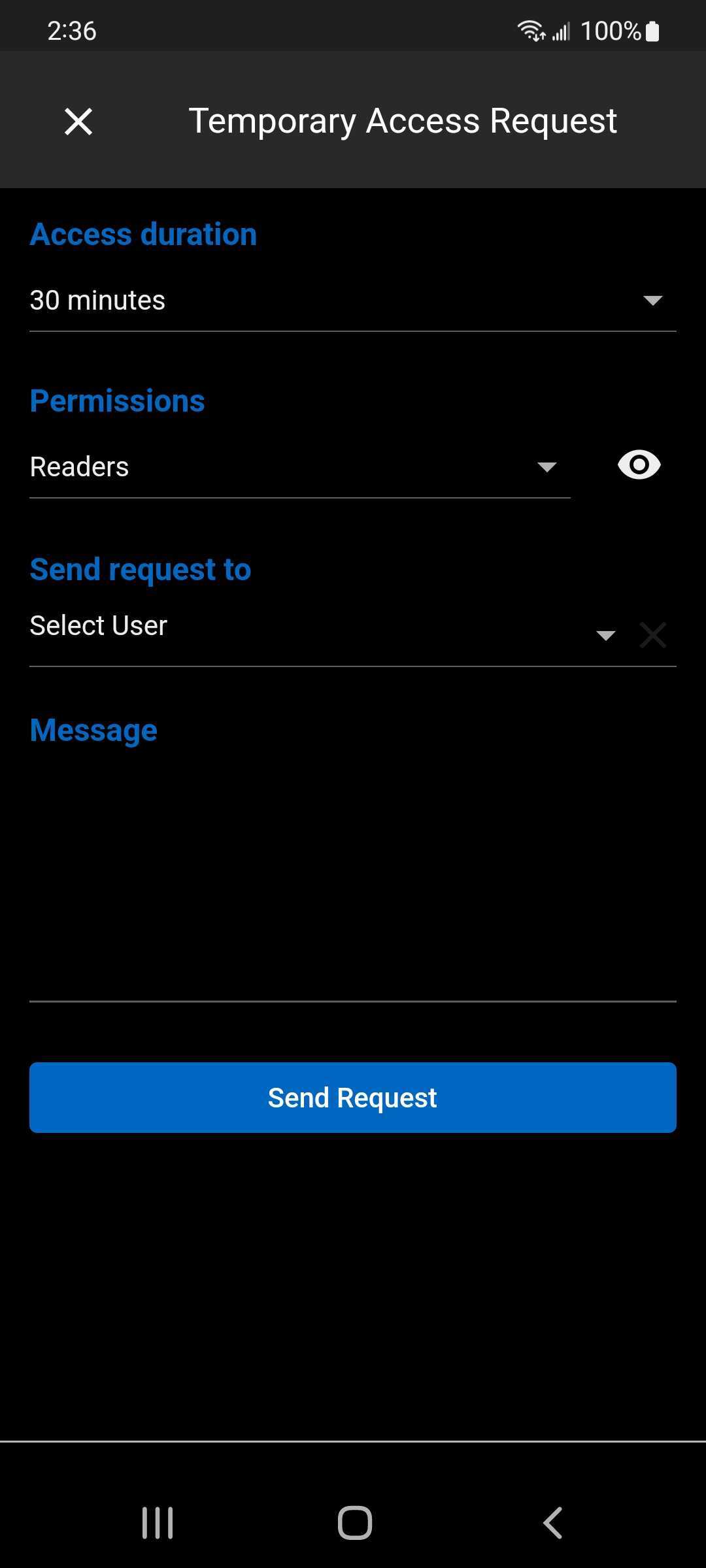
- New Temporary Access: when enabled, users must request elevated privileges for a specific period of time to carry out a task that is not typically part of their regular scope of work (e.g., open a session).
These new features in the Devolutions Cloud mobile app have already been added to the latest edition of the web-based client Devolutions Cloud 2022.2.
Improvements to Devolutions Server
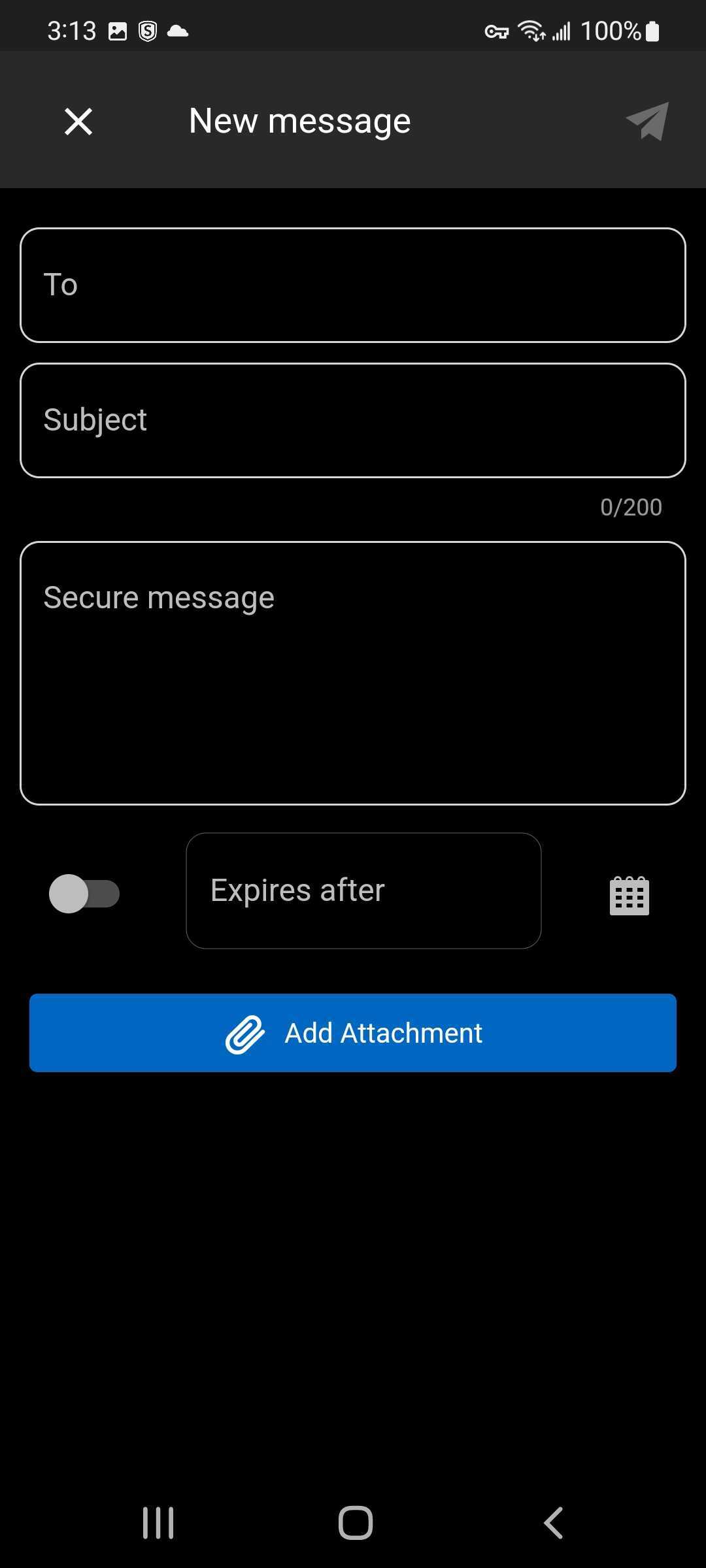
- New Secure Messages: read, reply, delete, mark all messages as read, and add attachments (e.g., credentials, images, files).
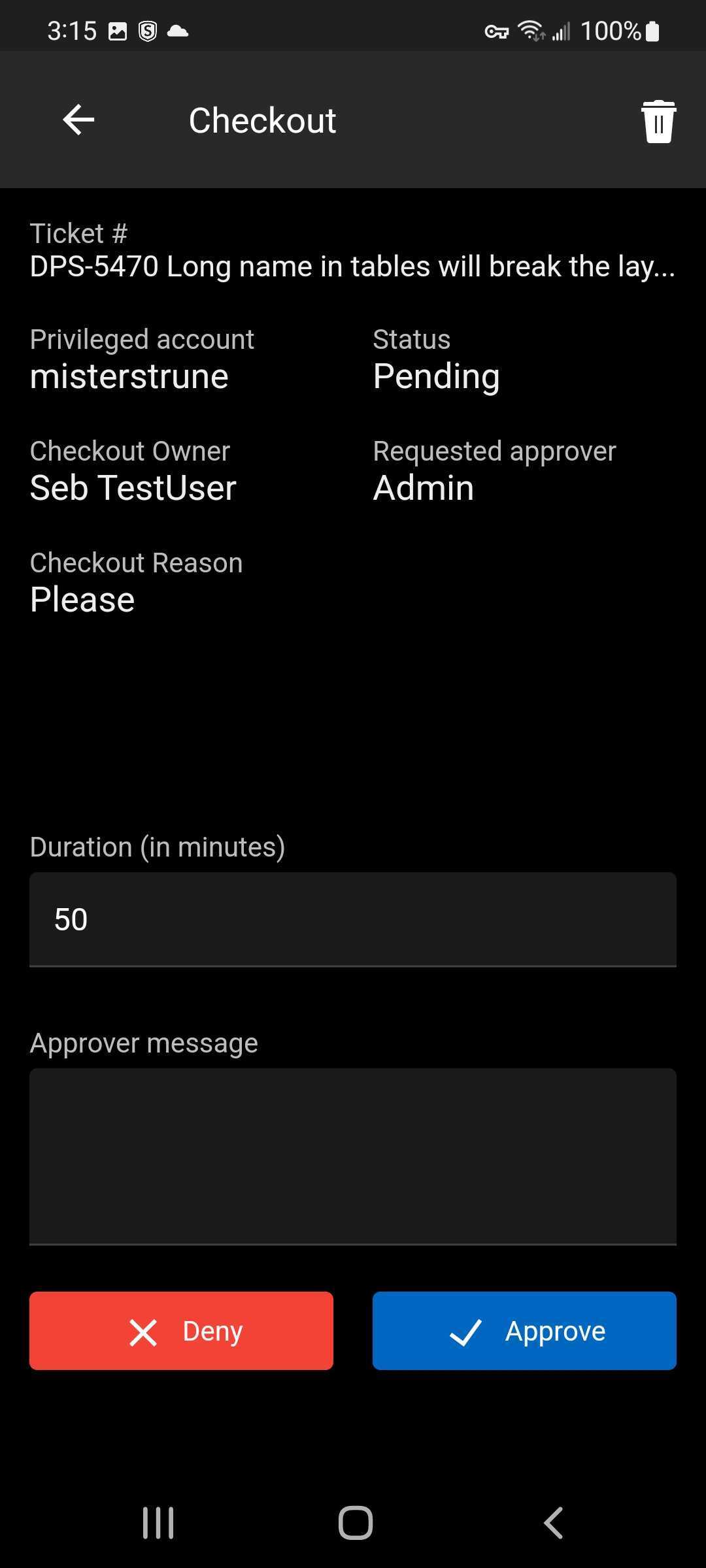
- New Checkouts (PAM): view the active checkouts, grant or deny a checkout request, and force check-in, directly from the Devolutions Server mobile app in Devolutions Password Manager.
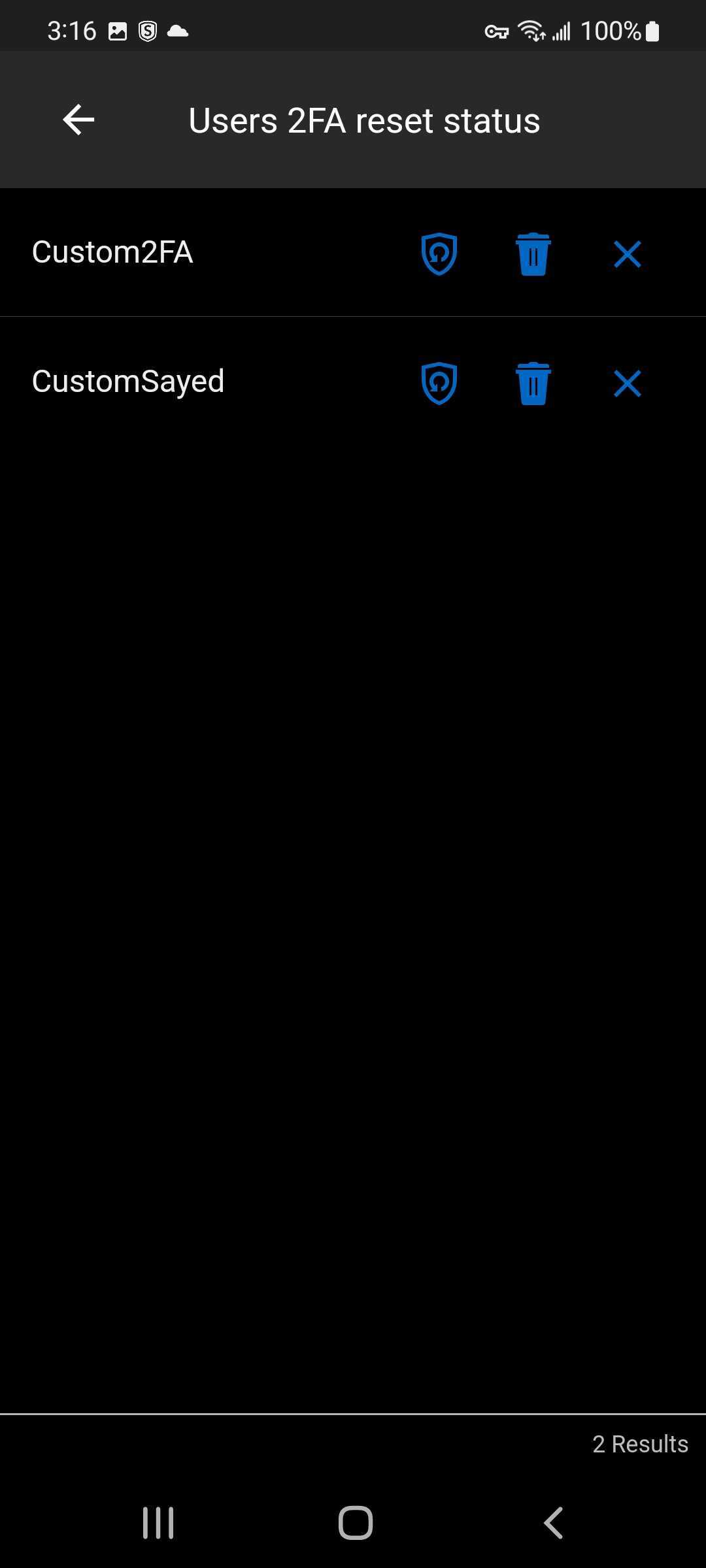
- Change 2FA Status: you can now change a user’s 2FA status (delete request, delete 2FA, and reset).
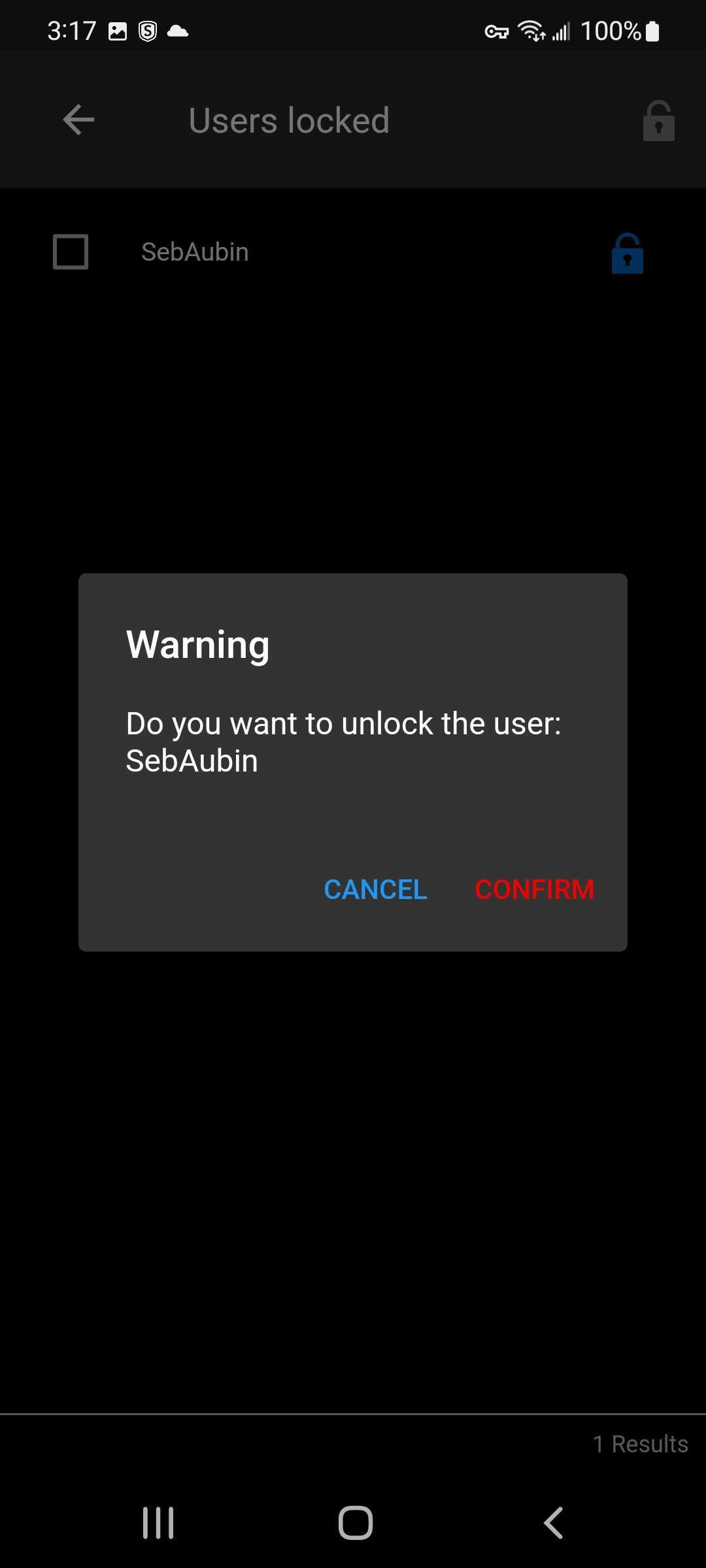
- Lock/Unlock Users: you can now lock and unlock users.
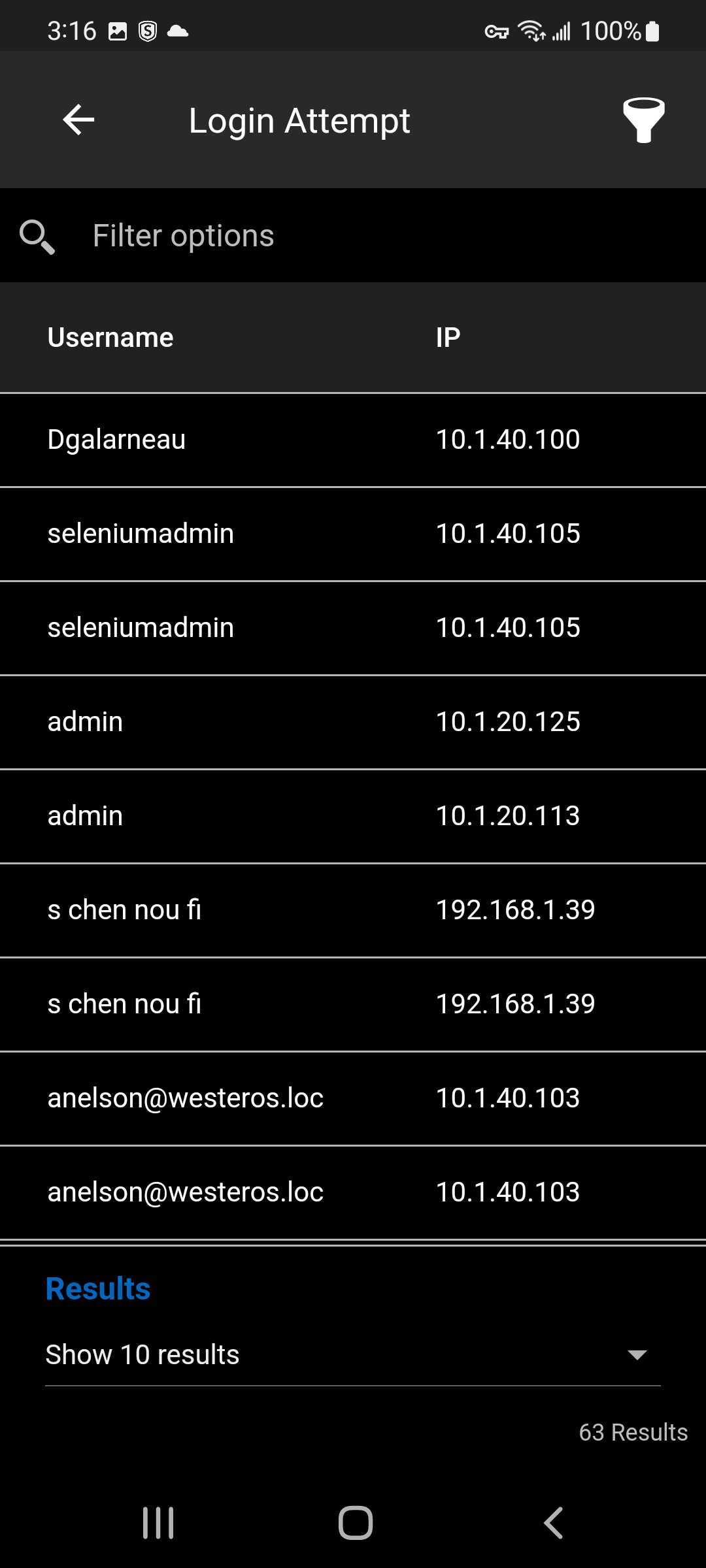
- New Login Attempt Report: you can now generate a report on all login attempts.
These new features in the Devolutions Server mobile app have already been added to the latest edition of the web-based client Devolutions Server 2022.2.
Also, please note that push notifications are coming soon!
Send Us Your Feedback
We will be continually improving Devolutions Password Manager and the roster of mobile apps that it centralizes: Devolutions Authenticator, Devolutions Cloud, and (NEW) Devolutions Server.
Please send us your feedback. Tell us what you want us to add, change, remove, or fix. We are always listening to you, and implementing new and better ways to make your day-to-day work experience simpler, more efficient, more productive, more secure, and more satisfying.