













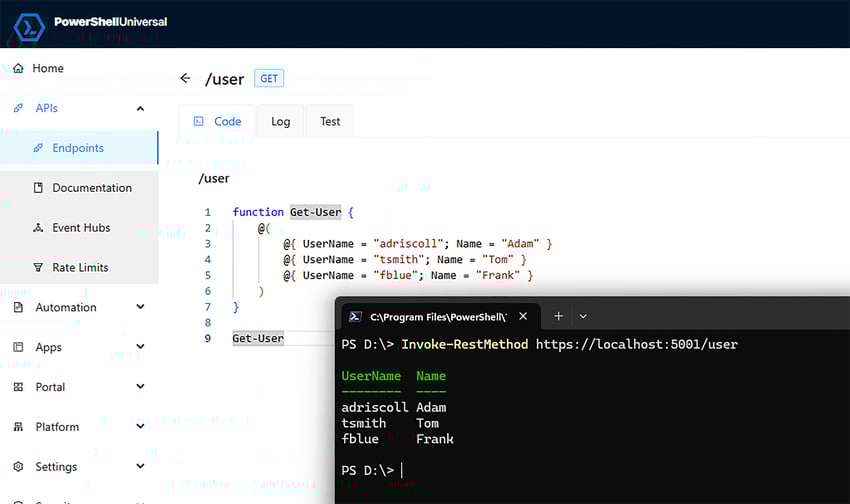
A unified platform for PowerShell automation
PowerShell Universal brings together everything you need to build, automate, and operationalize PowerShell at scale. From internal tools and dashboards to APIs and scheduled automation, PSU lets teams move from scripts to production-ready solutions.

Automation & scheduling
Move beyond ad-hoc scripts. Schedule, monitor, and manage automation with visibility and control.
- Centralized automation management
- Script and module hosting
- Scheduled jobs and triggers
- Execution history and logging

APIs & integrations
Expose PowerShell logic as REST APIs to integrate with external systems, internal tools, or DevOps pipelines.
- REST and WebSocket API generation
- Token-based authentication
- Open API documentation
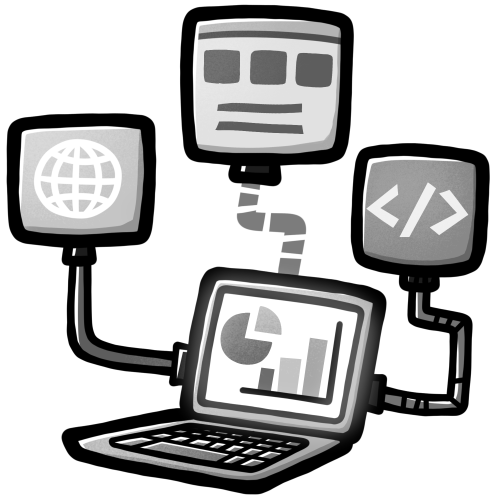
Dashboards & Web apps
Create interactive dashboards and custom web applications using PowerShell. Expose data, visualize workflows, and build internal tools without switching stacks.
- Dynamic dashboards
- Custom pages and components
- Built-in UI framework
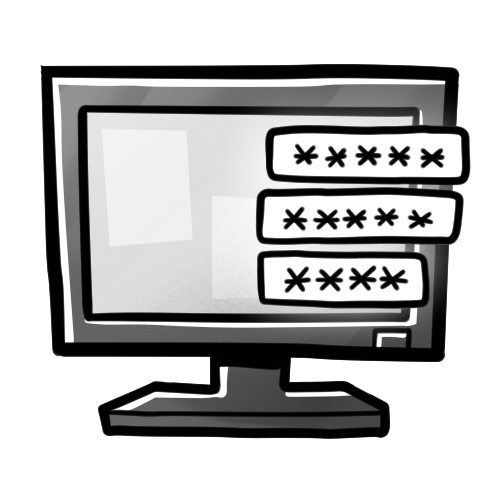
Authentication & access control
Control who can access what — from scripts to dashboards — with enterprise-grade authentication and authorization.
- Role-based access control (RBAC)
- Multiple authentication providers
- Code-based configuration
See PowerShell Universal in action
Full features. Zero cost. Built for local development.
New: PowerShell Universal Developer edition
The Developer edition unlocks the complete PowerShell Universal feature set for local development, at no cost. It's designed for developers who want to build, test, and validate applications using the same capabilities they'll run in production.
What's included
Full PowerShell Universal feature set
Automation, APIs, dashboards, and authentication
Access to a diverse IT community and tools with the required Devolutions account
What it's for
Developing PowerShell apps locally
Exploring the platform before production
Testing integrations and workflows
When PowerShell Universal runs production workloads, a Server license is required.
Devolutions PowerShell Universal
Licensing & editions
Is PowerShell Universal Developer edition really free?
Yes. Only a Devolutions account login is required.
What's the difference between Developer edition and Server license?
The Developer edition requires a local Devolutions account login and cannot be used for production.
Can I use Developer edition in production?
No. You will need a server license for production.
Development & deployment
Does Developer edition include all features?
Yes. All features are enabled in the Developer edition.
How do I move from development to production?
You will need to purchase and install a Server license.
Why did the version number change to 2025.3.x?
The PSU version has changed to align with Devolutions' versioning scheme. 2025.3.x is considered the same major version as 5.x.
Security & access
How does authentication work?
Authentication can be configured using local accounts or by integrating with a 3rd party identity provider.
Can I control access to scripts and dashboards?
Yes. Role-based access is integrated in resources within the platform.
Is PSU suitable for regulated environments?
Yes. PSU runs on premises and does not require external connections to function.
Devolutions & ecosystem
Is PowerShell Universal integrated with other Devolutions products?
Integration with other products requires authoring PowerShell scripts and executing them within PSU. Devolutions is currently working on tighter integration.
Build first. License when it matters.
Start developing with PowerShell Universal today using the free Developer edition.