







 Steven Lafortune
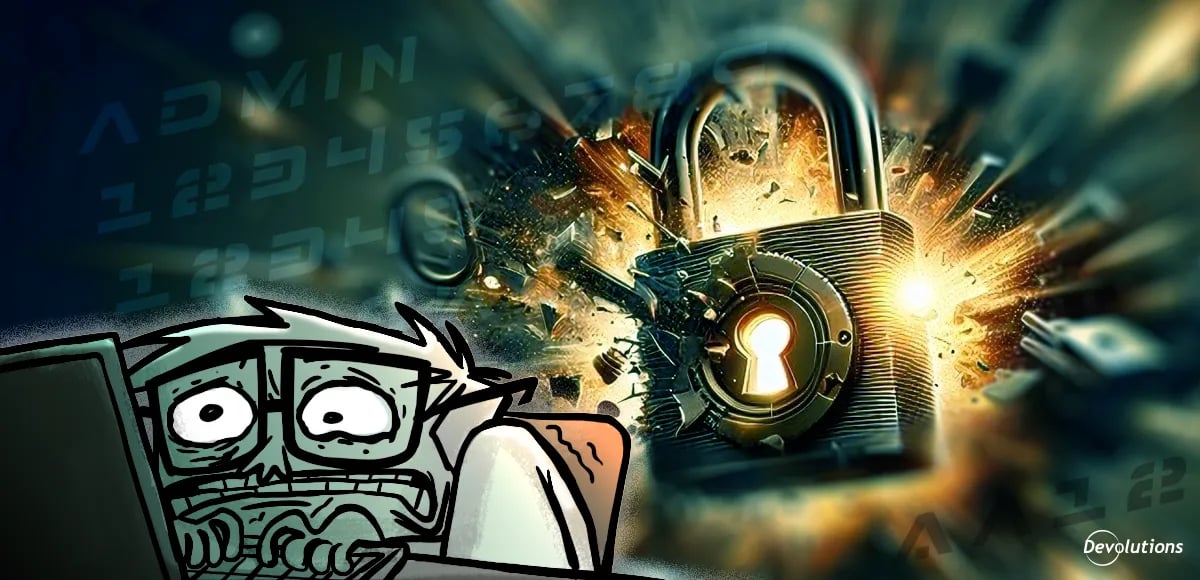
NordPass’s 2025 edition of the “Top 200 Most Common Passwords” report is now available. Weak, predictable passwords remain in use everywhere, and the same familiar patterns keep resurfacing.
About the report
This year’s report is based on a joint NordPass and NordStellar effort, prepared with independent cybersecurity incident researchers. They analyzed recent public data breaches and dark web repositories from September 2024 to September 2025, and then organized the results from 44 countries. For the first time, they also looked at password habits by generation, using available metadata to map passwords to age groups.
The top 10
“123456” once again leads the global list of most common passwords. It has held this dubious distinction for six of the last seven years. Rounding out the top 10 are:
- admin
- 12345678
- 123456789
- 12345
- password
- Aa123455
- 1234567890
- pass@123
- admin123
The patterns that keep showing up
It doesn’t take a team of analysts to see that certain patterns and themes jump out:
- Counting up: 12345, 123456, 12345678, 1234567890
- Common words and variations: “password,” “pass”
- Names plus numbers: “first name + 123” style combinations
- “Fake complexity”: swapping letters for symbols in predictable ways (e.g., “P@ssw0rd”)
Bad passwords are ageless
One of the most interesting findings in the report is how similar password choices are across age groups. The researchers found that poor password selection is common across all generations, and that “12345” and “123456” show up at or near the top in every group.
With this in mind, looking at the generational differences is insightful, because it hints at why weak passwords persist:
- Gen Z is most likely to draw upon pop culture and online slang for passwords (e.g., “skibidi”).
- Millennials and Gen X aren’t as casual as their Gen Z counterparts, but they still lean on predictable structure and often seek to satisfy password rules with minimal effort (e.g., “Aa123455” or “pass@123”).
- Boomers and older users are more likely to use familiar words, names, or simple number sequences. That might reflect comfort and memorability over complexity.
The takeaway is not that one generation is “worse” than another when it comes to password choices and habits. It is that every generation has its own version of the same coping strategy: generally, people choose what they can remember, and they choose it in ways that are easy to guess.
This approach does not hold up well against modern guessing attacks — especially when attackers can try huge volumes of likely passwords quickly, and then reuse what works through credential stuffing across other sites.
The way forward
As many IT professionals know from extensive (and miserable) experience, if the fix to this widespread problem relies on end users suddenly and dramatically improving their password habits, then it will fail. End users have been, are, and will always be the weakest link in the security chain, and passwords remain the most vulnerable vector on the attack surface. Expecting this to change is not a best practice — it is wishful thinking.
Therefore, the focus should be on policies and tools that prevent the worst choices, make good choices and habits as easy as possible, and limit the damage when attackers inevitably slip through.
Here are six strategies to close the gap and reduce the risk:
1. Make strong credentials easy by design
Allow long passwords and passphrases, and avoid rigid complexity rules that push people toward predictable patterns (like “pass@123” or “Aa123455”). Pair this with clear guidance like “use a short sentence you can remember” to encourage stronger passwords with less frustration.
2. Block known bad passwords before they ever get set
Add banned password controls that reject the most common and compromised passwords, including variations. This stops “123456,” “password,” and “admin123” at the door, and prevents users from selecting something attackers already guess first.
3. Enforce uniqueness and reduce reuse with a password manager
Make unique passwords non-negotiable, and support it with a password manager so users do not have to memorize dozens of logins. This is one of the most effective ways to kill credential stuffing.
4. Establish multi-factor authentication (MFA)
If implementing MFA everywhere is too big of a project at this time, then prioritize administrative accounts, finance systems, HR platforms, and remote access first. Typically, these are the accounts that attackers target for maximum damage.
5. Catch and clean up exposure quickly
Replace known weak or reused credentials fast — especially for privileged and high-impact accounts (as noted in #4). Combine this with monitoring for breached credentials and alerts when a reused password appears in leak data, so they can be reset before attackers take advantage.
6. Reduce passwords over time with phishing-resistant sign-ins
Where it makes sense, move to passkeys. This removes the reusable secret from the equation and makes it much harder for attackers to steal something they can use elsewhere.
The final word
NordPass’s latest list of the most common passwords is not troubling because it is surprising. It is alarming because it is familiar.
When organizations focus on removing friction, standardizing the right controls, and layering protection like MFA and passkeys, they stop betting on perfect user behavior and start building real resilience.


 David Hervieux