











 Laurence Cadieux
Who is this use case for?
This use case is for organizations that want a safe, fast, and convenient way to share confidential information (both messages and files) with colleagues and third-parties.
The problem
Many employees need to occasionally or regularly share confidential information with their colleagues and third-parties, such as messages and files containing personally identifiable information (PII), etc.
Often, employees share confidential information through insecure methods such as email and text. In fact, a survey found that a whopping 47% of employees handle confidential information in an unsafe manner! This is typically not because they have malicious intent, but rather because they find it familiar and easy.
Unfortunately, this common practice is risky and ill-advised for three core reasons:
- Security Vulnerabilities: Unencrypted emails and texts can be intercepted by hackers and other unauthorized parties, leading to data breaches and identity theft.
- Compliance Issues: Failing to properly safeguard confidential information and PII can violate laws and data protection regulations.
- Operational Inefficiencies: Managing sensitive information across insecure platforms is inefficient, and can trigger confusion and chaos.
The solution: Devolutions Send
Organizations can turn this vulnerability into a strength with Devolutions Send!
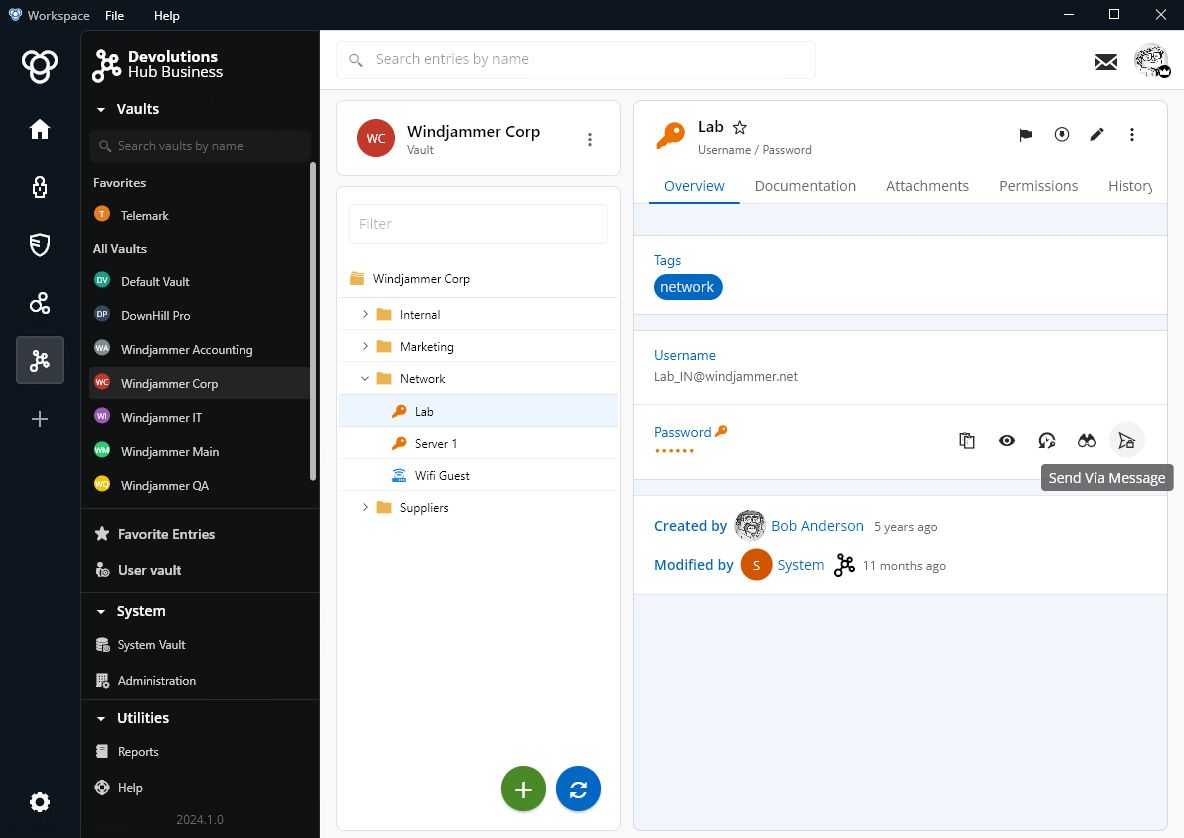
Devolutions Send provides a secure and controlled environment for sharing confidential information. Devolutions Send is FREE and no sign-up is required. The standalone version can be accessed anytime via browser, while the in-app version can be accessed through multiple Devolutions solutions, including:
In addition, recipients of communications transmitted through Devolutions Send do not need to be a Devolutions customer, or have a Devolutions Account.
Devolutions Send key features
- Secure Link Sharing: Senders quickly and easily generate temporary encrypted links, which are sent to their intended recipient.
- Flexible Link Passphrase Protection: Senders can add an extra security layer with a passphrase, which helps prevent encrypted links from falling into the wrong hands.
- Configurable Link Durations: Senders can control the lifespan of their encrypted links by configuring durations as short as one hour and up to one week.
- Encrypted File Transfer: In addition to messages, senders can transfer files in a secure manner. Unauthenticated users can send files up to 1 MB, and users with a verified Devolutions Account can send files up to 10 MB. Important: this feature is only available in the standalone version of Devolutions Send.
- End-to-End Encryption: All information is encrypted from the moment it leaves the sender’s device until it is decrypted by the intended recipient. Devolutions cannot access this information (see next section).
- Optional Link Deletion: For added security, recipients can delete an encrypted link on demand (if they choose not to do this, then an encrypted link will expire per the sender’s duration setting or after one week).
Devolutions cannot access or decrypt data
While Devolutions Send is hosted in our highly-secure data center, Devolutions itself does not hold the encryption key, and we cannot decrypt the data. Protecting the privacy of communications transmitted through Devolutions Send is not just endorsed by policy, but enforced by design:
- Encryption: Based on the open-source Devolutions Crypto library, the standalone encryption algorithm uses XChaCha20Poly1305 with random nonces.
- Links: GUID (UUID) v4 is used for link uniqueness only.
- Memory Safe: Encryption runs in-browser via a memory-safe Rust program compiled to WASM (WebAssembly).
- Strong Cipher Set: Payloads are stored encrypted at rest and in transit with TLS1.2+ through a strong cipher set.
How it works
Below, we explore sending and receiving secure communications via the Devolutions Send standalone (browser) version:
Sending Secure Communications with Devolutions Send:
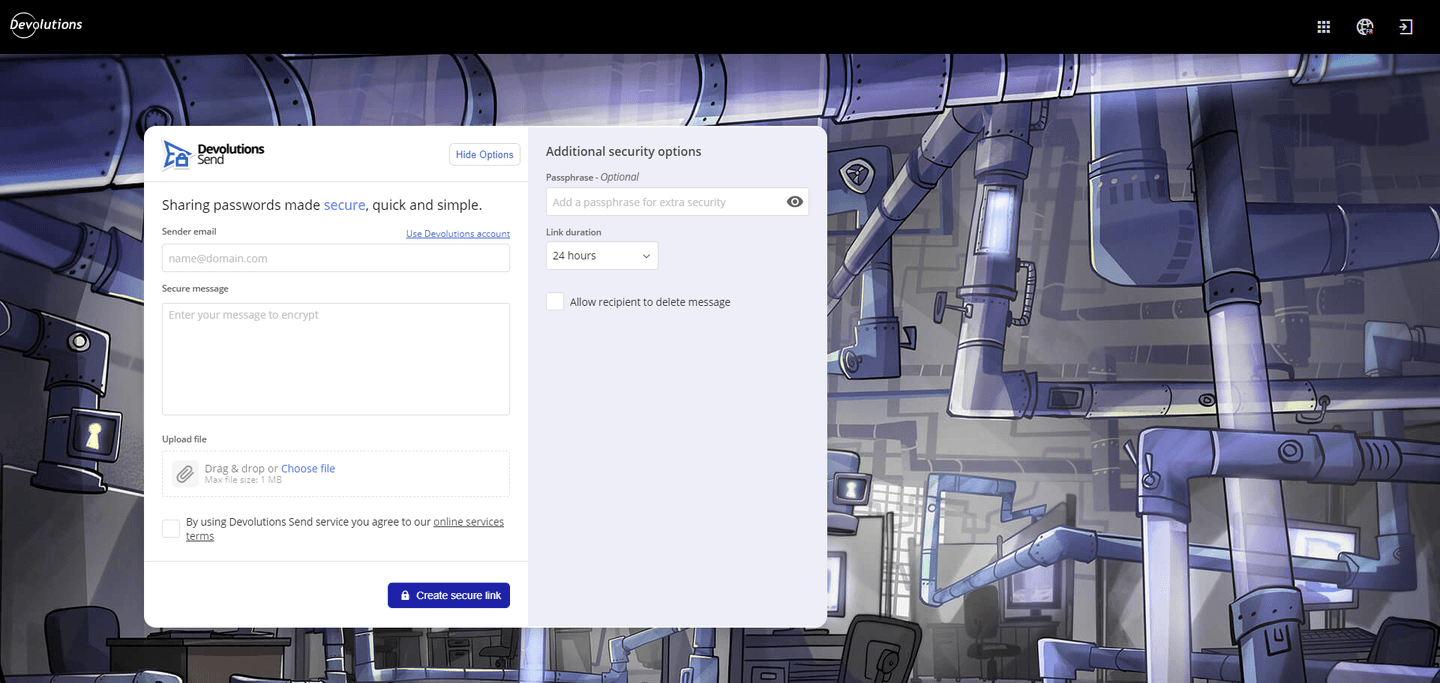
- Go to the Devolutions Send standalone website.
- Enter the sender’s email. Note: This is stored with the GUID as part of the payload stored in the database.
- Enter the secure message to encrypt.
- Add a passphrase for extra security. Note: this is mandatory if the recipient does not have a Devolutions account. Otherwise, a passphrase is optional but recommended.
- In the drop-down menu, choose the link duration. The default duration is 24 hours, and the maximum duration is one week.
- Read and agree to the online services terms.
- Click on Create Secure Link to generate an encrypted link that will be sent to the recipient.
Receiving secure communications with Devolutions Send:
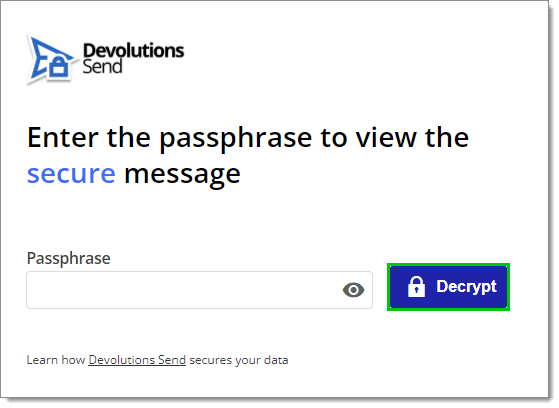
- Click on the received encrypted link. Note: A Devolutions Send standalone communication will always start with https://send.devolutions.com/receive/.
- Enter the passphrase that the sender provided (if applicable).
- Click Decrypt.
- Click the unmask text icon. Note: this should only be done when the recipient is in a private setting.
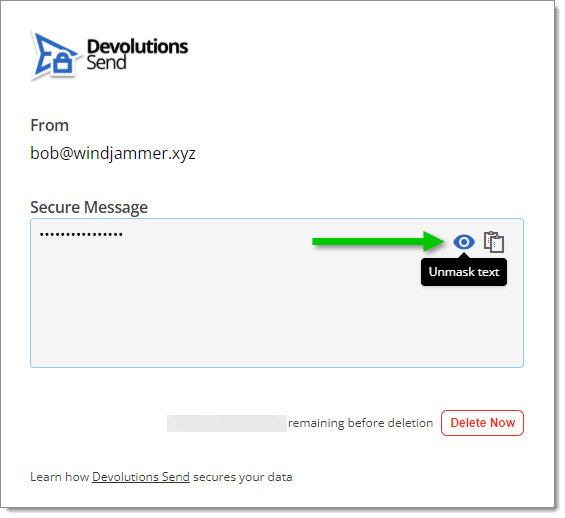
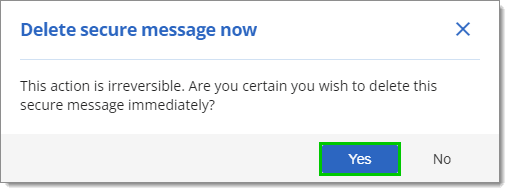
- Once the message has been read, click Delete Now.
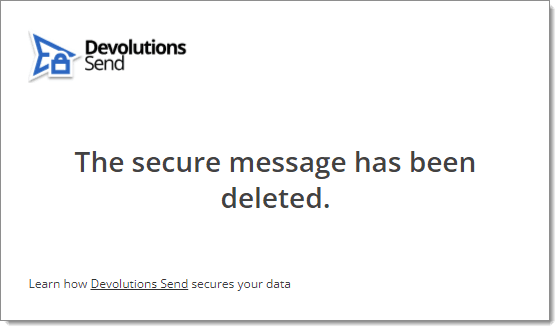
- When promoted to delete secure message now, click Yes. This will be immediately followed by a confirmation that the secure message has been deleted.
Summary of benefits
- Enhance Security: Thanks to Devolutions Send, organizations get the peace of mind of knowing that confidential information is securely transmitted. Devolutions Send also promotes good information security hygiene practices and enhances cybersecurity awareness, which contributes to stronger, safer operations.
- Ensure Compliance: Devolutions Send helps organizations ensure compliance with applicable data protection laws when handling confidential information. This can avoid potential legal consequences, financial penalties, and reputation damage due to non-compliance.
- Increase Operational Efficiency: Devolutions Send is fast and easy to use, and streamlines the process of sharing confidential information. This reduces administrative overhead and eliminates misunderstandings and errors.
And as we stated earlier, Devolutions does not hold the encryption key, and we cannot access or decrypt data transmitted using Devolutions Send.
Try Devolutions Send
Devolutions Send is FREE and no sign-up is required. Try it now by visiting the Devolutions Send standalone website.
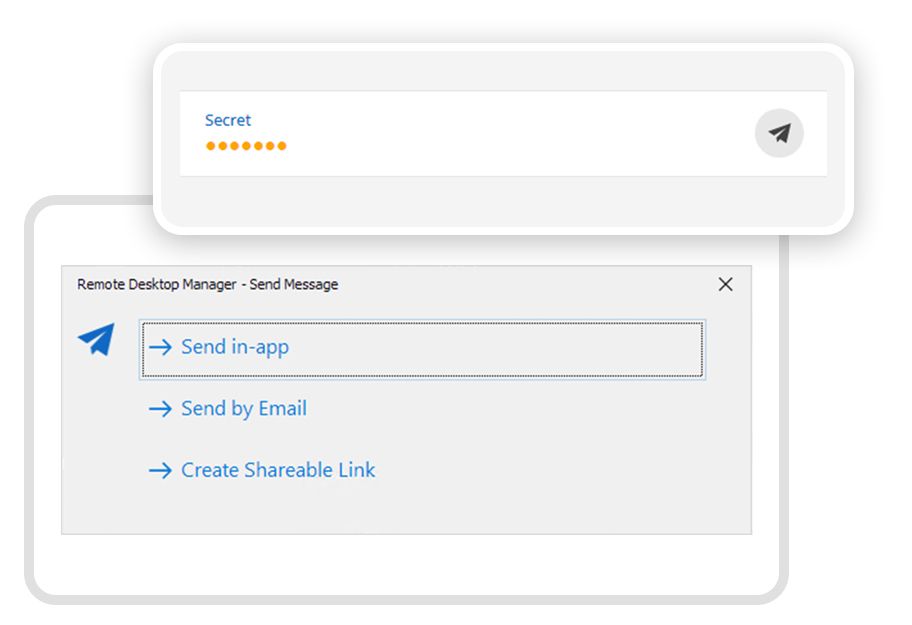
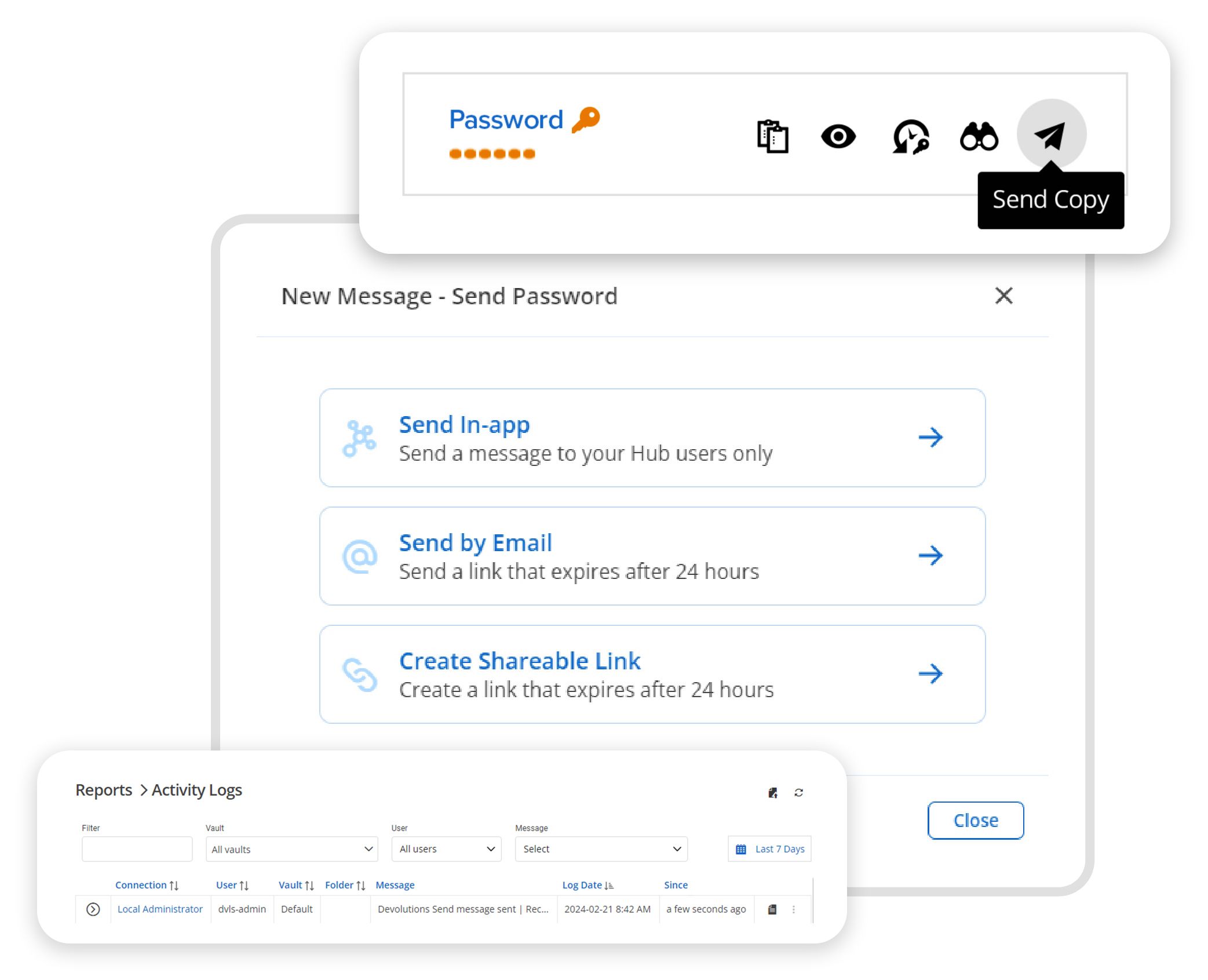
Alternatively, you can launch Devolutions Send through your preferred Devolutions solution: Remote Desktop Manager, Devolutions Server, Devolutions Hub, and Devolutions Workspace.

 Steven Lafortune
 Marc-Andre Moreau