












 Max Trottier
Hello RDMers!
André has been working on this with a forum member, Dadep, for the last few days. Thank you Dadep for requesting the add-on, and for taking it out for a spin before the official release! To glimpse at the behind-the-scenes communication that went on, check out the thread in our forum!
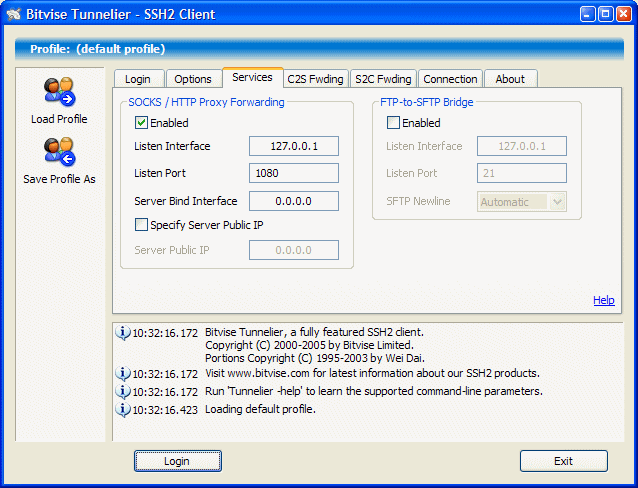
With the add-on, you can automatically start a Bitvise SSH client session within RDM. There are 3 ways to start a session:
- By inputting host, port, username and password.
- By inputting the name of a Bitvise SSh client profile file (.bscp)
- By storing a Bitvise SSh client profile file data in the session settings.
And as always, if you’d like to request an add-on, please send me an email at mtrottier@devolutions.net.
Thanks!

The Secure Shell protocol version 2, or SSH2, specifies how a client can connect securely to an SSH server, and then use the resulting secure link to access the server’s resources. Among other things, the client can run programs; transfer files; and forward other TCP/IP connections over the secure link.