











 Joey Dupont
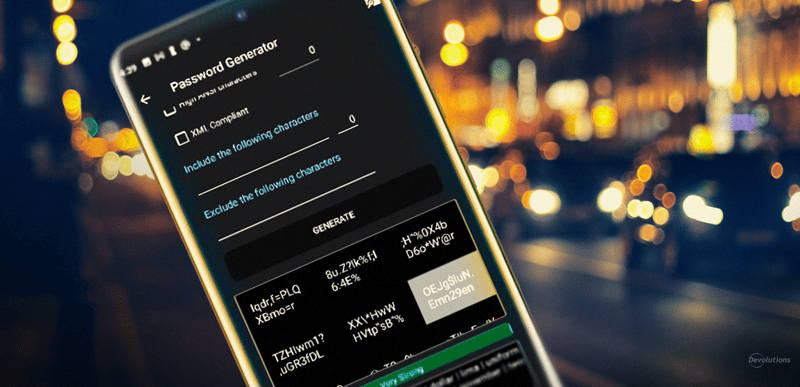
I have some great news for all of you RDM for Android users: Your wait is over, because Dark Theme has arrived!
Dark Theme has been available on every other RDM platform for quite a while. However, it took us a bit longer than anticipated to port this very popular option to RDM for Android. Our Development Team just wanted to ensure that everything would meet your high expectations. As the old saying goes, “Good things come to those who wait!”
Take a Look
Here are some screenshots of Dark Theme on RDM for Android:
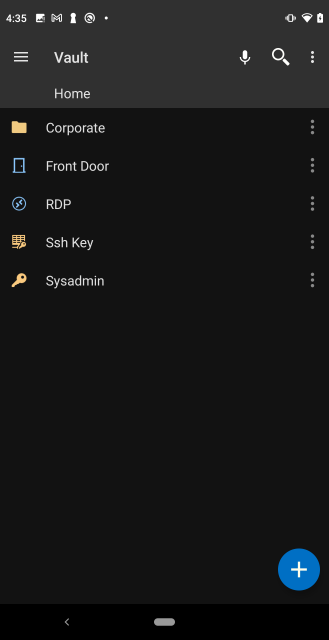
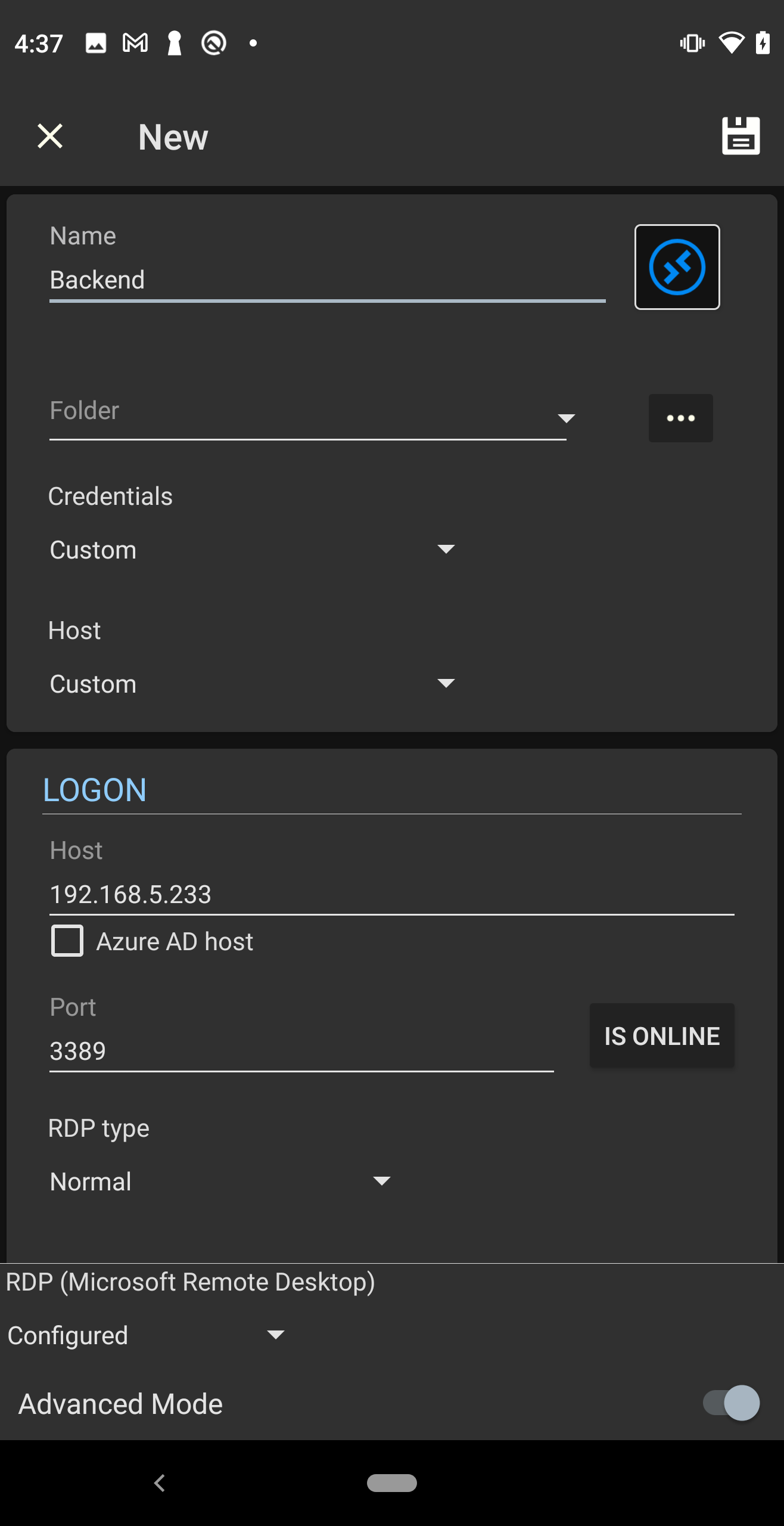
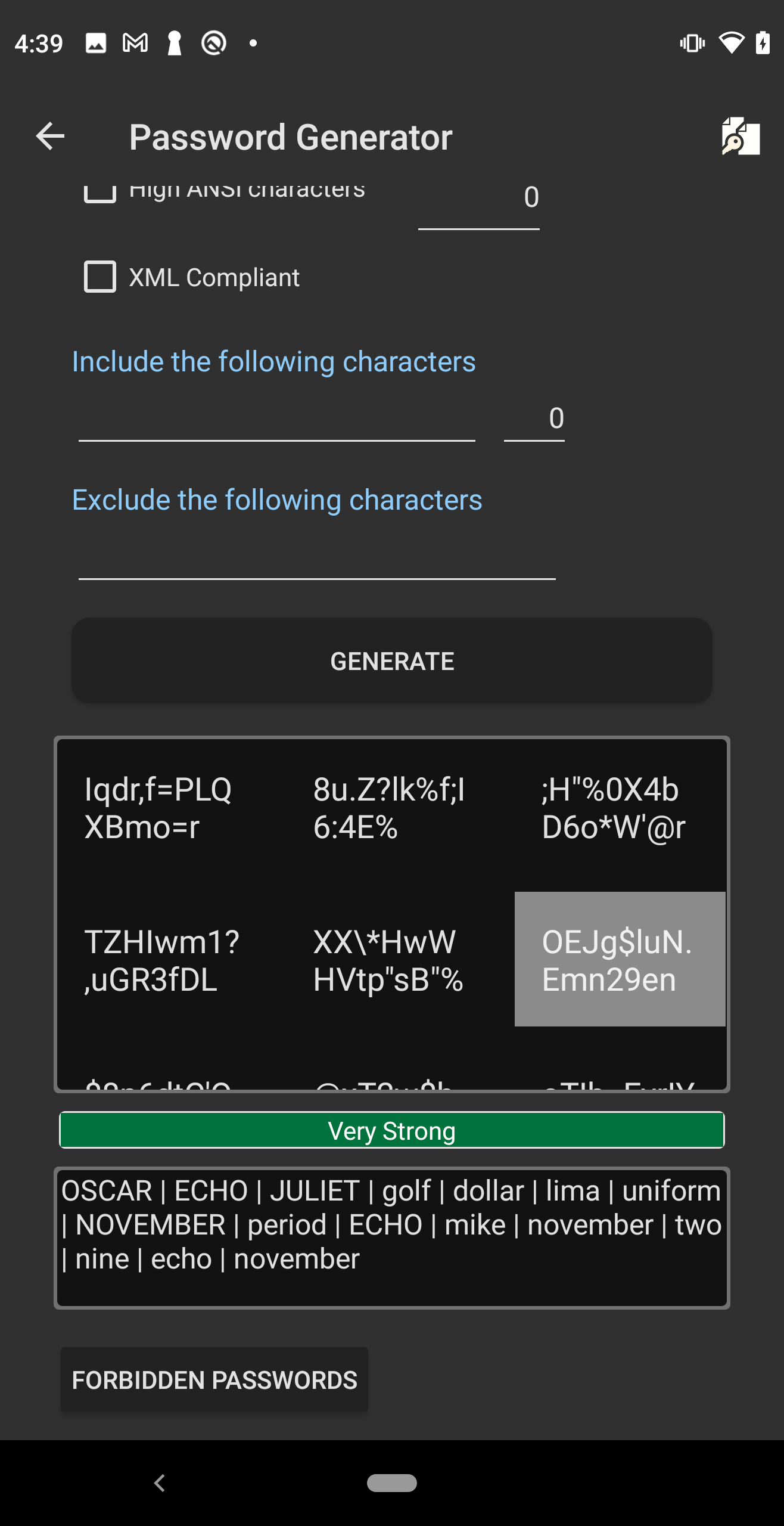
And remember: Activating dark mode is not just about changing the esthetics of RDM for Android. Other benefits of dark mode include:
- It can potentially reduce eye strain and dry eyes in low-light conditions.
- It may help those with light sensitivity or visual impairment.
- There is less blue light emitted from your device.
- You will use less energy, so your device’s battery will last longer.
- You can work in bed, on a flight, or anywhere else without the glare from your device’s screen disrupting the person next to you.
How to Activate Dark Mode
To active Dark Mode, there are two options available to you:
- Option #1: If you’re a Dark Theme lover and your Android phone or tablet is already set to Dark Theme, then you don’t need to do anything! RDM will follow your device’s theme by default.
- Option #2: If you don’t have Dark Theme activated on your device but you want to try out Dark Theme for RDM, simply go to Settings → Dark Mode → Select “Dark Theme.”
And what if you already have Dark Theme on your device, but love the default RDM Light Theme and don’t want to switch? We have you covered! Simply go to Settings → Dark Mode → Select “Light Theme.”
Tell Us What You Think
We’re always listening to you and working hard to make RDM for Android better. Please provide your feedback and suggestions below. We hope that you enjoy your journey to the Dark Side!
 Coralie Lemasson

 Laurence Cadieux