











 Steven Lafortune
You probably have WinGet on your machine. Maybe Chocolatey or Scoop. If you’re a developer, pip and npm are likely in the mix too. Each one works, but each has its own syntax and terminal, and none reminds you that your software is quietly becoming outdated.
UniGetUI makes staying current simpler.
What is UniGetUI?
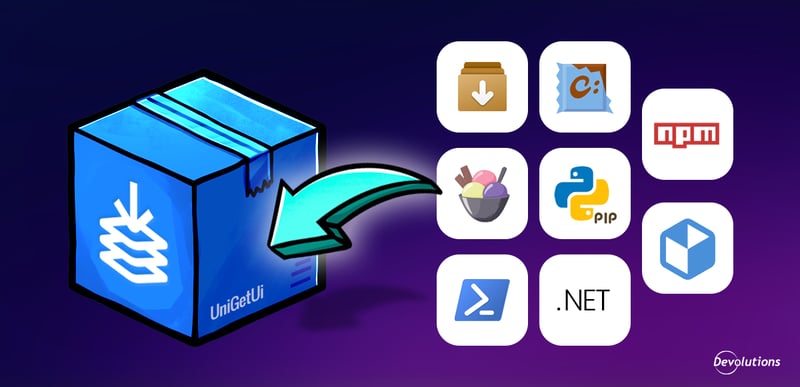
UniGetUI is a free, open-source Windows app that brings multiple package managers into one interface. Instead of bouncing between CLIs for WinGet, Chocolatey, Scoop, pip, npm, .NET Tool, PowerShell Gallery, and Flatpak, you get one searchable view of what’s installed and what’s out of date.
Created by Martí Climent and acquired by Devolutions in March 2026, UniGetUI remains free, open source, and MIT licensed. The goal is to invest in what the community needs and let the product grow on its merits.
With 300,000+ monthly active users, 23,000+ GitHub stars, and 90+ contributors across 40+ languages, UniGetUI is one of the most adopted tools in the Windows packaging ecosystem.
One place to manage packages and updates
Most Windows admins and developers end up with three to five package managers because no single catalog covers everything. UniGetUI puts them in one place, so you can install, update, or remove packages without hopping between terminals.
The first time you open it, UniGetUI scans your connected managers and surfaces any items that are out of date. You’ll often find a backlog of updates you didn’t know you had.
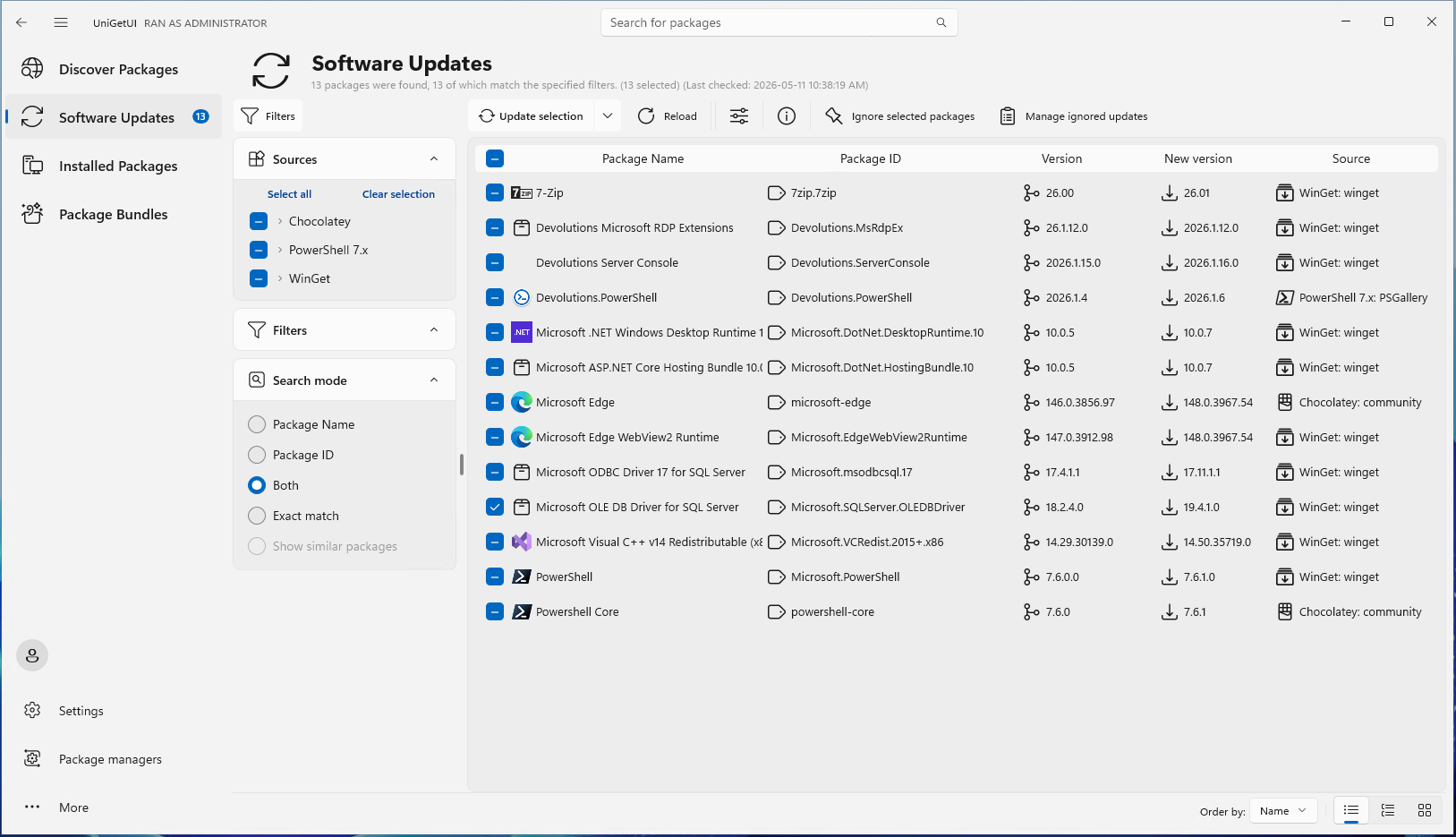
Windows Update covers Microsoft software. UniGetUI covers everything else (browsers, utilities, runtimes, dev tools). It gives you:
- A unified update queue
- Optional scheduling and notifications
- Version pinning for packages you need to hold back (pinned items are skipped during sweeps)
Make installs predictable and repeatable
Before you install or update anything, UniGetUI shows the publisher, file size, and direct download URL. You can also save per-package preferences (architecture, install path, and package-specific flags) so you don’t have to reconfigure them every time.
It also lets you export your installed package list to a bundle. Import it on a new desktop or VM, and UniGetUI can line up the installs, select the right manager for each package, and flag conflicts.
For developer/IT onboarding, this can replace a fragile “40-step setup wiki” with one file that gets someone productive faster.
What’s new since the Devolutions acquisition
- A new cross-platform version for macOS and Linux, currently in beta
- Added flatpak and snapcraft package managers for Linux
- Pinget as an alternative to winget, with additional performance and features
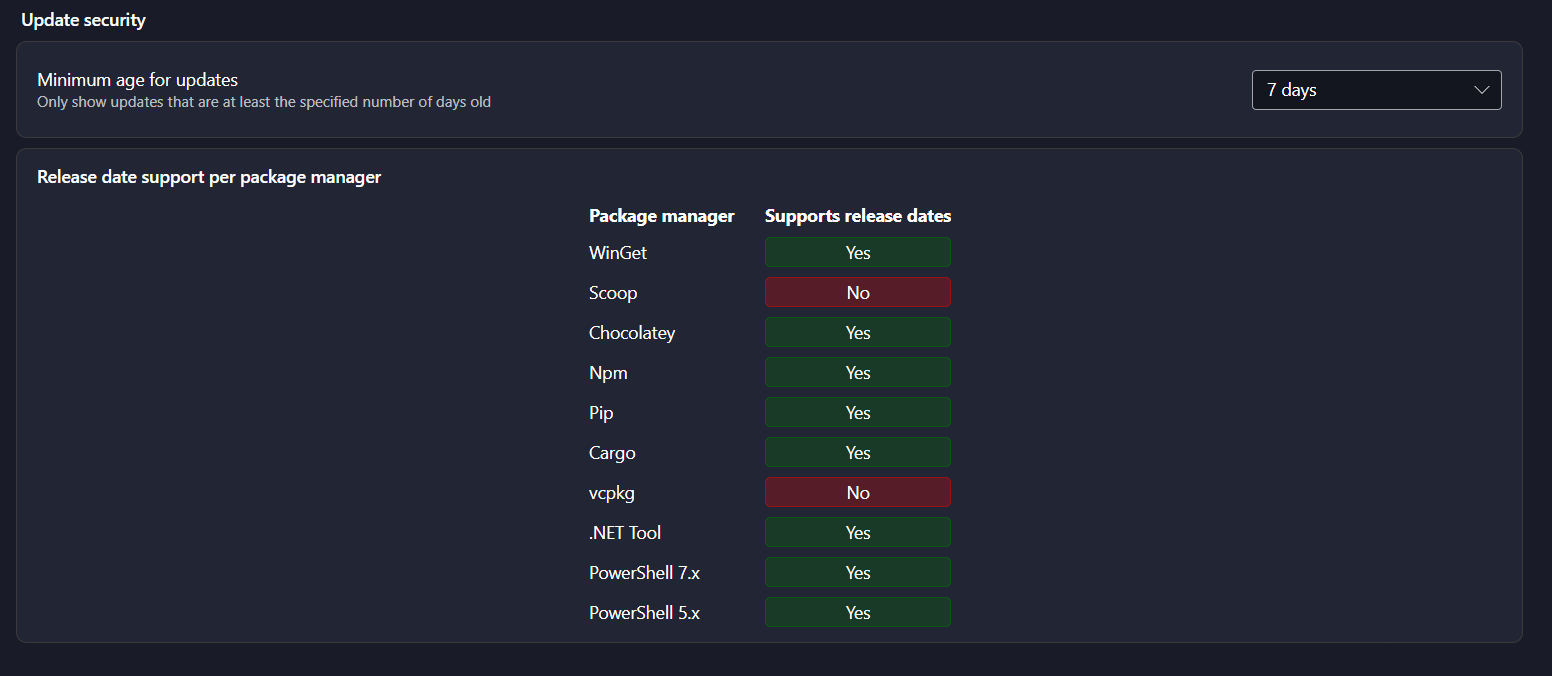
- Added minimum age for updates feature to mitigate supply chain attacks
Important PSA: Download UniGetUI from the right place
Three sites (wingetui•com, unigetui•org, and unigetui•com) are not official and shouldn’t be trusted for downloads or information.
Official sources:
- Website: UniGetUI
- GitHub: UniGetUI on GitHub
Software that installs and updates other software carries high system trust. Downloading from unofficial sources is a real security risk.
Your packages won’t update themselves
Every package manager has a command to update everything. Most people never run it. UniGetUI doesn’t change human nature. It makes the right action easy enough to become routine.